
Cloudback
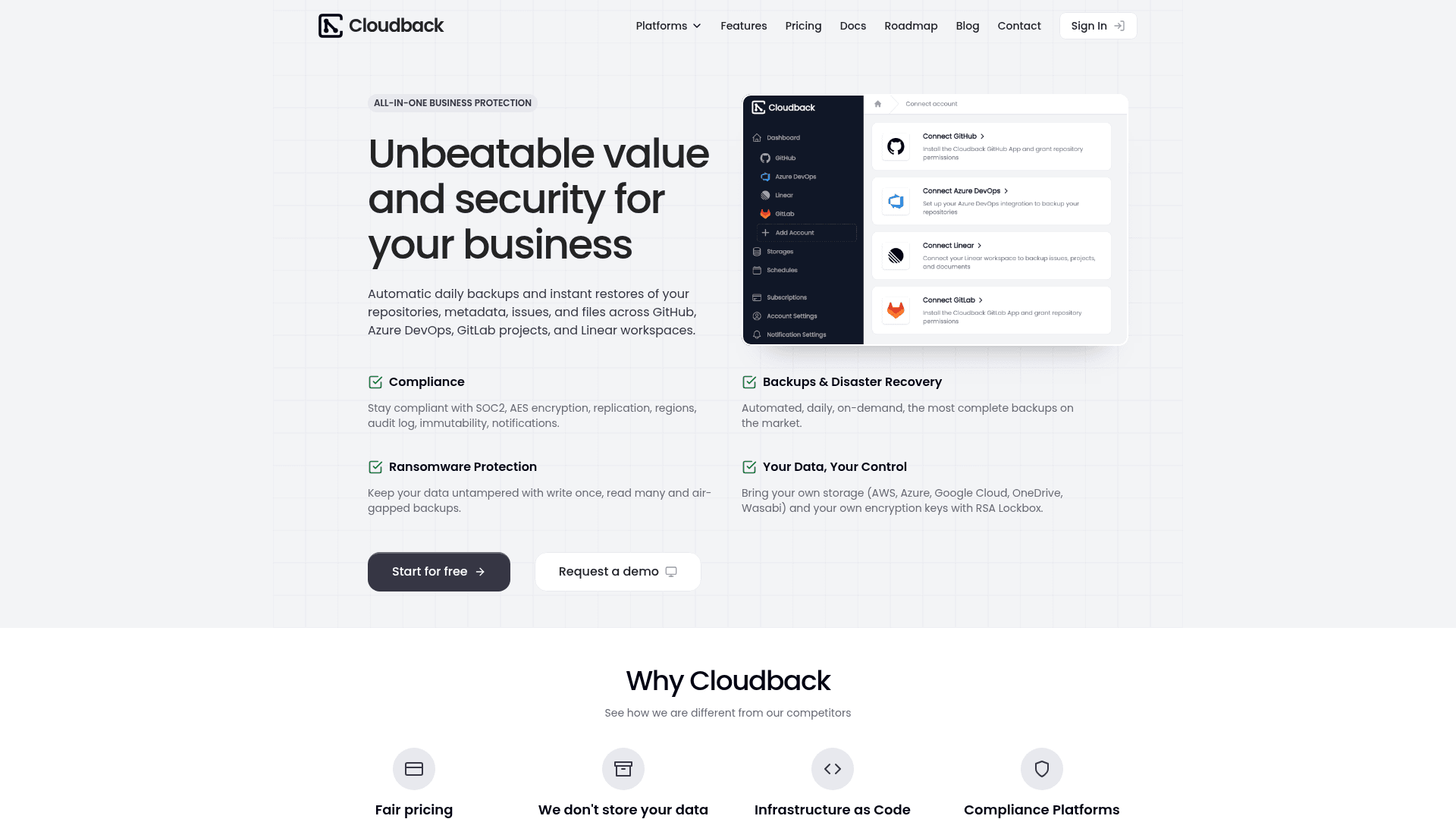
Automated daily backups and instant restores for GitHub, GitLab, Azure DevOps, and Linear with bring-your-own-storage support and SOC 2 compliance.
At a Glance
Back up one repository for free. Repository size limited to 100MB.
Engagement
Available On
Listed Jun 2026
About Cloudback
Cloudback is a cloud backup service that automatically backs up repositories, metadata, issues, and files across GitHub, GitLab, Azure DevOps, and Linear workspaces. It differentiates itself by letting users bring their own storage — AWS S3, Azure Blob, Google Cloud Storage, Wasabi, OneDrive, OpenStack Swift, and more — so backup archives never touch Cloudback infrastructure unless you choose their managed storage. The service targets developers, engineering teams, and compliance-conscious organizations that need reliable disaster recovery and ransomware protection for their source code and project data.
What It Is
Cloudback is a backup-as-a-service platform focused on developer platforms and project management tools. It performs daily automated backups of full repository data — bare git clones with LFS, pull requests, issues, labels, milestones, projects, releases, wikis, and webhooks — and stores archives as encrypted, password-protected ZIPs in the storage destination of your choice. Restores can target the same platform or cross-platform (e.g., GitHub to GitLab), and bulk restore supports full disaster recovery scenarios.
Platform Coverage and Data Depth
Cloudback covers four platforms in a single dashboard:
- GitHub & GitHub Enterprise Cloud: bare git clone with LFS, issues and sub-issues, pull requests with reviews, Projects v2, releases with binary assets, wikis, webhooks, and repository metadata.
- GitLab: git clone with LFS, project settings, issues with notes and links, merge requests, labels, milestones, members, and issue boards.
- Azure DevOps: git clone with LFS, pull requests with reviewers, comment threads, labels, attachments, and work item references.
- Linear: 23 data categories including workspace metadata, teams, issues, comments, projects, cycles, documents, initiatives, templates, custom views, workflow states, attachments, and embedded files. The Cloudback site describes this as the only backup tool built for Linear.
Security and Compliance Architecture
All backup archives are AES-256 encrypted as password-protected ZIPs with a unique random password per archive. The RSA Lockbox feature lets customers bring their own RSA key pair so Cloudback encrypts each backup password with RSA-OAEP/SHA-256 and the private key never touches Cloudback infrastructure. Additional security features include:
- SOC 2 Type II certification
- GDPR compliance
- Amazon S3 Object Lock for WORM-style immutability (ransomware protection)
- Audit log with 60+ event types, 180-day retention, CSV export, and SIEM forwarding (Enterprise)
- Vanta integration for automated compliance evidence
- Role-based access control (Global Admin, Admin, No Access)
Infrastructure-as-Code and Automation
Cloudback provides an official Terraform provider for managing backup configurations as code, and a REST API for programmatic backup management. Auto-enable patterns use wildcard naming to automatically enable backups for new repositories matching a pattern, and bulk operations apply settings across large repository fleets in a single action. Custom schedules support daily, weekly, monthly, or custom intervals with configurable retention from 30 to 360 days.
Update: MCP Server and Recent Releases
The Cloudback blog shows active product development through early 2026. Notable recent releases include:
- April 2026: Introduction of the Cloudback MCP Server
- March 2026: Customer-Managed Encryption Keys with RSA Lockbox launched
- March 2026: Cross-platform restore between GitHub and GitLab added, enabling bidirectional migration with automatic data format conversion
These releases signal a product direction toward deeper developer toolchain integration and stronger enterprise security controls.
Bring-Your-Own-Storage Model
A core architectural choice is that Cloudback does not store backup data by default — users configure their own storage destination and archives go directly there. Supported backends include Amazon S3 (standard and Glacier), Azure Blob Storage, Microsoft OneDrive (Personal and Business), Google Cloud Storage, Wasabi, Alibaba Cloud OSS, OpenStack Swift, and any S3-compatible storage. For teams without their own storage, Cloudback offers managed regional storage in US, EU, UK, Sydney, and Singapore to support data residency requirements.
Community Discussions
Be the first to start a conversation about Cloudback
Share your experience with Cloudback, ask questions, or help others learn from your insights.
Pricing
Free
Back up one repository for free. Repository size limited to 100MB.
- 1 repository backup
- All Cloudback features included
- Repository size limit: 100MB
Basic
Ideal for individual developers or small projects.
- 10 units per month
- All Cloudback features included
- GitHub, GitLab, Azure DevOps, and Linear support
- Bring your own storage
- AES-256 encryption
- SOC 2 Type II compliance
- Email support
Team
Designed for collaborative teams and growing projects.
- 100 units per month
- All Cloudback features included
- GitHub, GitLab, Azure DevOps, and Linear support
- Bring your own storage
- AES-256 encryption
- SOC 2 Type II compliance
- Email support
Enterprise
Supports up to 10,000 repositories per account.
- 1000 units per month
- All Cloudback features included
- Up to 10,000 repositories per account
- SIEM forwarding for audit logs
- GitHub, GitLab, Azure DevOps, and Linear support
- Bring your own storage
- AES-256 encryption
- SOC 2 Type II compliance
- Email support
Capabilities
Key Features
- Automated daily backups for GitHub, GitLab, Azure DevOps, and Linear
- Bring your own storage (AWS S3, Azure Blob, Google Cloud, OneDrive, Wasabi, OpenStack Swift)
- AES-256 encryption with password-protected ZIP archives
- RSA Lockbox for customer-managed encryption keys
- SOC 2 Type II certified
- Cross-platform restore between GitHub and GitLab
- Bulk restore for disaster recovery
- Terraform provider for infrastructure-as-code backup management
- REST API for programmatic backup management
- Amazon S3 Object Lock for WORM immutability and ransomware protection
- Audit log with 60+ event types and 180-day retention
- SIEM forwarding for audit logs
- Vanta integration for compliance evidence
- Auto-enable patterns for new repositories
- Custom backup schedules (daily, weekly, monthly, custom intervals)
- Configurable retention from 30 to 360 days
- Data deduplication to reduce storage costs
- Replicating backups across multiple destinations
- Backup status badge for embedding in web pages
- Notifications via email, Slack, Microsoft Teams, Discord, and custom webhooks
- On-demand manual backups
- Metadata backups (issues, pull requests, labels, milestones, projects)
- Linear workspace backups including 23 data categories
- Cross-account restore
- Managed regional storage in US, EU, UK, Sydney, and Singapore