
Helium
A privacy-first, open-source Chromium-based desktop browser that blocks ads and trackers by default and supports bangs, split view, and all Chromium extensions.
At a Glance
Free and fully open-source browser; no cost to download or use and source code is available on GitHub.
Engagement
Available On
Alternatives
Updated Feb 2026
About Helium
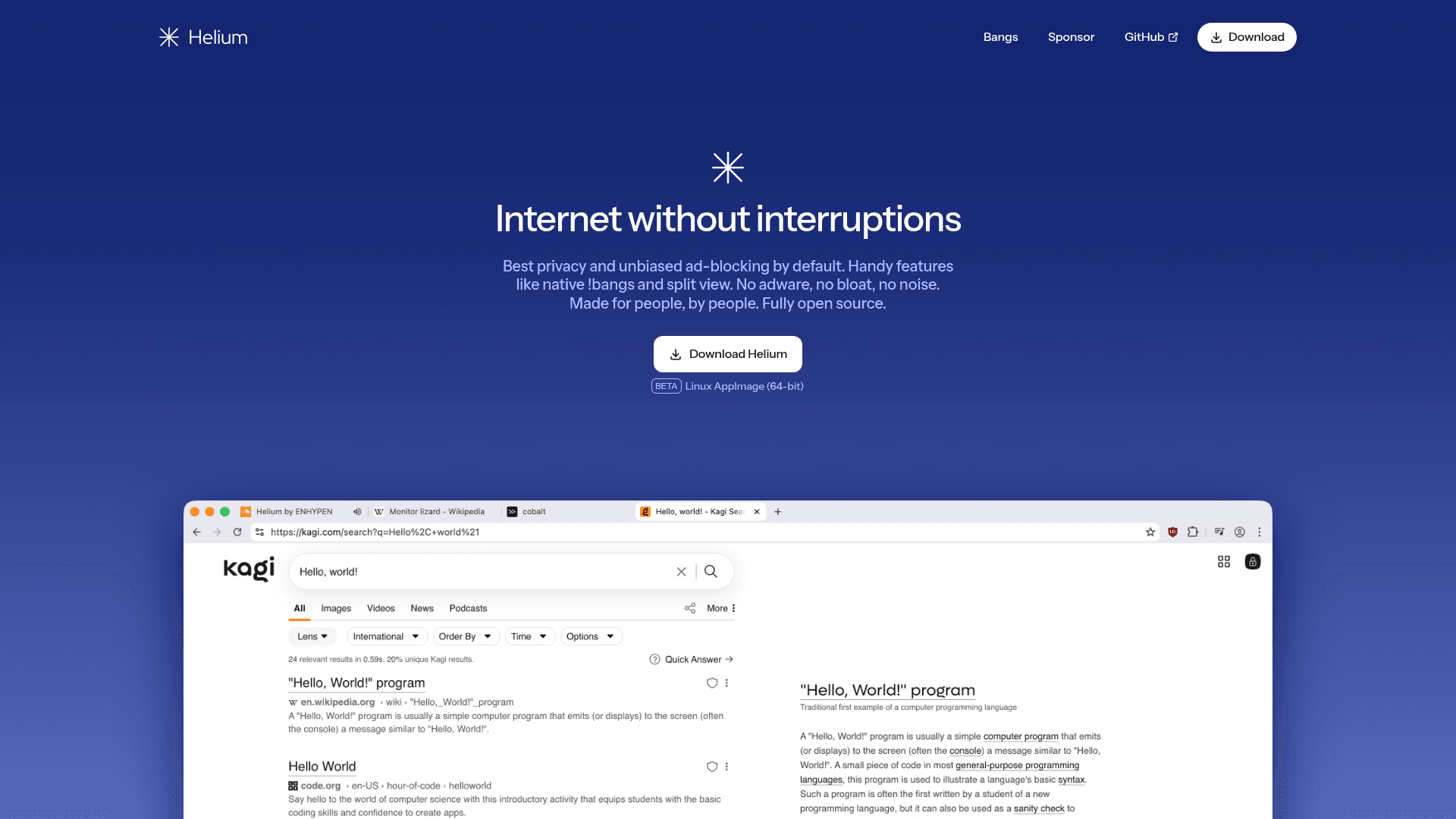
Helium is a privacy-first, open-source web browser built on Chromium that blocks ads, trackers, and third-party cookies by default. It aims to provide a fast, minimal, and non-invasive browsing experience with features like native !bangs, split view, and support for all Chromium extensions. The project publishes builds and source code on GitHub and provides self-hostable services so users can control data and updates.
- Default privacy protections — Blocks ads, trackers, phishing sites, and third-party cookies out of the box so no extra configuration is required to get basic privacy.
- uBlock Origin and community filters — Uses community filters and ships with uBlock Origin integration to extend blocking capabilities; enable or adjust filters from the extension or settings panel.
- Native !bangs — Type bangs (for example, !w for Wikipedia or !gh for GitHub) directly in the address bar to jump to sites or start AI chats without sending prompts externally; use the bangs list in the UI to browse available shortcuts.
- Split view and productivity shortcuts — Open pages side-by-side with split view and use quick-copy shortcuts (e.g., ⌘+Shift+C) to speed up workflows; enable split view from the window menu or toolbar actions.
- Chromium extension compatibility — Supports all Chromium extensions (including MV2) and anonymizes extension store requests to protect privacy; install extensions from the browser and manage them in the extensions page.
- Open source with self-hosting — All parts of the browser and online services are open source and can be self-hosted; obtain builds or source from the project repository and follow platform packaging instructions.
Get started by downloading a build for your platform, importing data from another browser in one click, and reviewing the bangs list to customize quick navigation and AI integrations.
Community Discussions
Be the first to start a conversation about Helium
Share your experience with Helium, ask questions, or help others learn from your insights.
Pricing
Open Source
Free and fully open-source browser; no cost to download or use and source code is available on GitHub.
- Full browser download and use at no cost
- All privacy features enabled by default
- Source code and builds available on GitHub
- Self-hostable services
Capabilities
Key Features
- Blocks ads, trackers, and third-party cookies by default
- Native !bangs for fast site navigation and AI chat initiation
- Supports all Chromium extensions including MV2
- Split view for side-by-side browsing
- Open source with self-hostable services
- Anonymizes internal requests to the Chrome Web Store