
Code Puppy
An open-source, MIT-licensed AI code agent for the terminal that generates, edits, and explains code with zero telemetry and support for 65+ LLM providers.
At a Glance
Fully free and open source under the MIT License. Bring your own API keys for LLM providers.
Engagement
Available On
Alternatives
Listed Sep 2026
About Code Puppy
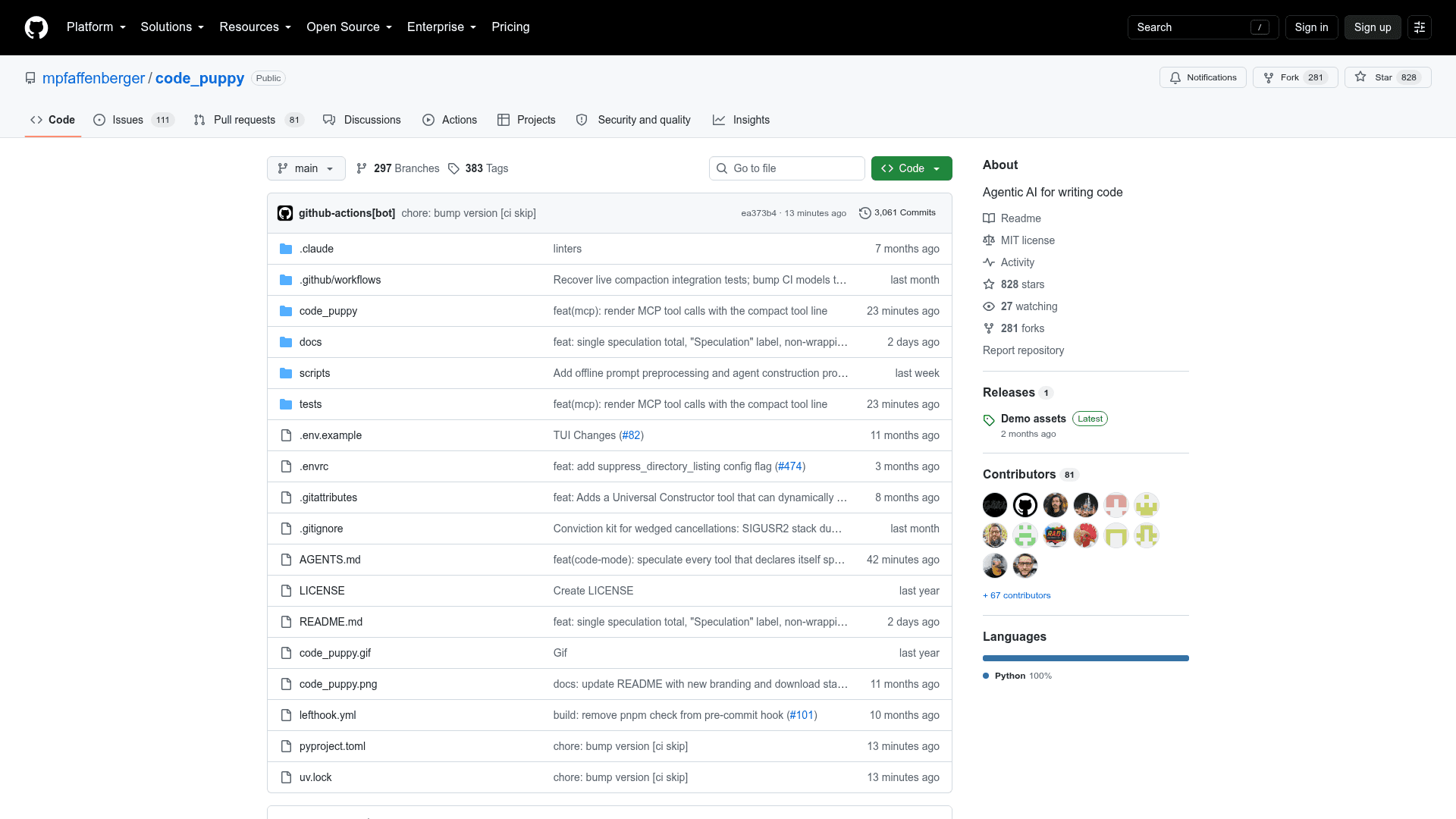
Code Puppy is an open-source, MIT-licensed AI-powered code generation agent built by Mike Pfaffenberger and installable via uvx code-puppy. It was created, per the README, "angrily in reaction to Windsurf and Cursor removing access to models and raising prices," and runs entirely from the command line with a strong privacy-first architecture. The project reports 826 GitHub stars and 170k+ PyPI downloads as of the available data.
What It Is
Code Puppy is a terminal-based agentic coding assistant in the same category as Cursor and Windsurf, but designed to run without a proprietary IDE. It understands programming tasks, generates and edits code, executes shell commands, and explains its reasoning — all from a CLI prompt. Because it is 100% open source under the MIT license, users can inspect, fork, and self-host it without any vendor lock-in.
Model Access and Provider Support
One of Code Puppy's headline features is its breadth of model support. It integrates with models.dev to give access to 65+ providers and over 1,000 model offerings via a single /add_model interactive TUI command. Out of the box it supports OpenAI, Anthropic, Google Gemini, Cerebras, Ollama, xAI (Grok), Groq, Mistral, Together AI, Perplexity, DeepInfra, Cohere, and many more. A round-robin model distribution feature lets users cycle across multiple API keys or models to stay within rate limits. For full privacy, users can point it at a local VLLM, SGLang, or Llama.cpp server so no data leaves their network.
Speculative Tool Execution
A notable performance feature called Speculative Tool Execution (toggled with Ctrl+X Ctrl+S) starts running the model's tool calls while the model is still generating them. Read-heavy operations like read_file, grep, and list_files launch the moment their argument line closes, hiding tool latency behind the model's own typing time. A live scoreboard above the prompt tracks hits, misses, and estimated time saved per session.
Agent System and Customization
Code Puppy ships with a flexible multi-agent system. Users can switch between built-in Python agents (like the default code-puppy agent and an agent-creator helper) or define their own agents as JSON files stored in ~/.code_puppy/agents/. JSON agents support custom system prompts, tool access lists, pinned models, and per-agent model settings — no Python knowledge required. The system also supports AGENTS.md files for project-level coding standards and conventions, compatible with the agent.md specification.
Privacy Architecture
The README describes a zero-telemetry commitment: no usage analytics, no prompt logging, no behavioral profiling, and no third-party data sharing. The project is independently maintained with no corporate or investor backing, which the author argues makes the privacy commitment structurally enforceable. Prompts flow only to the LLM provider the user configures, and a fully local inference path is supported.
Platform and Setup
Code Puppy requires Python 3.11+ and is installable on macOS, Linux, Windows, and Android (via Termux). The recommended install method is uvx code-puppy, which requires no separate pip install step. An optional DBOS durable-execution plugin (installed via the durable extra) checkpoints agent runs to a local SQLite or Postgres database, enabling crash recovery and resumption of long sessions. MCP server integration is available via the /mcp command.
Community Discussions
Be the first to start a conversation about Code Puppy
Share your experience with Code Puppy, ask questions, or help others learn from your insights.
Pricing
Open Source
Fully free and open source under the MIT License. Bring your own API keys for LLM providers.
- Full CLI-based AI coding agent
- Support for 65+ LLM providers
- Multi-agent system
- MCP server integration
- Zero telemetry
Capabilities
Key Features
- AI-powered code generation and editing
- Terminal/CLI-based interface
- Speculative tool execution for reduced latency
- Support for 65+ LLM providers via models.dev integration
- Round-robin model distribution for rate limit management
- Multi-agent system with Python and JSON agent types
- Custom agent creation via JSON configuration
- AGENTS.md support for project coding standards
- MCP server integration
- Shell command execution
- File read/write/delete/grep tools
- DBOS durable execution for crash recovery
- Zero telemetry and privacy-first architecture
- Local inference support (VLLM, SGLang, Llama.cpp)
- Meta Muse OAuth integration
- Custom slash commands via markdown files
- Auto-compact with system message merging
- Context truncation via /truncate command