Mastra Code
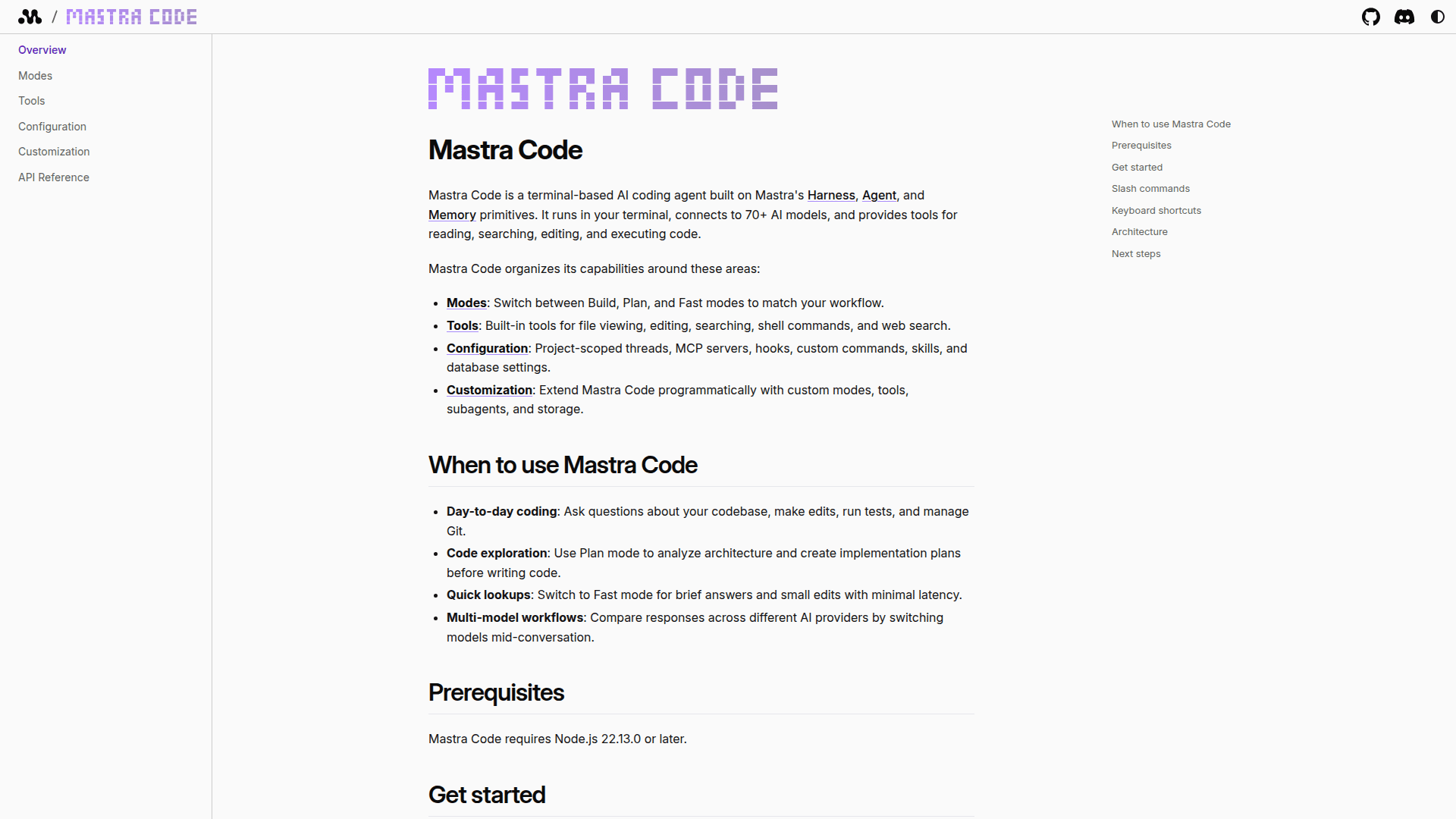
Mastra Code is a terminal-based AI coding agent that connects to 70+ AI models and provides tools for reading, searching, editing, and executing code directly in your terminal.
At a Glance
Free to install and use via npm. Bring your own API keys for AI providers.
Engagement
Available On
Alternatives
Listed Feb 2026
About Mastra Code
Mastra Code is a terminal-based AI coding agent built on Mastra's Harness, Agent, and Memory primitives. It runs in your terminal, connects to 70+ AI models, and provides built-in tools for reading, searching, editing, and executing code. The tool supports multiple operational modes, persistent conversation threads, MCP server integration, and full programmatic extensibility via its createMastraCode() API.
- Build, Plan, and Fast Modes: Switch between modes to match your workflow — Build for active coding, Plan for architecture analysis, and Fast for quick lookups with minimal latency.
- 70+ AI Model Support: Connect to models from Anthropic, OpenAI, Google, and other providers; switch models mid-conversation using the
/modelsslash command. - Built-in Coding Tools: File viewing, editing, searching, shell command execution, and web search are all available out of the box.
- MCP Server Integration: Configure and connect to Model Context Protocol servers for extended tool capabilities within your project.
- Persistent Thread Management: Project-scoped conversation threads are stored via LibSQL, preserving message history and token usage across sessions.
- Observational Memory: Background observer and reflector models automatically summarize and reflect on long conversations to maintain context.
- Custom Modes and Tools: Extend Mastra Code programmatically by defining custom modes, tools, subagents, and storage backends using the
createMastraCode()factory function. - Permission Controls: Fine-grained per-category and per-tool approval policies let you control which operations require confirmation (read, edit, execute, MCP).
- Slash Commands: Manage sessions, switch models, view token costs, authenticate with providers, and more using built-in
/commands. - Remote Storage Support: Connect to remote LibSQL (Turso) or PostgreSQL databases for shared or cloud-backed thread persistence.
- Embeddable API: Use
createMastraCode()andMastraTUIto embed the agent in custom applications or build entirely new TUI experiences.
To get started, install globally with npm install -g mastracode, navigate to your project directory, run mastracode, and set an API key for your preferred AI provider.
Community Discussions
Be the first to start a conversation about Mastra Code
Share your experience with Mastra Code, ask questions, or help others learn from your insights.
Pricing
Open Source
Free to install and use via npm. Bring your own API keys for AI providers.
- Terminal-based AI coding agent
- 70+ AI model support
- Build, Plan, and Fast modes
- File reading, editing, searching tools
- Shell command execution
Capabilities
Key Features
- Terminal-based AI coding agent
- Supports 70+ AI models
- Build, Plan, and Fast modes
- File reading, editing, and searching tools
- Shell command execution
- Web search tool
- MCP server integration
- Project-scoped thread persistence
- Observational memory with background summarization
- Custom modes, tools, and subagents
- Permission rules per tool category
- Remote LibSQL and PostgreSQL storage
- OAuth authentication for providers
- Slash commands for session management
- Embeddable via createMastraCode() API
- Custom TUI via MastraTUI class
- AST-based smart editing
- Token usage tracking