
Kimi Code CLI
An open-source AI agent that runs in the terminal, helping developers complete software development tasks, edit code, execute shell commands, and search the web autonomously.
At a Glance
About Kimi Code CLI
Kimi Code CLI is an open-source terminal AI agent built by Moonshot AI, the team behind the Kimi large language model. Released under the Apache License 2.0, it runs in the terminal and autonomously plans and executes software development tasks using natural language instructions. The project is currently in Technical Preview and is actively evolving into its successor, Kimi Code.
What It Is
Kimi Code CLI is a command-line AI coding agent that lets developers interact with their codebase using natural language. It can read and edit code, execute shell commands, search and fetch web pages, and autonomously adjust its plan during execution. It is written in Python and distributed via PyPI as the kimi-cli package, installable through the uv Python package manager. The tool supports Python 3.12–3.14, with Python 3.13 recommended.
Three Usage Modes
The CLI offers three distinct interaction surfaces:
- Interactive CLI (
kimi): Chat with the AI in the terminal using natural language or run shell commands directly, with a built-in shell mode toggled viaCtrl-X - Browser UI (
kimi web): Opens a local graphical interface in the browser with session management, file references, and code highlighting - Agent integration (
kimi acp): Runs as a service and integrates with IDEs and other local agent clients via the Agent Client Protocol (ACP), supporting editors like VS Code, Zed, and JetBrains IDEs
Key Capabilities
- Code writing and modification: Implementing new features, fixing bugs, and refactoring
- Project understanding: Exploring unfamiliar codebases and answering architecture questions
- Task automation: Batch processing files, running builds and tests, executing scripts
- MCP support: Manages Model Context Protocol servers via the
kimi mcpsubcommand group, supporting both streamable HTTP and stdio transports, with OAuth authorization - Zsh integration: A companion
zsh-kimi-cliplugin enables AI agent capabilities directly in the Zsh shell - VS Code extension: Integrates with Visual Studio Code via the Kimi Code VS Code Extension on the marketplace
Update: Version 1.49.0 and Transition to Kimi Code
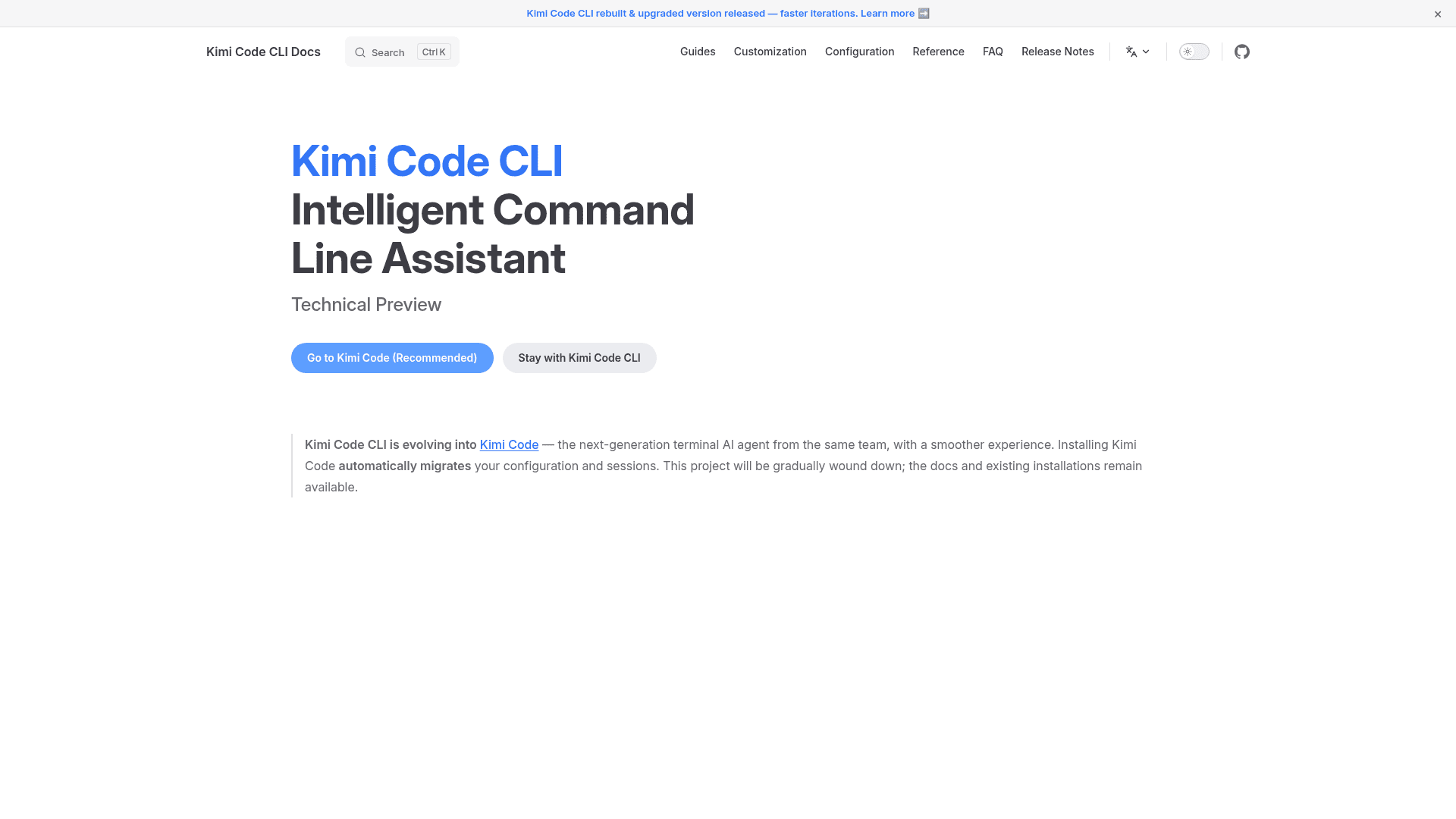
The latest release is version 1.49.0, published on July 16, 2026. The project homepage and README both note that Kimi Code CLI is evolving into Kimi Code — described as the next-generation terminal AI agent from the same team, with a smoother experience. Installing Kimi Code automatically migrates configuration and sessions from Kimi Code CLI. The original kimi-cli repository will be gradually wound down, though documentation and existing installations remain available. New users are directed to install Kimi Code directly.
Open-Source Deployment Model
The repository is hosted at github.com/MoonshotAI/kimi-cli under the Apache License 2.0. Installation is handled via a one-line shell script that sets up the uv Python package manager and installs the CLI, or directly via uv tool install. The tool requires an API key or OAuth login to a supported provider (such as Kimi Code) on first run, configured via the /login slash command. Configuration files, session data, and MCP server definitions are all stored locally.
Community Discussions
Be the first to start a conversation about Kimi Code CLI
Share your experience with Kimi Code CLI, ask questions, or help others learn from your insights.
Pricing
Open Source
Free and open-source under Apache License 2.0. Requires a Kimi API key or OAuth login to a supported provider.
- Full CLI agent capabilities
- Interactive terminal mode
- Browser UI mode
- ACP IDE integration
- MCP server support
Capabilities
Key Features
- Interactive terminal chat with AI using natural language
- Built-in shell command mode (Ctrl-X toggle)
- Browser UI via `kimi web` for graphical session management
- IDE integration via Agent Client Protocol (ACP)
- VS Code extension support
- Zed and JetBrains IDE integration
- MCP (Model Context Protocol) server management
- OAuth and API key authentication for providers
- Code reading, editing, and refactoring
- Shell command execution
- Web search and page fetching
- Autonomous task planning and execution
- Zsh shell integration via zsh-kimi-cli plugin
- Session and configuration migration to Kimi Code
- AGENTS.md project initialization via /init command
- Slash commands for in-session control