
CodeMote
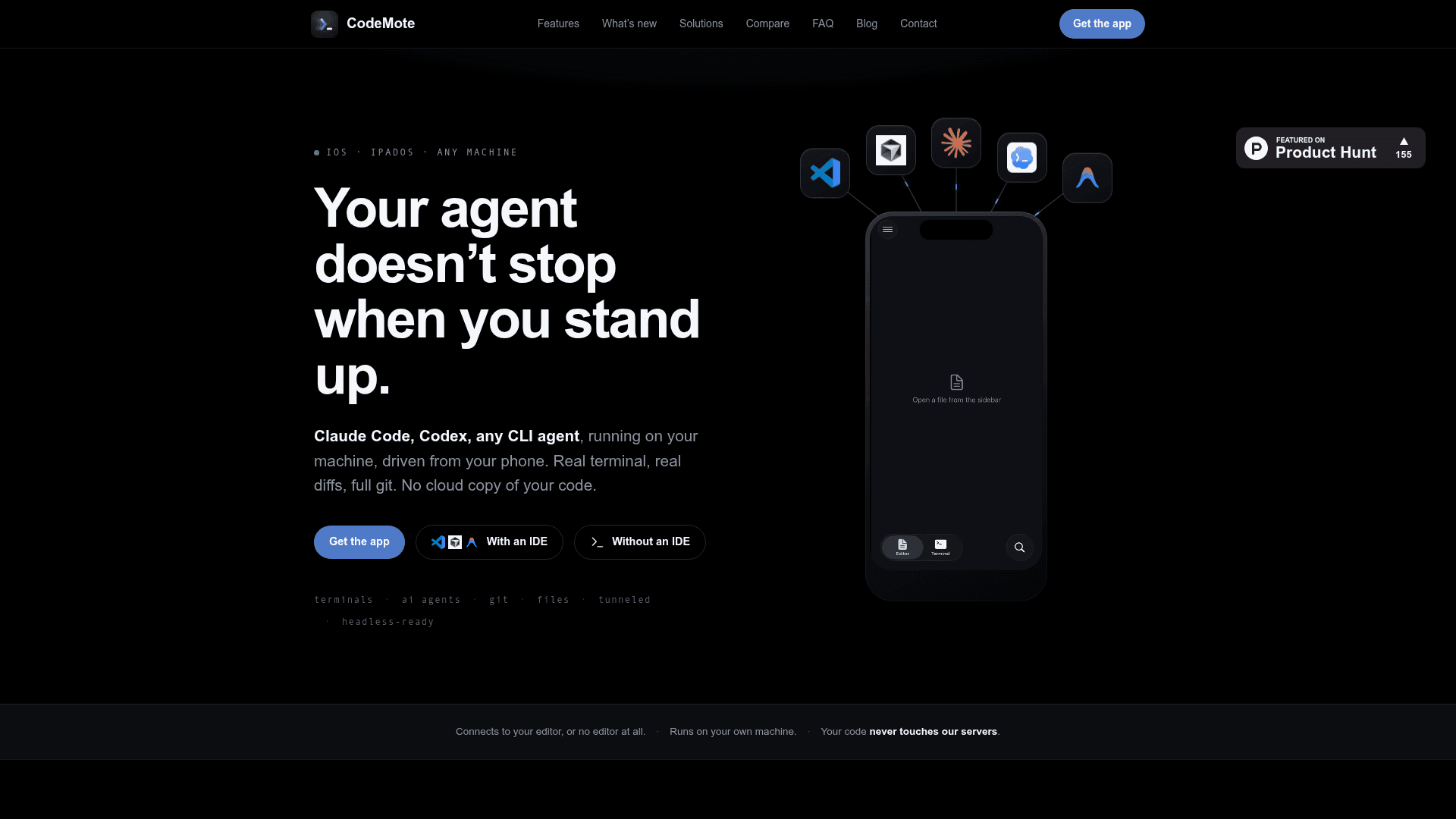
CodeMote is an iPhone and iPad app that lets you remotely control your dev machine — running AI coding agents, terminals, Git, and file editing — over a direct encrypted connection with no cloud copy of your code.
At a Glance
About CodeMote
CodeMote is a solo-built iOS and iPadOS app that turns your iPhone or iPad into a remote control for your development machine. It connects directly to VS Code, Cursor, Antigravity, or any Node.js-capable machine via an encrypted tunnel, letting you drive AI coding agents, live terminals, Git, and the full file tree from your phone — without ever copying your code to a third-party server.
What It Is
CodeMote is a mobile remote-control layer for developer workstations. Unlike the official mobile apps from Claude, Codex, or Cursor — which each lock you into a single agent's chat interface on their own cloud — CodeMote connects to the real editor and real terminal running on your own computer. The result is a full mobile IDE experience: live terminal streaming, real diffs, file browsing and editing, and complete Git flow (stage, diff, commit, push, branch, history), all from a phone.
How the Connection Works
CodeMote uses Microsoft's free devtunnel tool to create an outbound, encrypted relay between your phone and your computer. There is no SSH server to expose, no VPN to configure, and no router ports to open. Pairing is done by scanning a QR code shown in VS Code (or printed in the CLI terminal), which generates a single-use, revokable token. The phone-to-computer link is one-to-one; code, terminals, files, and Git data are never mirrored to CodeMote's servers.
AI Agent Supervision
The core use case is supervising long-running AI coding agents from anywhere. CodeMote supports any terminal-based agent — Claude Code, OpenAI Codex CLI, Gemini CLI, Aider, opencode, GitHub Copilot CLI, Cursor CLI, Amp, Qwen Code, Droid by Factory, and others. When an agent pauses for a permission prompt or decision, a Lock Screen Live Activity flips to a "waiting" state and pushes a notification. The developer can read the ask, approve or redirect, and pocket the phone — without needing to be at their desk.
Setup Paths
Two setup paths are supported:
- With an IDE: Install the CodeMote VS Code extension from the VS Code Marketplace (or Open VSX for Cursor, Antigravity, Windsurf, and other forks), install the
devtunnelCLI, sign in once with a GitHub or Microsoft account, and start a session from the Command Palette. - Without an IDE: Run
npx codemote-cli starton any machine with Node.js 18 or newer — including headless servers, VPS instances, Raspberry Pis, and Docker containers. The CLI handles the tunnel and prints a QR code directly in the terminal. ngrok and Tailscale funnel are also supported as tunnel alternatives.
Platform and Availability
The iOS/iPadOS app is available on the App Store. The companion extension runs in VS Code on macOS, Windows, and Linux. An Android version is not currently available. The app includes a 7-day free trial and uses auto-renewing subscriptions billed through Apple. The developer, Salvatore Castellitti, builds CodeMote solo and is reachable directly at s.castellitti.dev@gmail.com.
Community Discussions
Be the first to start a conversation about CodeMote
Share your experience with CodeMote, ask questions, or help others learn from your insights.
Pricing
Free Trial
7-day free trial available on the App Store before subscribing.
- Full app access
- All AI agent supervision features
- Live terminal streaming
- Git, files, and diff viewer
Subscription
Auto-renewing subscription billed through Apple. See App Store listing for current pricing.
- Remote control of VS Code, Cursor, Antigravity, Windsurf
- Live terminal streaming to Lock Screen
- AI agent supervision (Claude Code, Codex, Gemini CLI, and more)
- Full Git flow
- File browsing and editing
- Dev server streaming
- Standalone CLI for headless servers
Capabilities
Key Features
- Remote control AI coding agents (Claude Code, Codex, Gemini CLI, Aider, opencode, and more) from iPhone/iPad
- Live terminal streaming to Lock Screen Live Activity
- Lock Screen notifications when agent needs approval
- Full Git flow: stage, diff, commit, push, branch, history
- Browse and edit project files from the full file tree
- Real diff viewer before approving agent changes
- Dev server output streaming with background persistence
- Works with VS Code, Cursor, Antigravity, Windsurf, and all VS Code forks
- Standalone CLI (codemote-cli) for headless servers, VPS, Docker, Raspberry Pi
- Direct encrypted phone-to-computer connection via Microsoft devtunnel
- No cloud copy of code — code never touches CodeMote servers
- QR code pairing with single-use, revokable tokens
- Multi-device pairing support
- Voice input for agent steering
- ngrok and Tailscale tunnel support as alternatives