ChatGPT Codex
OpenAI's agentic coding tool that runs in ChatGPT, your IDE, and the terminal to handle complex engineering tasks like bug fixes, refactors, and PR reviews.
At a Glance
About ChatGPT Codex
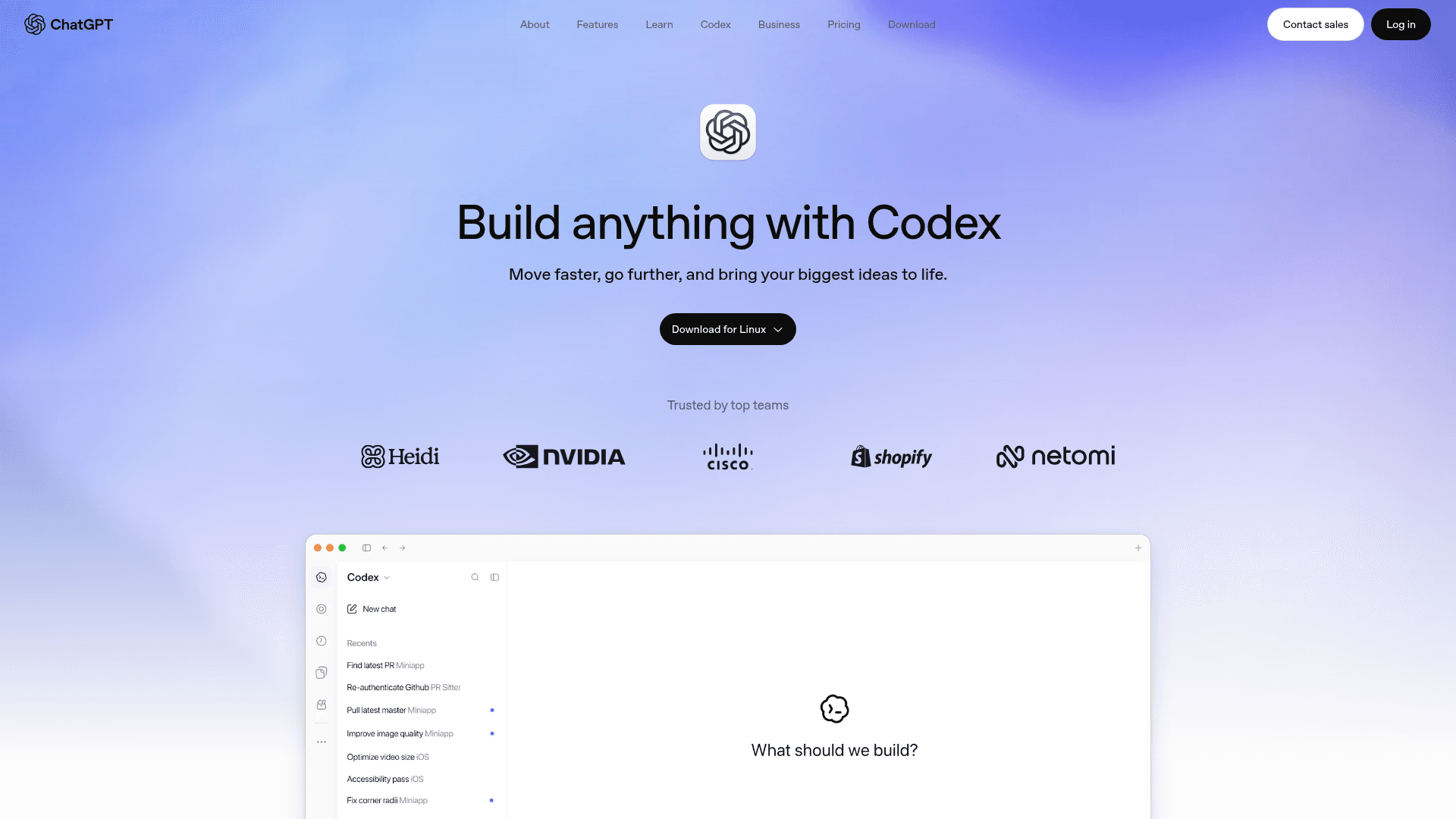
ChatGPT Codex is an agentic coding assistant built by OpenAI and integrated directly into the ChatGPT app, available as a web experience, desktop app, IDE extension, and CLI. It is designed to handle real engineering work—from hard-to-find bugs and complex refactors to new feature development and automated pull request reviews—running tasks in parallel cloud environments that persist even when your laptop is closed.
What It Is
Codex is OpenAI's coding agent, positioned as a multi-surface tool that works wherever engineers work: inside ChatGPT on the web and desktop, in editors like VS Code, Cursor, and Windsurf via an IDE extension, and in the terminal via the open-source Codex CLI. The CLI is licensed under Apache 2.0 and available on GitHub. The broader Codex platform (cloud agent, web app, IDE extension) is a commercial product included in ChatGPT plans. OpenAI notes that Codex was renamed and moved into the ChatGPT app alongside ChatGPT Work.
How the Multi-Surface Architecture Works
Codex is designed around a single agent identity that spans multiple surfaces, all connected through a ChatGPT account:
- Codex in ChatGPT — the primary web and desktop interface for managing tasks, reviewing agent progress, and steering work across repositories
- Codex Cloud — reusable cloud environments per repo that keep tasks running after you close your laptop; accessible from any device
- Codex IDE Extension — integrates into VS Code, Cursor, and Windsurf for in-editor code review and task delegation
- Codex CLI — an open-source, locally-running coding agent installable via npm (
npm install -g @openai/codex), Homebrew, or standalone installers for macOS, Linux, and Windows; written in Rust and currently at version 0.159.0
Multi-Agent Workflow and PR Review
The platform is built for parallel agent execution. Multiple agents can run simultaneously, using computer and browser tools to verify their own work against requirements. A dedicated code review capability automatically reviews pull requests, surfaces findings, and answers questions about changes. The Codex page quotes engineers from Ramp, Duolingo, Cisco Meraki, Harvey, and Sierra describing productivity improvements, though these are vendor-published testimonials.
Plugin and Tool Integration
Codex connects to external tools and services through ChatGPT's plugin system. Integrations shown on the product page include Supabase, Slack, Notion, Google Drive, and Google Calendar, allowing agents to pull context and take action across apps during engineering tasks.
Update: Codex CLI v0.159.0
The Codex CLI repository on GitHub (openai/codex) shows active development with 127,000+ stars and nearly 20,000 forks as of late 2026. The latest release is version 0.159.0 (published September 29, 2026), written in Rust. The repository was created in April 2025 and has seen continuous releases since. OpenAI has also signaled a product direction shift by moving the Codex brand into the ChatGPT app alongside ChatGPT Work, consolidating the agentic coding experience under the ChatGPT umbrella rather than as a standalone product.
Audience and Deployment Model
Codex targets professional software engineers and engineering teams. Individual developers can access it through ChatGPT Plus or Pro plans. Teams can use it through ChatGPT Business, which provides a shared workspace with admin controls. Enterprise deployments are available via sales contact. The open-source CLI can also be used independently with an API key, though sign-in via a ChatGPT account is the recommended path for plan-based access.
Community Discussions

Just tried the new Mac app for Codex
OpenAI shipped a native macOS app for Codex and I've been poking around with it today. They're calling it a command center for managing multiple AI agents on your codebase and I can see why. OpenAI is clearly going after Cursor and Claude Code here. Their pitch is that the bottleneck now isn't what …
Pricing
Free
Write, learn, plan, and get quick answers at no cost
- Search the web and stay up to date
- Chat with your files and images
- Study Mode with step-by-step guidance and practice questions
- Draft emails, essays, and presentations
- Create images with AI
Go
Keep chatting with expanded access
- Core model
- More messages and uploads
- More image creation
- Longer memory
- Expanded voice mode
- This plan may include ads
Plus
Your AI assistant
- Codex agent to automate coding
- Work agent to act across apps and files
- Advanced intelligence for complex work
- Higher quality image creation
- Expanded memory and 20 GB of storage
- Email and calendar connections
- Larger projects to organize your work
- Tools for personal finance and data analysis
- No ads
Pro 100
Standard usage for people who rely on the most powerful intelligence throughout the workday
- Most capable frontier Pro model
- Dots, always-on agents
- More Work and Codex usage
- Maximum memory and 100 GB of storage
- Early access to new tools and models
- No ads
- Unlimited subject to abuse guardrails
Pro 200
More usage for people who rely on the most powerful intelligence throughout the workday
- Most capable frontier Pro model
- Dots, always-on agents
- Faster Work and Codex
- Maximum memory and 100 GB of storage
- Early access to new tools and models
- No ads
- Unlimited subject to abuse guardrails
Pro 500
Maximum power for people who rely on the most powerful intelligence throughout the workday
- Most capable frontier Pro model
- Dots, always-on agents
- Fastest Work and Codex
- Maximum memory and 100 GB of storage
- Early access to new tools and models
- No ads
- Unlimited subject to abuse guardrails
Business Standard
Per-seat plan for everyday work on teams of 2-200 employees
- All ChatGPT, ChatGPT Work, and Codex features
- Access across desktop, web, and mobile
- Connect to Google Workspace, Slack, GitHub, Microsoft 365, and more
- Secure workspace with SAML, SSO, and MFA
- Centralized billing and administration
- Usage analytics and spend controls
- No training on business data by default
- Workspace agents for customized workflows
- Mix and match seat types
- Unlimited subject to abuse guardrails
Business Premium
Per-seat plan with 5x more usage than Standard and no 5-hour limit, for teams of 2-200 employees
- 5x more usage than Standard seat
- No 5-hour limit
- All ChatGPT, ChatGPT Work, and Codex features
- Access across desktop, web, and mobile
- Connect to Google Workspace, Slack, GitHub, Microsoft 365, and more
- Secure workspace with SAML, SSO, and MFA
- Centralized billing and administration
- Usage analytics and spend controls
- No training on business data by default
- Workspace agents for customized workflows
- Mix and match seat types
- Unlimited subject to abuse guardrails
Capabilities
Key Features
- Multi-agent parallel task execution
- Cloud environments per repository
- Automated pull request review
- IDE extension for VS Code, Cursor, and Windsurf
- Open-source CLI (Apache 2.0)
- Terminal-based coding agent
- Bug detection and complex refactoring
- New feature development
- Task progress tracking and steering
- Plugin integrations (Supabase, Slack, Notion, Google Drive, Google Calendar)
- Persistent cloud tasks that continue when laptop is closed
- Cross-device task pickup
- Code review with findings surfacing
- ChatGPT account-based authentication across surfaces
Integrations
Demo Video