
Codex ChatGPT Web
Desktop launcher that lets Codex use ChatGPT Web models, including Pro, through its native model picker, with optional MCP-based full harness mode.
At a Glance
MIT-licensed launcher that lets Codex use the ChatGPT Web models available on the user's own ChatGPT account. ChatGPT account usage and limits are external to this tool.
Engagement
Available On
Alternatives
Listed Oct 2026
About Codex ChatGPT Web
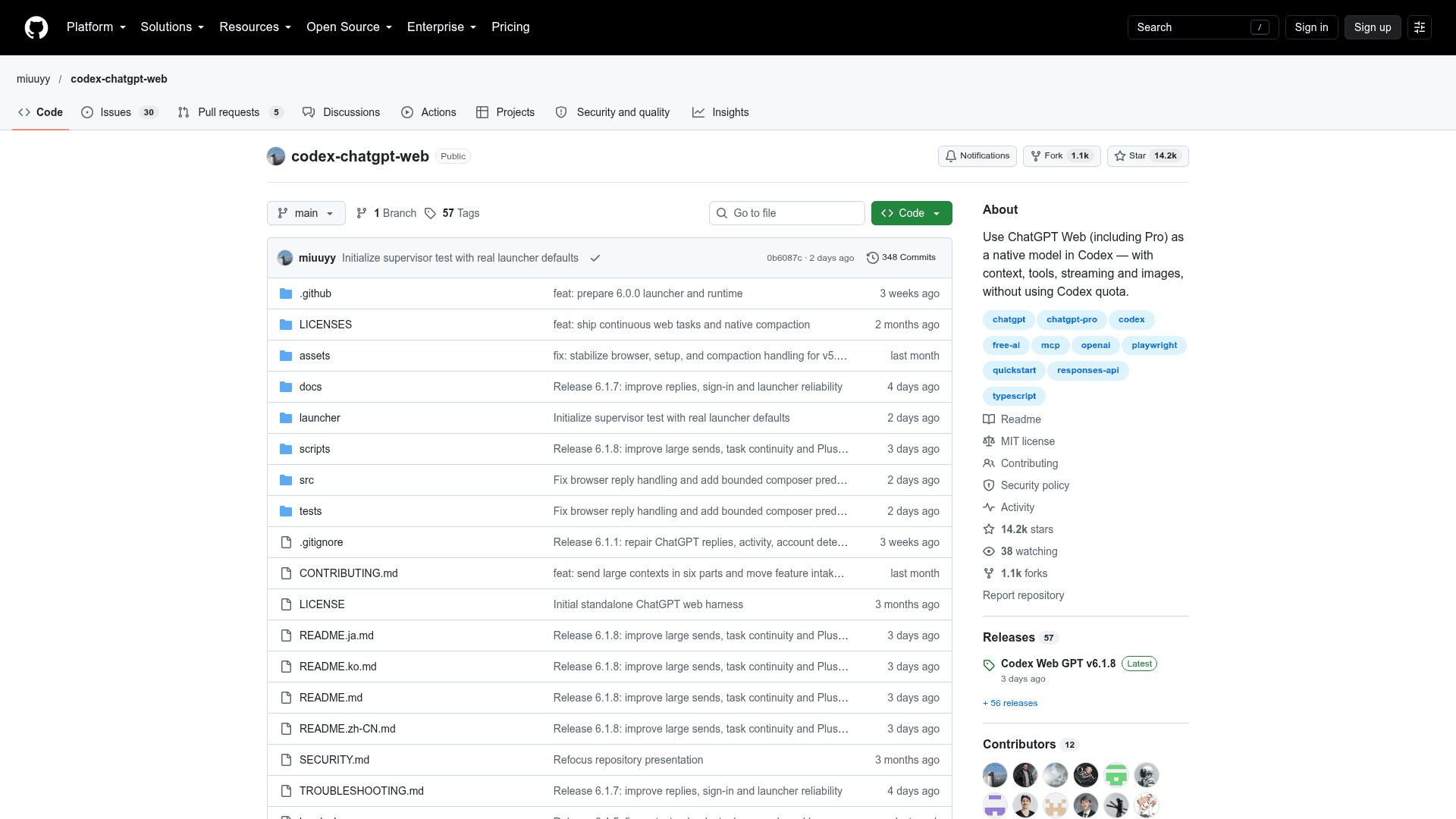
Codex ChatGPT Web is an open-source, MIT-licensed desktop launcher published by the GitHub user miuuyy. It lets users pick ChatGPT Web models available on their account, including Pro, from Codex's native model picker. Those models run against ChatGPT Web's separate usage limits rather than Codex quota. The latest release listed is v6.1.8, with installers for Windows, macOS and Linux.
What It Is
The tool is unofficial browser automation that bridges Codex and the ChatGPT website. You sign in to ChatGPT in an embedded browser, install the models, restart Codex, and choose a model ending in (Web). Tasks, images and streaming work through the same Codex interface. The app bundles its own browser and runtime, so no separate Chrome, Node or Bun install is needed.
Modes and Models
There are three modes:
- Browser-only sends messages automatically without local Codex tools.
- Full harness (With Automation) sends messages automatically and gives ChatGPT access to the current task's files, terminal, tools and approvals through MCP.
- Zero Risk has the user paste and send the prepared prompt manually, while still using local tools through a separate MCP connector.
Available models depend on the account. Free/Go accounts get Luna / Think. Paid accounts get GPT-6 Sol and GPT-5.6 Sol with Instant to High effort, plus Extra High and Pro when the account exposes them.
Full Harness Setup
Full mode connects ChatGPT's tool calls back to the current Codex task through the official OpenAI tunnel-client. The README states the tunnel is outbound only and needs no public IP, inbound port or router forwarding. The launcher's MCP page walks through creating the Tunnel and API key and connecting the harness. Users then enable ChatGPT Developer Mode, create a Tunnel connector named Codex Native2, and run Verify runtime. Write actions also depend on the workspace administrator policy.
Requirements and Caveats
- It is not an OpenAI API and is not affiliated with OpenAI. Changes to the ChatGPT UI can break selectors, and drift fails explicitly rather than silently switching model or transport.
- Browser state is a sensitive login artifact, so users should keep the launcher profile private and use a trusted workstation.
- Release packages target macOS 13+ (arm64/x64), Windows x64 and Linux x64. Builds are not platform-signed, so Gatekeeper or SmartScreen may warn.
- Terminal installers verify published SHA-256 checksums. The CLI also manages subagent protocols (Compatibility V1 or Native).
Community Discussions
Be the first to start a conversation about Codex ChatGPT Web
Share your experience with Codex ChatGPT Web, ask questions, or help others learn from your insights.
Pricing
Open Source (MIT)
MIT-licensed launcher that lets Codex use the ChatGPT Web models available on the user's own ChatGPT account. ChatGPT account usage and limits are external to this tool.
- MIT License
- Browser-only, Full harness (With Automation) and Zero Risk modes
- Full harness connects through MCP to the current Codex task via the OpenAI tunnel-client
- Downloads for Windows x64, macOS (Apple silicon and Intel) and Linux x64
- Requires your own ChatGPT account; model availability and limits depend on that account and workspace
Capabilities
Key Features
- ChatGPT Web models in Codex's native model picker
- Browser-only, Full harness and Zero Risk modes
- Full harness access to task files, terminal, tools and approvals via MCP
- Outbound-only tunnel through the official OpenAI tunnel-client
- Embedded browser and runtime bundled in the app
- Image and streaming support
- Extended context options for GPT-5.6 and GPT-6
- Native Codex compaction support
- Subagent protocol switching via CLI
- Activity diagnostics and doctor health check
- Terminal installers with checksum verification