EveryDev.ai
Subscribe
Home
Tools

3,947+ AI tools

  • New
  • Trending
  • Featured
  • Compare
  • Arena
Categories
  • Agents2782
  • Coding1973
  • Infrastructure825
  • Projects603
  • Marketing598
  • Research520
  • Analytics468
  • Design462
  • MCP419
  • Testing346
  • Security323
  • Data305
  • Integration224
  • Prompts220
  • Communication210
  • Extensions196
  • Learning179
  • Voice175
  • Commerce160
  • DevOps135
  • Web95
  • Finance31
AI Tools by Topic
  • AI Coding Assistants
  • Agent Frameworks
  • MCP Servers
  • AI Prompt Tools
  • Vibe Coding Tools
  • AI Design Tools
  • AI Database Tools
  • AI Website Builders
  • AI Testing Tools
  • LLM Evaluations
Follow Us
  • X / Twitter
  • LinkedIn
  • Reddit
  • Discord
  • Threads
  • Bluesky
  • Mastodon
  • YouTube
  • GitHub
  • Instagram
Get Started
  • About
  • Editorial Standards
  • Corrections & Disclosures
  • Community Guidelines
  • Advertise
  • Contact Us
  • Newsletter
  • Submit a Tool
  • Start a Discussion
  • Write A Blog
  • Share A Build
  • Terms of Service
  • Privacy Policy
Explore with AI
  • ChatGPT
  • Gemini
  • Claude
  • Grok
  • Perplexity
Agent Experience
  • llms.txt
Theme
With AI, Everyone is a Dev. EveryDev.ai © 2026
    1. Home
    2. Tools
    3. Compare

    Figma Make vs Stitch

    Both tools turn text prompts into UI, but Figma Make outputs functional prototypes and web apps inside the Figma ecosystem, while Stitch, from Google, focuses on generating static mobile and web UI designs from prompts and images. The split is between a working artifact you can ship and a design file you hand off.

    How to choose

    Decision axis: Functional prototype vs. design asset

    Pick Figma Make if…

    Pick this if you need a clickable, functional prototype or a deployable web app and you already work inside Figma.

    Pick Stitch if…

    Pick this if you want to generate polished mobile or web UI designs quickly and your next step is handing screens to a developer, not shipping code.

    Attribute
    Figma Make
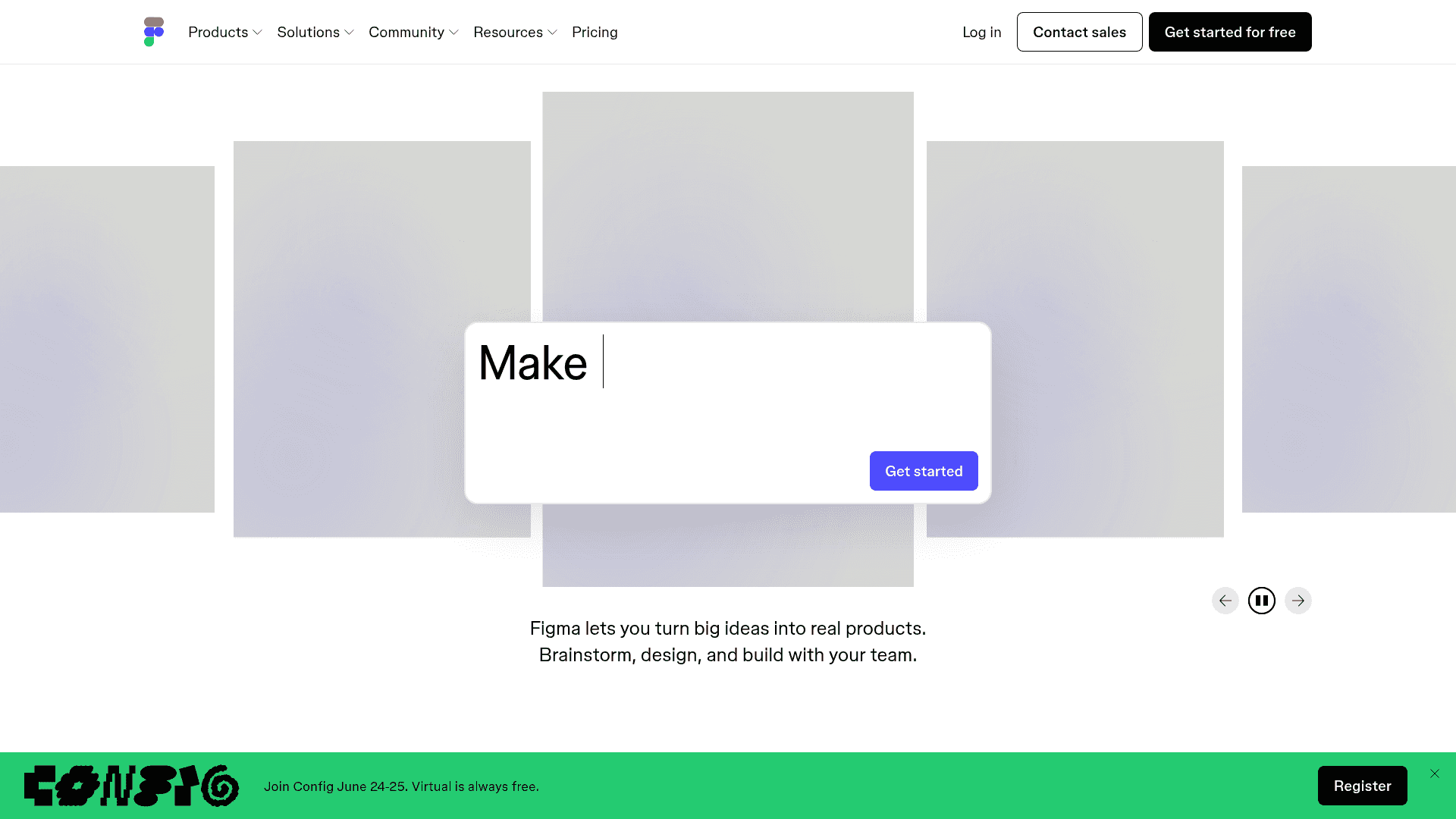
    Figma Make screenshot
    Stitch
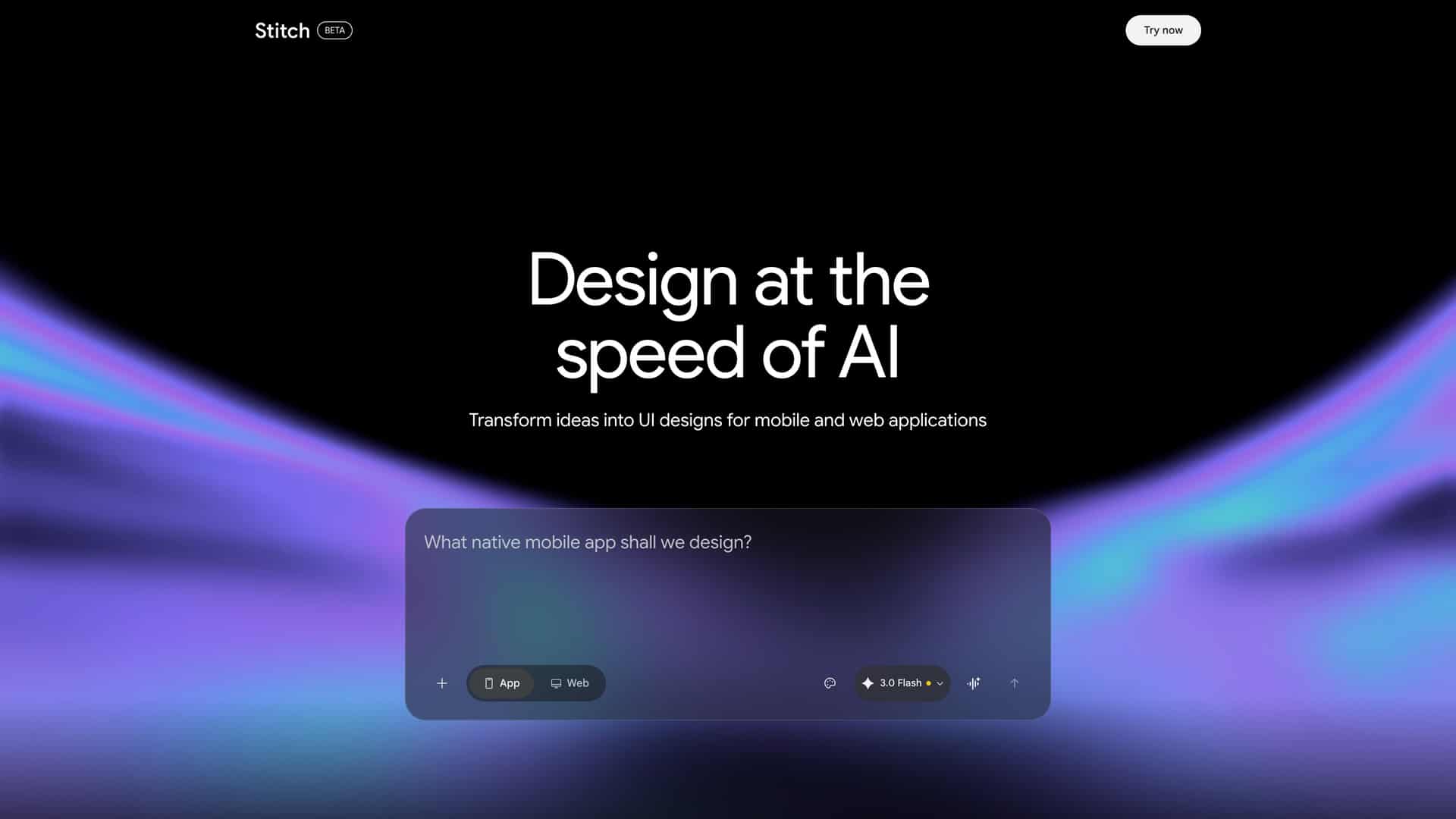
    Stitch screenshot
    SummaryAI App Builder in FigmaAI UI Design Generator
    Community Score0/100100/100
    Pricing✓ Starter✓ Free
    Professional$16/mo—
    Organization$55/mo—
    Enterprise$90/mo—
    View pricing →View pricing →
    PlatformWeb, API, VSC_EXTENSIONWeb
    API / SDKAPIN/A
    Docs / Source
    Docs
    Docs
    DeveloperFigma, Inc.Google Labs
    Features
    • Prompt-to-code app generation
    • Attach existing Figma designs or components to prompts
    • Supabase backend integration for auth and data storage
    • Library styling context from Figma libraries
    • Make connectors for external tools (PRDs, tickets)
    • Publish custom connectors for organizational use
    • AI-powered UI generation from text prompts
    • Image-to-UI design transformation
    • Design iteration and editing
    • HTML code export
    • Figma export
    • Multiple device type support
    Integrations
    • Supabase
    • Figma Design
    • Figma Sites
    • Figma Dev Mode
    • MCP (Model Context Protocol)
    • Figma Community
    • Figma
    • Model Context Protocol (MCP)
    Use Case Fit
    • Prompt-to-code generation
    • Functional prototype generation
    • Web app generation
    • Library styling context inference
    • UI design generation
    • Text-to-design
    • Image-to-design
    • Code generation
    System Requirements
    • Any OS with a modern web browser
    • Any OS with a modern web browser
    Data refreshedMay 20, 2026Mar 19, 2026