
comux
A CLI tool that runs multiple AI coding agents in parallel using tmux and git worktrees, with a terminal-based control room for reviewing and merging work.
At a Glance
About comux
comux is an open-source, local-first CLI cockpit for running multiple AI coding agents in parallel, built on tmux and git worktrees. Created by Valentina Alexander (BunsDev) and released under the MIT License, it automates the worktree lifecycle so each agent pane gets a fully isolated branch and working copy of the repository. The project is available on npm as comux and is currently at v0.0.10.
What It Is
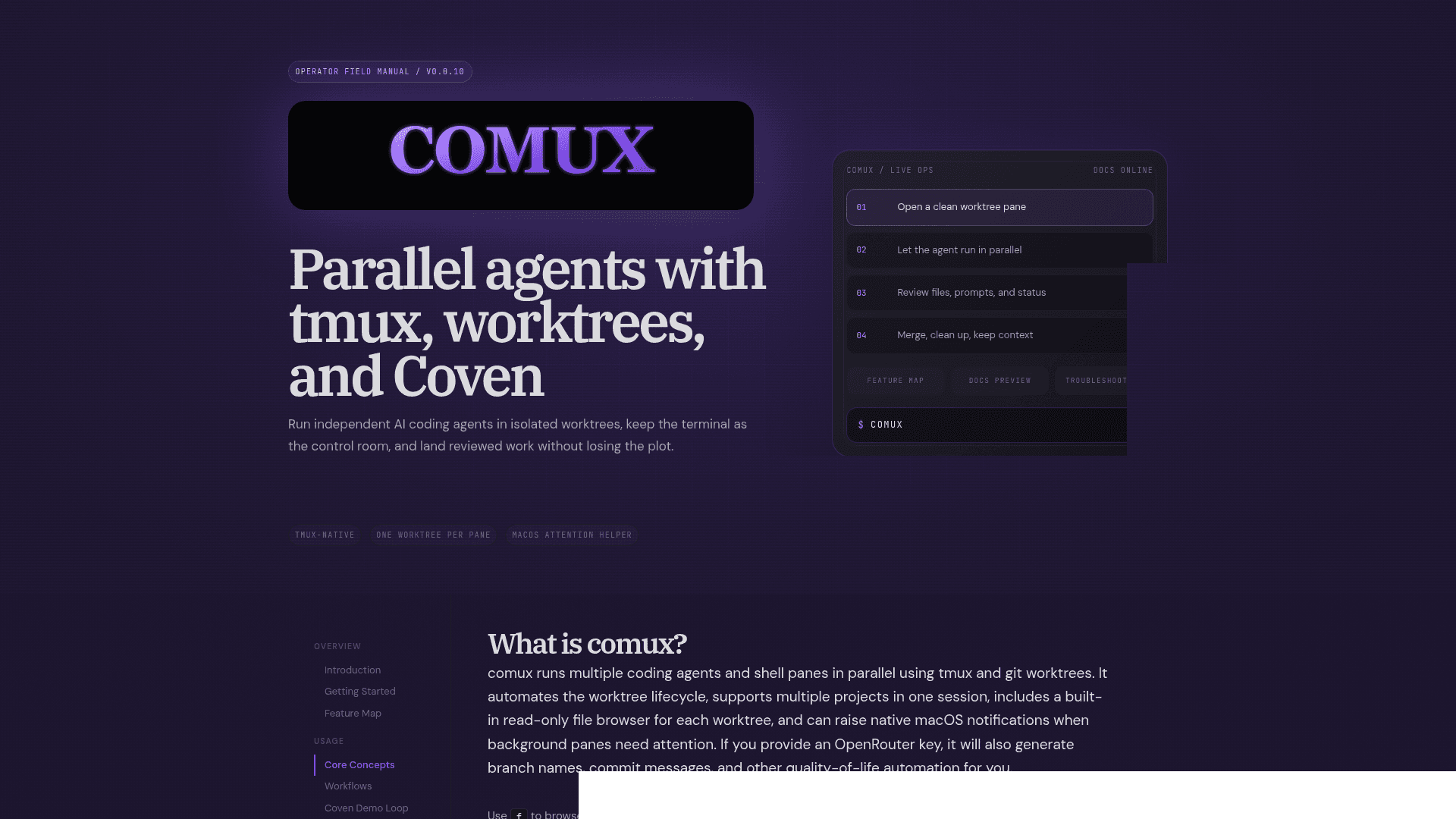
comux sits between your terminal and your AI coding agents. Instead of running one agent at a time in a single checkout, comux creates a dedicated git worktree and tmux pane for each task, so Claude Code, Codex, OpenCode, Gemini CLI, Cline, Qwen, Amp, Cursor, Copilot, Crush, and pi can all work simultaneously without stepping on each other. A sidebar TUI tracks pane status, attention state, and project groupings, and a two-phase merge flow keeps conflicts out of your main branch.
How the Worktree Model Works
Every work pane in comux maps one-to-one with a git worktree and branch. Because all worktrees share the same .git directory, they are space-efficient while still giving each agent a completely independent filesystem state. The lifecycle is:
- Create — press
n, enter a prompt, pick an agent; comux generates a branch slug (optionally via OpenRouter/gpt-4o-mini) and creates the worktree - Work — the agent runs in isolation; comux polls pane activity and uses a lightweight LLM (grok-4-fast) to classify state as
working,analyzing,waiting, oridle - Review — press
fto open a built-in read-only file browser with source and diff views, without leaving comux - Merge — a two-phase merge first pulls main into the worktree (resolving conflicts there), then merges the worktree back to main, then cleans up the branch and worktree
Agent Support and Multi-Agent Workflows
comux detects installed agent CLIs automatically by searching PATH and common install directories. Only Claude Code, OpenCode, and Codex are enabled by default; others can be toggled on in settings. Two notable multi-agent patterns are supported:
- A/B pairs — select a pair like "Claude Code + Codex" and comux creates two panes with the same prompt in separate worktrees (e.g.
fix-auth-claude-codeandfix-auth-codex), letting you compare approaches and merge the better result - Shared-worktree collaboration — press
ato attach a second agent to an existing pane's worktree, orAto open a plain shell there, enabling review, test execution, or manual inspection alongside the primary agent
Terminal-First Architecture
comux is intentionally local-first and requires no cloud service. Its core dependencies are tmux 3.0+, Node.js 18+, and Git 2.20+. An OpenRouter API key is optional but unlocks AI-generated branch names, commit messages, and LLM-based pane status analysis; without it, comux falls back to timestamp-based branch names and heuristic status detection.
Key architectural choices include:
- Project-scoped tmux sessions named
comux-{project}-{hash}for stable reattachment - Lifecycle hooks (11 total) covering worktree creation, pre/post-merge, pane open/close, and action triggers like
run_testandrun_dev, all receiving context via environment variables - Multi-project support — attach multiple repos to one session and navigate between them with arrow keys
- macOS native helper for attention notifications when background panes need input; on Linux/Windows the TUI sidebar and pane borders still show attention state
Coven Integration
comux optionally integrates with Coven, a separate local harness daemon from the OpenCoven ecosystem. When a Coven daemon is running, comux can list, open, and launch scoped Coven harness sessions alongside normal worktree panes. Without Coven, all core comux functionality — tmux panes, worktrees, merge, PR creation, file browsing, hooks, and rituals — works independently.
Update: v0.0.10
The latest release is v0.0.10, published on 2026-04-30, with the repository last pushed on 2026-06-24. The docs site is versioned as "Operator field manual / v0.0.10". Recent additions visible in the docs include rituals (reusable pane-layout setup recipes with built-ins like Start Coding, Terminal First, Review Stack, and Fix OpenClaw), inline pane renaming, multi-select agent launches, and the comux doctor --fix command for automated tmux config repair.
Community Discussions
Be the first to start a conversation about comux
Share your experience with comux, ask questions, or help others learn from your insights.
Pricing
Open Source
Free and open source under the MIT License. Install globally via npm.
- All core features included
- Parallel agent panes with git worktrees
- Two-phase merge flow
- Built-in file browser
- Lifecycle hooks
Capabilities
Key Features
- Parallel AI coding agents in isolated git worktrees
- tmux-native TUI with sidebar pane management
- Two-phase merge flow (main→worktree then worktree→main)
- Built-in read-only file browser with diff view
- A/B agent pair launches for comparing approaches
- Multi-agent shared-worktree collaboration
- AI-generated branch names and commit messages via OpenRouter
- 11 lifecycle hooks (worktree_created, pre_merge, post_merge, etc.)
- Multi-project cockpit with per-project pane grouping
- Pane visibility controls (hide, isolate, restore)
- macOS native attention notifications for background panes
- Pane status detection (working, analyzing, waiting, idle)
- Rituals: reusable pane-layout setup recipes
- GitHub PR creation from pane menu
- Autopilot mode for automatic agent option acceptance
- comux doctor for tmux setup diagnostics and auto-repair
- Coven daemon integration for harness sessions
- Layered configuration (global, team, project)
- HTTP callback API for run_test and run_dev hooks
- Child worktree branching from existing pane state