
Corgi
A terminal multiplexer for humans and AI coding agents that tracks agent status, changes, worktrees and resource usage.
At a Glance
Corgi terminal multiplexer for humans and agents, released under the MIT License and free to use, modify and distribute.
Engagement
Available On
Listed Nov 2026
About Corgi
Corgi is an open-source terminal multiplexer built for running AI coding agents alongside regular terminals. It is powered by Ghostty and inspired by herdr, and supports macOS, Linux and WSL. Running corgi in a project directory opens a workspace where agents such as Claude Code, Codex, Pi, OpenCode and Oh My Pi can be started and monitored.
What It Is
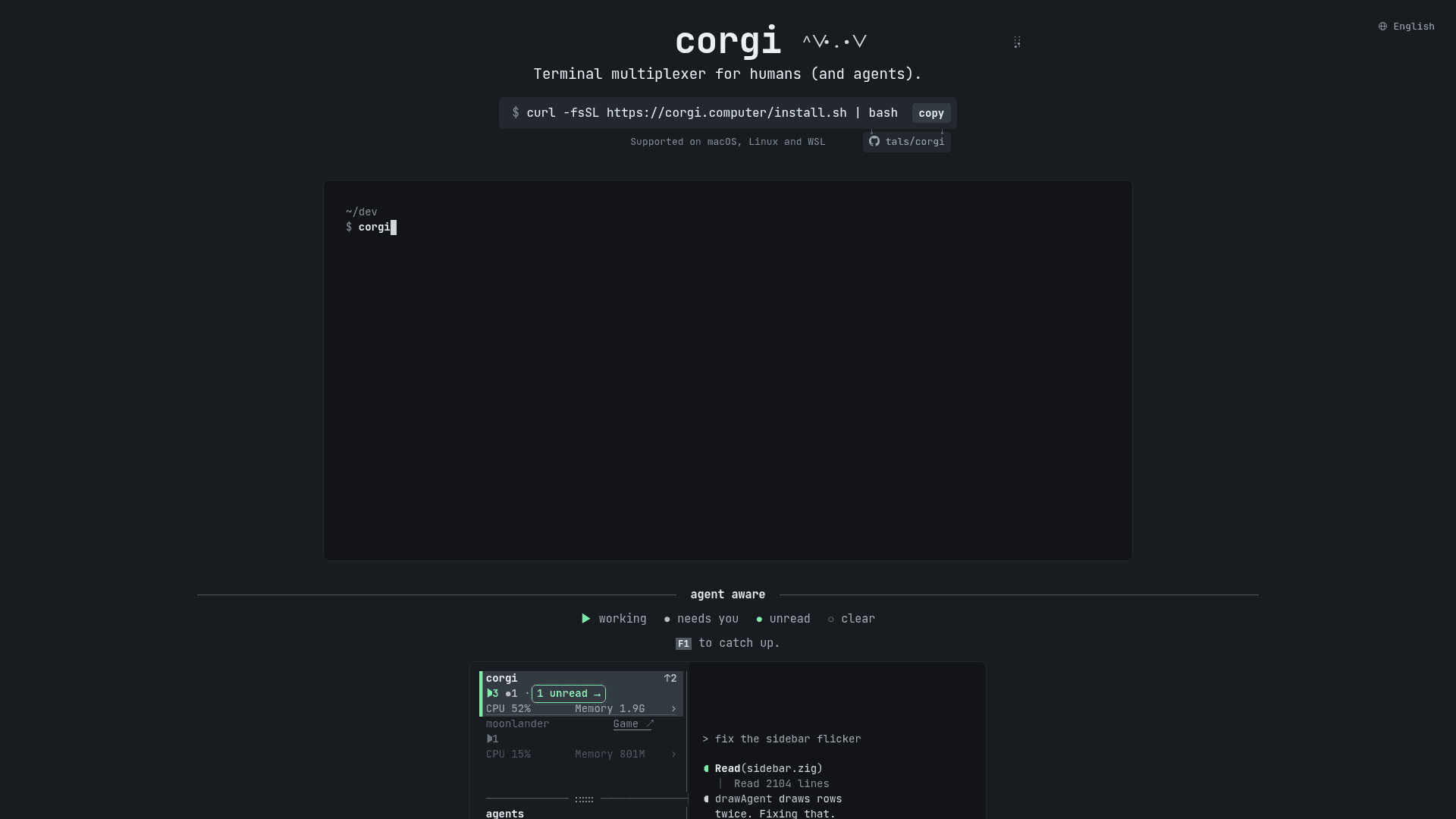
Corgi works like tmux for agent-driven development: agents and processes keep running in the background, and you detach and reconnect by running corgi again. A sidebar shows each agent's state (working, needs you, finished, idle), so you can see which agents need attention. Corgi detects agents run in any pane and installs hooks for Claude Code and Codex, or an extension for Pi and Oh My Pi. OpenCode needs no setup.
Monitoring and review
For supported agents, Corgi shows activity summaries, subagents, context, token use and rate limits. It can rename, fork and resume agents after a crash or reboot, and supports multiple accounts for Claude Code, Codex and Pi. A token view lists per-agent usage, and a resource view shows live CPU, memory, disk I/O and GPU use per workspace. A changes view lists the files an agent touched, and a worktree view compares branches against local main with uncommitted change counts.
Terminal features and scripting
Corgi supports keyboard and mouse use with a prefix key (Ctrl+B by default), tab and pane management, and undoing tab closes. Image paste works over SSH with Ghostty 1.4, and the project says it keeps pace on slow links. From any shell, commands like corgi list, corgi tab new, corgi pane split, corgi pane send and corgi pane read control the running session, with --json output. corgi --skill prints instructions that teach agents to use these commands.
Open-source model
Corgi is released under the MIT License. The interface and installer support English, Simplified Chinese, Japanese, Korean and Russian.
Community Discussions
Be the first to start a conversation about Corgi
Share your experience with Corgi, ask questions, or help others learn from your insights.
Pricing
Open Source
Corgi terminal multiplexer for humans and agents, released under the MIT License and free to use, modify and distribute.
- MIT License (OSI-approved) for the core software
- Notification sounds in assets/sounds/ remain under herdr's Apache License 2.0
- Supported on macOS (Apple Silicon), Linux (amd64/arm64) and WSL
- Agent status tracking, worktrees, activity tracking, resource usage and scripting CLI
- Works with Claude Code, Codex, Pi, OpenCode and Oh My Pi using your existing accounts
Capabilities
Key Features
- Terminal multiplexer with background-persistent agents and processes
- Agent status tracking (working, needs you, finished, idle)
- Activity summaries and subagent display
- Context, token and rate-limit monitoring
- Multiple account support for Claude Code, Codex and Pi
- Resume agents after a crash or reboot; rename and fork
- Per-workspace live resource usage including GPU
- File change review across uncommitted changes and commits
- Worktree overview compared with local main
- Image paste over SSH with Ghostty 1.4
- Scripting CLI with JSON output and agent skill instructions
- Keyboard and mouse control with customizable shortcut presets
- Multilingual interface