
EveryDev.ai
Subscribe
Home
Tools

4,218+ AI tools

  • New
  • Trending
  • Featured
  • Rate tools
  • Compare
  • Arena
Categories
  • Agents3186
  • Coding2210
  • Infrastructure966
  • Projects660
  • Marketing625
  • Research579
  • MCP518
  • Design497
  • Analytics490
  • Testing382
  • Security360
  • Data320
  • Integration242
  • Prompts239
  • Communication225
  • Extensions210
  • Voice191
  • Learning188
  • Commerce167
  • DevOps145
  • Web99
  • Finance34
AI Tools by Topic
  • AI Coding Assistants
  • Agent Frameworks
  • MCP Servers
  • AI Prompt Tools
  • Vibe Coding Tools
  • AI Design Tools
  • AI Database Tools
  • AI Website Builders
  • AI Testing Tools
  • LLM Evaluations
Follow Us
  • X / Twitter
  • LinkedIn
  • Reddit
  • Discord
  • Threads
  • Bluesky
  • Mastodon
  • YouTube
  • GitHub
  • Instagram
Get Started
  • Users
  • Rate Tools
  • About
  • Editorial Standards
  • Corrections & Disclosures
  • Community Guidelines
  • Advertise
  • Contact Us
  • Newsletter
  • Submit a Tool
  • Start a Discussion
  • Write A Blog
  • Share A Build
  • Terms of Service
  • Privacy Policy
Explore with AI
  • ChatGPT
  • Gemini
  • Claude
  • Grok
  • Perplexity
Agent Experience
  • llms.txt
Theme
With AI, Everyone is a Dev. EveryDev.ai © 2026
    1. Home
    2. Tools
    3. Quil
    Quil icon

    Quil

    Terminal & Session Management

    Reboot-proof terminal multiplexer that runs and resumes multiple AI coding agents, with an MCP server so agents can drive panes.

    Visit Website

    At a Glance

    Pricing
    Open Source

    Free Apache-2.0 licensed terminal multiplexer for AI-native development, self-installed via script or go install.

    Engagement

    Available On

    Windows
    macOS
    Linux
    Web
    API

    Resources

    WebsiteDocsGitHubllms.txt

    Topics

    Terminal & Session ManagementMulti-agent SystemsMCP Servers

    Alternatives

    LoopsyHerdrLuvus
    Developer
    Artjoms Stukans

    Listed Oct 2026

    About Quil

    Quil is an open-source terminal multiplexer by Artjoms Stukans, written in Go and released under Apache 2.0. It keeps projects, tabs, panes, layouts, working directories and AI agent sessions across reboots, and runs on Linux, macOS and native Windows. The current release on the project site is v1.87.0.

    What It Is

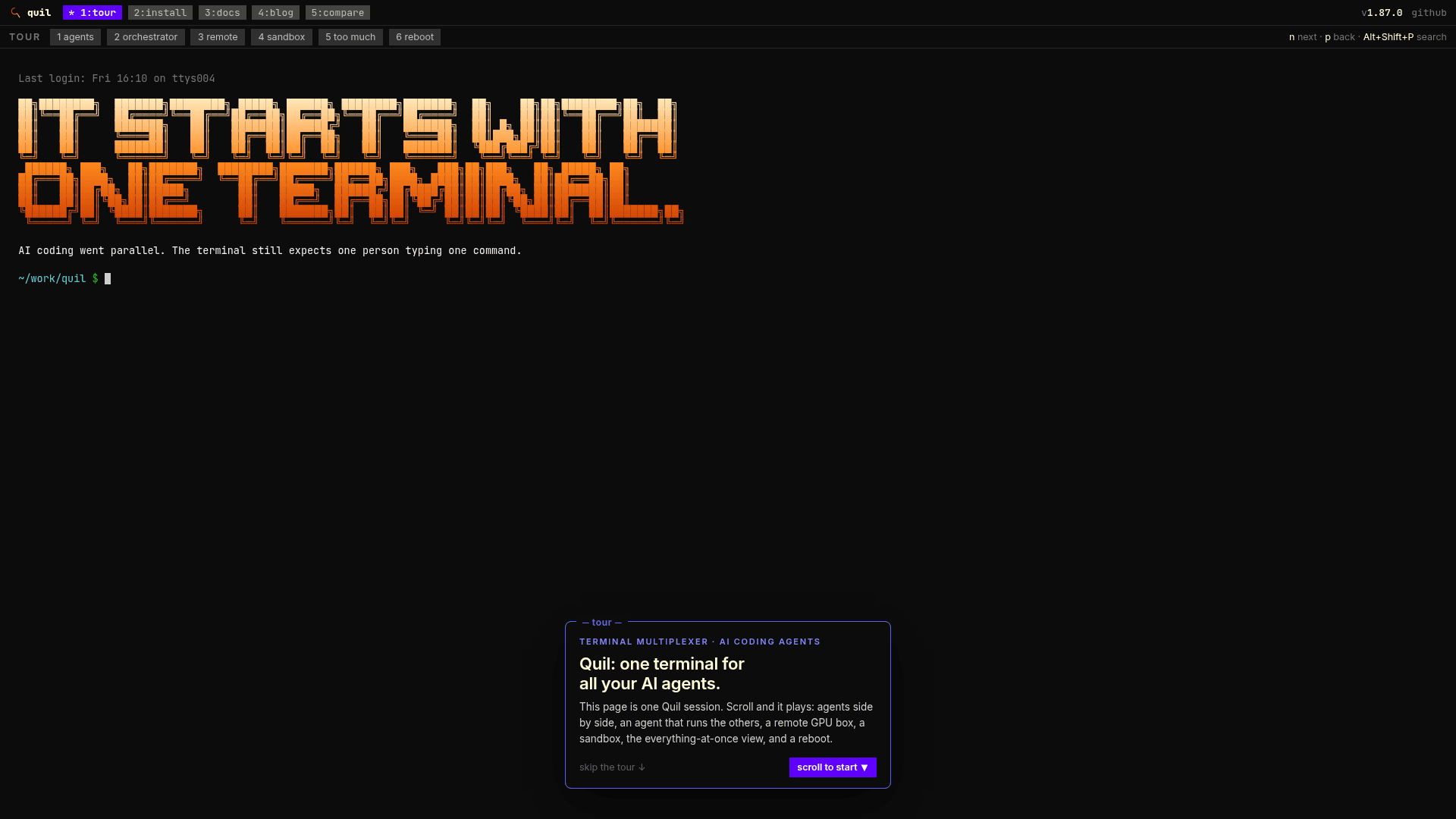
    Quil is a client/daemon terminal multiplexer built for developers who run several AI coding agents, shells, build watchers and SSH sessions at once. The quil binary draws the screen while the quild daemon keeps panes alive. Panes are typed: Terminal, Claude Code, OpenCode, Codex, SSH, Stripe CLI, lazygit, hunk, k9s and lazysql, and new types can be declared in a TOML plugin file. Splitting a pane and typing claude, codex or opencode turns it into that agent's pane so Quil can track and resume the session.

    Persistence and Session Resume

    The daemon snapshots the workspace to ~/.quil. After a restart, running quil restores tabs, splits, working folders, pane notes and the last screen of each pane. Agents resume their own conversations (claude --resume, codex resume, opencode --session). A project sidebar shows which agents are working, blocked or finished, and a command palette searches actions, tabs and the scrollback of loaded panes.

    Orchestrating Agents with MCP

    Running quil mcp exposes 36 MCP tools so an AI client can list panes, read output, send keys, create panes and delegate tasks between panes. Templates build a whole tab of agents with a layout and opening prompts from the command palette; agent-team, pair and review ship by default.

    Remote and Sandboxed Work

    quil --remote <host> runs the daemon on a server over a single ssh channel with no open port, reconnecting with backoff if the link drops; remote support is labelled beta. Agent panes can also run in a per-pane Docker container that mounts the checkout, with the repository's git internals pinned read-only. Quil publishes no image; users build one with scripts/sandbox-image.sh. Egress is documented as not bounded.
    Quil - 1

    Community Discussions

    Be the first to start a conversation about Quil

    Share your experience with Quil, ask questions, or help others learn from your insights.

    Pricing

    OPEN SOURCE

    Open Source

    Free Apache-2.0 licensed terminal multiplexer for AI-native development, self-installed via script or go install.

    • Persists workspace across reboots and auto-resumes AI sessions
    • MCP server with 35 tools so AI agents can drive panes
    • Remote attach over SSH
    • Docker sandbox for Claude Code, Codex and OpenCode
    • Linux, macOS and Windows support

    Capabilities

    Key Features

    • Reboot-proof workspace persistence
    • Typed panes with per-type resume strategies
    • AI session resume for Claude Code, Codex and OpenCode
    • MCP server with 36 tools
    • Remote daemon over SSH (beta)
    • Docker sandbox for agent panes (beta)
    • Project sidebar with agent state indicators
    • Command palette with cross-pane scrollback search
    • Workspace templates for multi-agent tabs
    • Git worktree panes
    • TOML plugin system for custom pane types
    • Mouse drag-resize and spatial pane navigation
    • Input history for AI panes
    • Desktop notifications on Windows (beta)
    • In-app updates and self-healing daemon restart
    • Rebindable keybindings with tmux preset

    Integrations

    Claude Code
    Codex
    OpenCode
    Model Context Protocol
    lazygit
    hunk
    k9s
    lazysql
    Stripe CLI
    Docker
    SSH
    Cursor
    Claude Desktop
    API Available
    View Docs

    Ratings & Reviews

    No ratings yet

    Be the first to rate Quil and help others make informed decisions.

    Rate other tools you’ve used

    Developer

    Artjoms Stukans

    Read more about Artjoms Stukans
    WebsiteGitHub
    1 tool in directory

    Similar Tools

    Loopsy icon

    Loopsy

    Control Claude Code, Cursor, Codex, or any shell on your laptop from your phone via a self-hosted Cloudflare Workers relay with no port forwarding required.

    Herdr icon

    Herdr

    A terminal-native agent runtime and multiplexer that adds tmux-style persistence, mouse-native panes, semantic agent state, and a socket API to your existing terminal setup.

    Luvus icon

    Luvus

    An open-source terminal multiplexer and mission control for AI coding agents, letting you run, watch, resume, and orchestrate multiple agents in one place.

    Browse all tools

    Related Topics

    Terminal & Session Management

    Terminal emulators, multiplexers, and session managers that help developers run parallel AI coding agents, manage multiple workspaces, and maintain persistent terminal sessions.

    51 tools

    Multi-agent Systems

    Platforms for creating and managing teams of AI agents that can collaborate.

    398 tools

    MCP Servers

    Model Context Protocol servers that extend AI capabilities.

    273 tools
    Browse all topics
    Back to all toolsSuggest an edit
    ratings
    discussions