
Craft Anything
Open-source Rust engine that studies a website, app or game with inspection tools, then has a coding agent build and verify your own version.
At a Glance
Craft Anything core engine, CLI, desktop app and MCP server, dual-licensed MIT or Apache-2.0 (early alpha).
Engagement
Available On
Alternatives
Listed Nov 2026
About Craft Anything
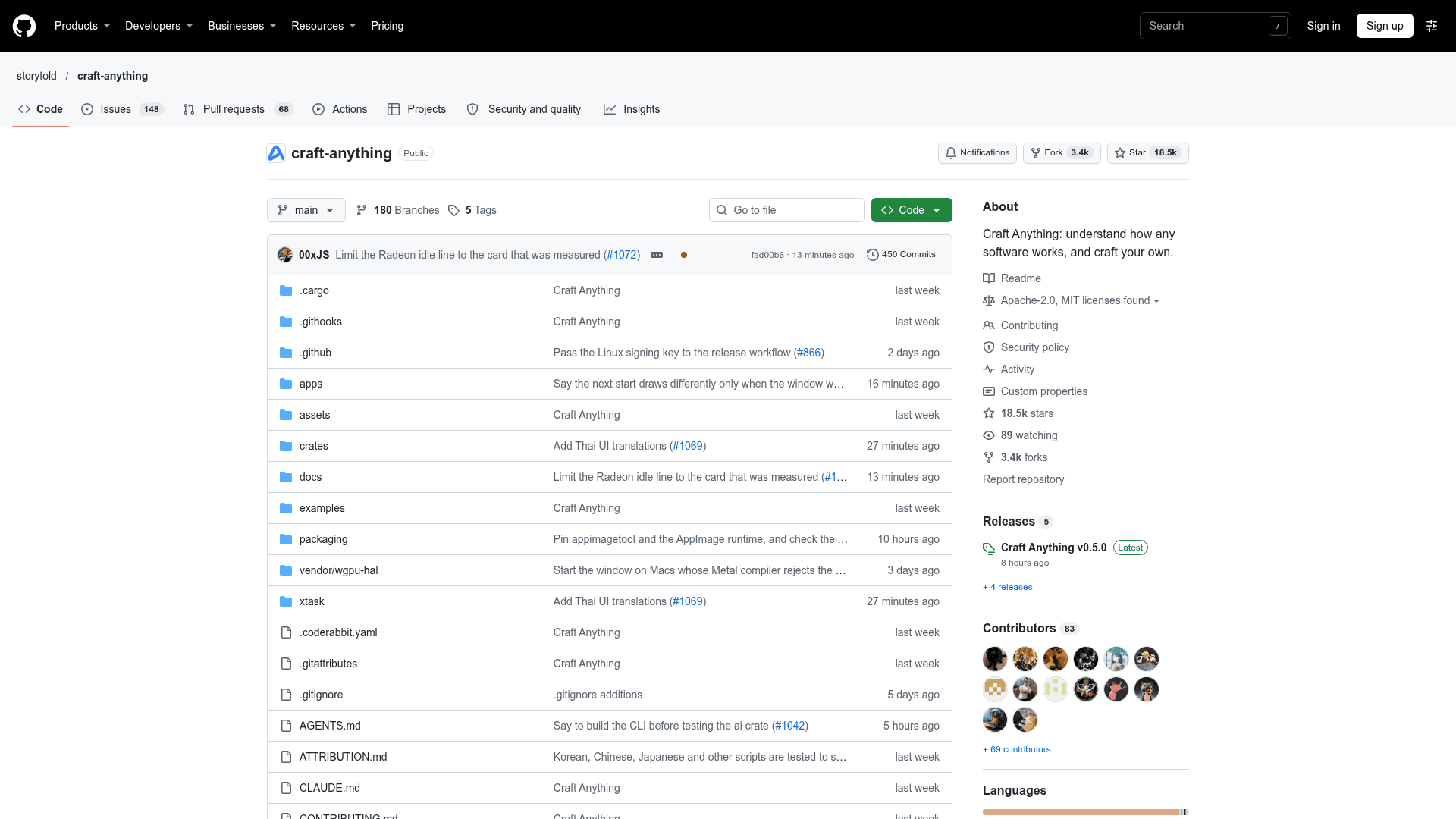
Craft Anything is an open-source, pure-Rust engine from the ArtCraft team that studies a website, app or game and has a coding agent build a new version. It ships as a desktop app, a CLI and an MCP server, and the README marks it as early alpha. The latest listed release is v0.5.0.
What It Is
Craft Anything is a reverse-engineering and rebuild tool. You point it at a target such as a website, desktop or phone app, game or file, describe what you want (for example "Recreate this website"), and press Start. It inspects the original, a coding agent builds a new project in the language, framework or engine you name, and the result is compared against the original and refined.
How the Workflow Runs
The process has four steps: Study, Build, Check and Ready. Checks compare websites at three screen widths and list what still does not match. Game rebuilds are documented for Unity, Unreal or Godot. The tool asks in plain words when a decision is yours, and asks for approval before running commands it has not seen in the project. Each project folder holds the request and history, captured material, the generated app, comparison checks, evidence and open questions.
Clean Room and Deep Modes
Clean room mode, the default, reads nothing inside the original and works only from visible information such as screenshots, visible text, measured layout, colours and fonts. Deep mode uses every tool, including reading program code and files with built-in engines and Ghidra when installed, for private use. The README notes that clean room is a rule about what the tool offers, not an operating-system sandbox.
Agents and Tooling
The engine has 320 tools, each available as a CLI subcommand and an MCP tool, covering native programs, .NET, Java, Android, Apple, Electron/JavaScript, websites, firmware, packet captures, databases and game files. Building needs a coding agent on your machine; Claude Code is supported first, with GitHub Copilot CLI through ACP and other ACP agents also mentioned. Anthropic, OpenAI, OpenRouter and local OpenAI-compatible servers can be used for questions and analysis. Advanced mode adds a workbench with functions, pseudo-C, disassembly, hex and call graphs.
Setup Path
The README documents building from source with Rust 1.97 or newer, plus installers for Windows, macOS, Linux and FreeBSD on the Releases page, and a WebAssembly browser file viewer. A doctor command checks the install, coding agents and engines. The README says to use it only on software you own or are allowed to examine, and that it does not bypass DRM, logins or anti-cheat.
Community Discussions
Be the first to start a conversation about Craft Anything
Share your experience with Craft Anything, ask questions, or help others learn from your insights.
Pricing
Open Source
Craft Anything core engine, CLI, desktop app and MCP server, dual-licensed MIT or Apache-2.0 (early alpha).
- Dual-licensed under MIT or Apache-2.0, at your option
- Desktop app, CLI and MCP server
- Study → Build → Check → Refine workflow
- Optional generated pictures and 3D models require your own fal.ai key (external cost)
- ArtCraft name, wordmark and logos are trademarks not covered by the license
Capabilities
Key Features
- Study websites, apps, games and files with inspection tools
- Coding agent builds a new project in a requested stack
- Website checks at three screen widths
- Clean room and Deep modes
- Simple and Advanced workbench modes
- 320 tools exposed as CLI commands and MCP tools
- Disassembly, pseudo-C, hex and call graph views
- Game rebuilds in Unity, Unreal or Godot
- Plugins via MCP servers and WASM components
- Browser file viewer via WebAssembly