
DBHub
A minimal, token-efficient MCP server that lets MCP-compatible clients connect to and explore PostgreSQL, MySQL, SQL Server, MariaDB, Oracle, and SQLite databases.
At a Glance
Self-hosted DBHub MCP server released under the MIT License.
Engagement
Available On
Listed Nov 2026
About DBHub
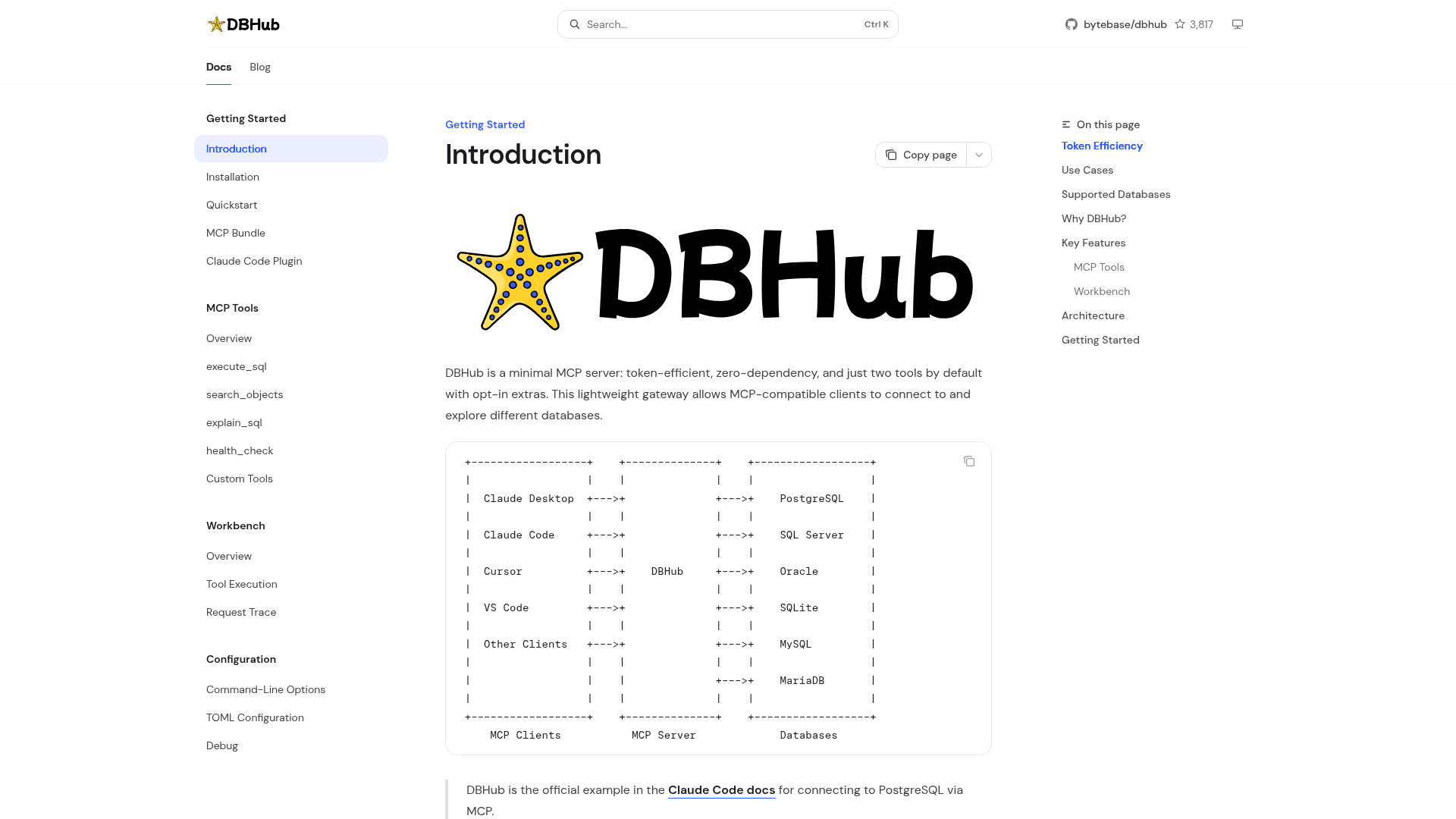
DBHub is an open-source MCP server from Bytebase that acts as a gateway between AI clients such as Claude Desktop, Claude Code, Cursor, and VS Code and relational databases. It loads two tools by default and offers opt-in extras. It supports PostgreSQL, MySQL, SQL Server, MariaDB, Oracle, and SQLite.
What It Is
DBHub is a database gateway for the Model Context Protocol. AI agents reach databases through its /mcp endpoint using MCP tools, so an assistant can explore schemas and run queries from a single process. The project describes itself as zero-dependency and token-efficient.
MCP Tools and Workbench
The default tools are execute_sql, which runs queries with transaction support and safety controls, and search_objects, which explores schemas, tables, columns, indexes, and procedures. Two tools are opt-in: explain_sql shows a query's execution plan without running it, and health_check reports connection pool state and buffer cache hit ratio. Custom tools let users define reusable, parameterized SQL operations in a dbhub.toml file. A built-in web Workbench lets people run tools and view request traces in a browser without an MCP client.
Token Efficiency and Guardrails
The documentation states that DBHub loads 2 tools at about 1.4k tokens by default, and compares this with MCP Toolbox at 19.0k and Supabase MCP at 19.3k. Guardrails include read-only mode, row limiting, and query timeouts. SSH tunneling and SSL/TLS encryption are supported for secure access.
Setup Path
DBHub can be run with npx @bytebase/dbhub@latest using a DSN, or installed via Docker, an MCP Bundle (one-click, read-only), or a Claude Code plugin. Multiple databases can be connected at once through TOML configuration. Documented use cases include local development, read-only access for non-technical staff, consolidating several database MCP servers into one, and production troubleshooting. The README points to Bytebase for enterprise needs such as approval flow, access control, data masking, and audit logging.
Community Discussions
Be the first to start a conversation about DBHub
Share your experience with DBHub, ask questions, or help others learn from your insights.
Pricing
Open Source (MIT)
Self-hosted DBHub MCP server released under the MIT License.
- MIT License
- execute_sql and search_objects tools by default
- Opt-in explain_sql and health_check tools
- Custom Tools via dbhub.toml
- Built-in Workbench web interface
Capabilities
Key Features
- Two default MCP tools: execute_sql and search_objects
- Opt-in explain_sql and health_check tools
- Custom parameterized SQL tools via dbhub.toml
- Multi-database and multi-connection support via TOML configuration
- Read-only mode, row limiting, and query timeout guardrails
- SSH tunneling and SSL/TLS encryption
- Built-in web Workbench with request traces
- Docker, NPM, MCP Bundle, and Claude Code plugin installation