
Decks
Agent-first slide deck tool where you comment under a slide and your coding agent (Claude Code or Codex) edits the deck and replies on the slide.
At a Glance
Self-hosted core under the MIT license. Template content is licensed separately under CC BY 4.0.
Engagement
Available On
Listed Oct 2026
About Decks
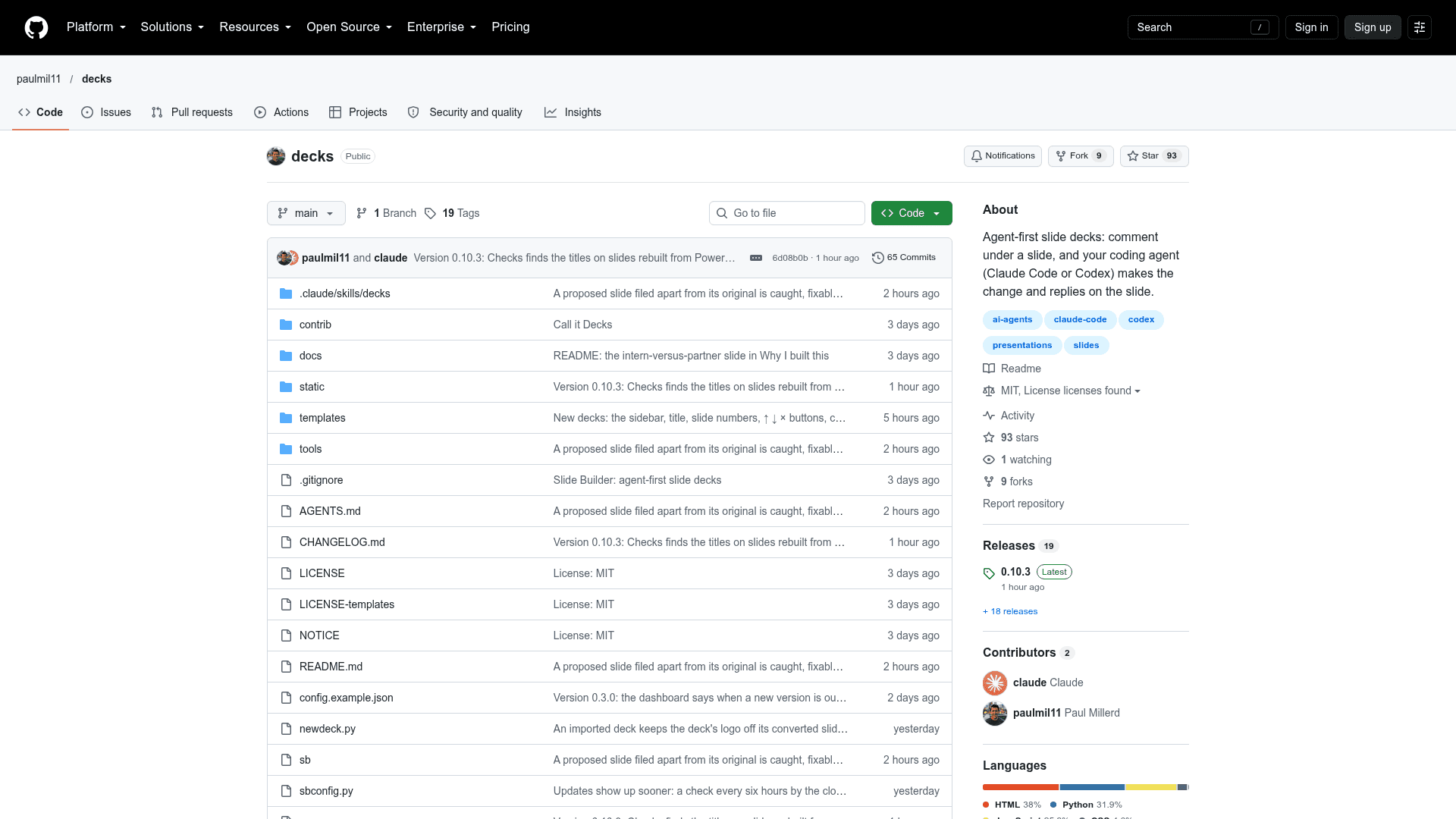
Decks is an open-source, locally run slide-making harness by Paul Millerd (paulmil11). You leave comments under slides, and a coding agent such as Claude Code or Codex changes the deck and replies on the slide with what it did, a question, or why it left something alone. The latest release listed is v0.8.0.
What It Is
Decks is a local web app and command-line tool (sb) for building presentations iteratively with a coding agent instead of PowerPoint or Google Slides. Each deck is a single HTML file in its own folder with its own git history. It opens in any browser, presents full screen, and prints to PDF. The server runs on your machine, and your agent sends what it reads to its model provider as it would with any file.
How a Round Works
You write a comment under a slide, or edit slide text directly, then hand the round to the agent with the Ask Claude prompt or by saying "process changes". The agent reads comments and edits through sb, changes the deck file, and replies on each slide. It then screenshots touched slides, runs an audit, exports a numbered PDF, records the round, and commits the deck folder. You review replies and mark comments as looks good or reopen them. In Claude Code, a watch mode turns the button into Process now.
Checks and Consulting Method
A Checks tab offers tests the author teaches: 5-second and 10-second tests, horizontal flow, vertical flow, and Guides covering border, title length, minimum text size and text-size count. The agent follows rules such as answer first, ghost decks, action titles and one idea per slide.
Decks, Templates and Sharing
New decks start from templates (consulting, talk, workshop, proposal, blank) with selectable color sets. Existing PowerPoint or PDF files can be imported. Sharing produces a Client copy, a Review copy for outside commenters, or an Editable copy, and returned review files merge back with sb import.
Setup Path
Install requires Python 3.9+, Node.js 18+, and optionally git, on macOS and Linux. Running ./setup.sh and python3 server.py serves the dashboard at localhost:8790. The author recommends the Claude and Codex apps with Opus 5.5 or Sol 6.1.
Community Discussions
Be the first to start a conversation about Decks
Share your experience with Decks, ask questions, or help others learn from your insights.
Pricing
Open Source
Self-hosted core under the MIT license. Template content is licensed separately under CC BY 4.0.
- Code licensed under MIT (LICENSE)
- Template content (slides, wording, notes) under CC BY 4.0 (LICENSE-templates)
- Works with Claude Code or Codex (external agent subscriptions not included)
- Decks you make are yours; each deck file carries a copy of the deck engine with its MIT notice
Capabilities
Key Features
- Comment under slides and have a coding agent edit the deck and reply on the slide
- Single HTML file per deck with its own git history
- Checks: 5-second, 10-second, horizontal flow, vertical flow and Guides
- Focus, Scroll, Sorter and Checks views
- Watch mode with Process now button in Claude Code
- Client, Review and Editable copy sharing with import of reviewer feedback
- Templates: consulting, talk, workshop, proposal, blank
- Import from PowerPoint or PDF
- PDF export and slide screenshots via headless Chrome
- sb command-line tool and local JSON API
- Optional update check against GitHub releases