
DeepSeek GUI
A Windows desktop workbench from See-Sol-Lab that lets DeepSeek's agent read and write files, run commands and browse the web in a chosen project folder.
At a Glance
Windows desktop app, free to download (download page not supplied); product-layer license is PolyForm Perimeter 1.0.1 (source-available, not OSI). Model usage is billed separately by DeepSeek.
Engagement
Available On
Alternatives
Listed Nov 2026
About DeepSeek GUI
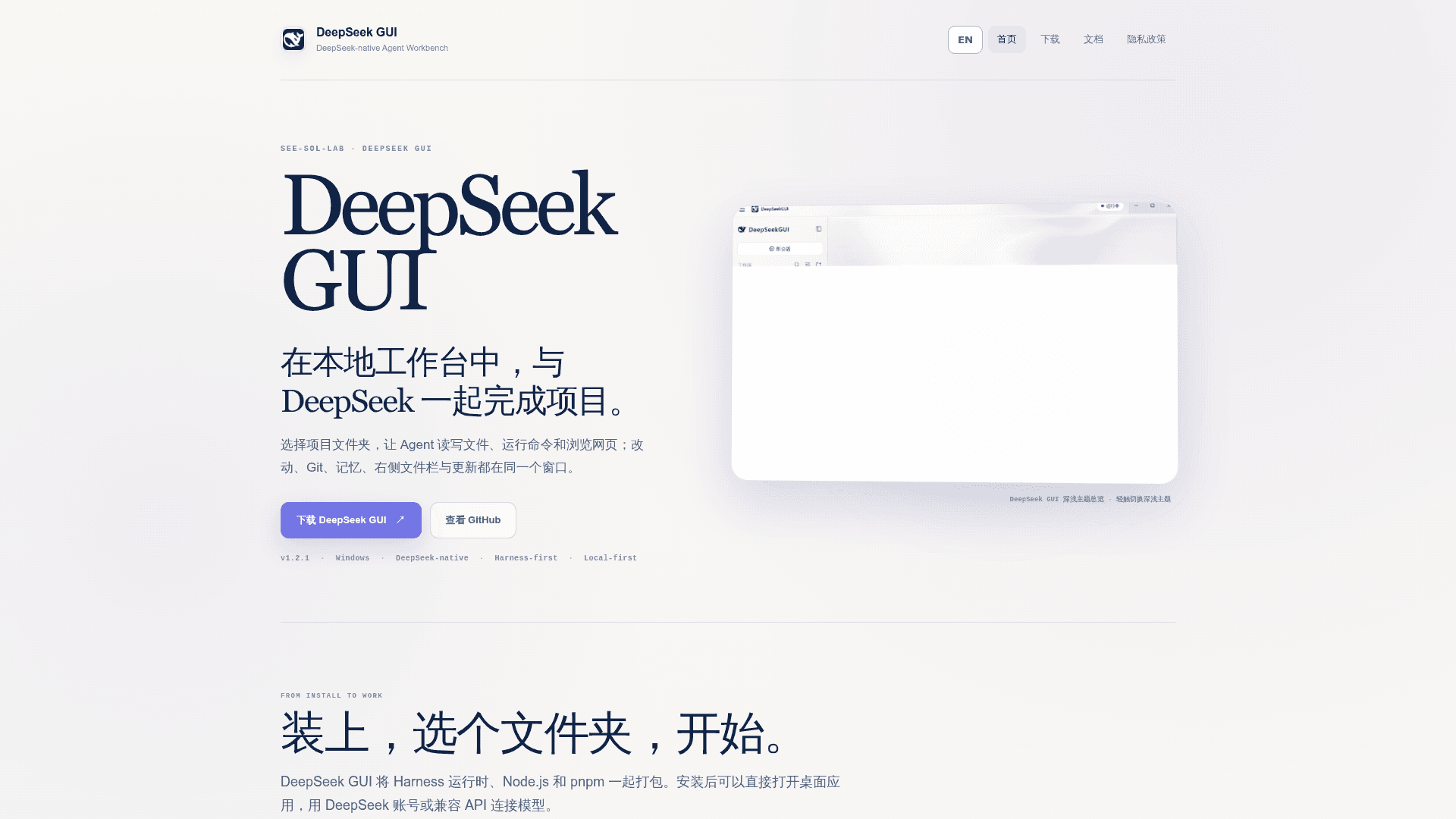
DeepSeek GUI is a local desktop agent workbench from See-Sol-Lab, built around the official DeepSeek Harness. The homepage lists version v1.2.1 for Windows. You choose a project folder, and the agent can read and write files, run commands and browse the web, with changes, Git, memory, a right-hand file panel and updates in one window. The site describes it as an unofficial community product for DeepSeek Harness.
What It Is
DeepSeek GUI is a desktop front end for DeepSeek's coding agent. It bundles the Harness runtime, Node.js and pnpm, so after installation you can open the app and connect either with a DeepSeek account or a compatible API key. It installs per user with normal permissions.
Workbench and Project State
Beside each session you can inspect file changes, branches, commits, worktrees and project memory without going back to the command line. For advanced control, the homepage mentions Profiles, plugin management, a DSH Terminal and diagnostic tools.
Local Data and Memory
Credentials, settings, sessions and global memory are stored in the app data directory, and managed data can be copied, verified and then switched to a new location. Global and project memory are plain Markdown files. Sessions can be exported to Markdown, with an option to include tool calls and reasoning.
Update: v1.2.1
The homepage says v1.2.1 upgrades to official Harness 0.2.1-rc.2, returns to Markdown memory, adds session export, and improves cleanup of Windows sandbox markers. Signing in with a DeepSeek account lets you check balance and view usage over today, 7 days and 30 days. Developer mode turns off extra session and plugin reporting by default and requires confirmation and a restart before enabling.
Community Discussions
Be the first to start a conversation about DeepSeek GUI
Share your experience with DeepSeek GUI, ask questions, or help others learn from your insights.
Pricing
Free
Windows desktop app, free to download (download page not supplied); product-layer license is PolyForm Perimeter 1.0.1 (source-available, not OSI). Model usage is billed separately by DeepSeek.
- Windows local AI workbench
- Sign in with DeepSeek account or use own API key (external costs)
- Personal, educational, research, hobby and permitted internal use allowed
- Offering a competing substitute product to others requires separate license
Capabilities
Key Features
- Agent reads and writes files, runs commands and browses the web in a chosen project folder
- Sign in with a DeepSeek account or a compatible API key
- View file changes, branches, commits, worktrees and project memory beside sessions
- Global and project memory stored as Markdown files
- Session export to Markdown with optional tool calls and reasoning
- Balance and usage view for today, 7 days and 30 days
- Profiles, plugin management, DSH Terminal and diagnostics
- Light and dark themes
- Bundled Harness runtime, Node.js and pnpm
- Per-user installation with normal permissions
- Windows sandbox marker cleanup
- Developer mode with extra reporting off by default