
OpenChamber
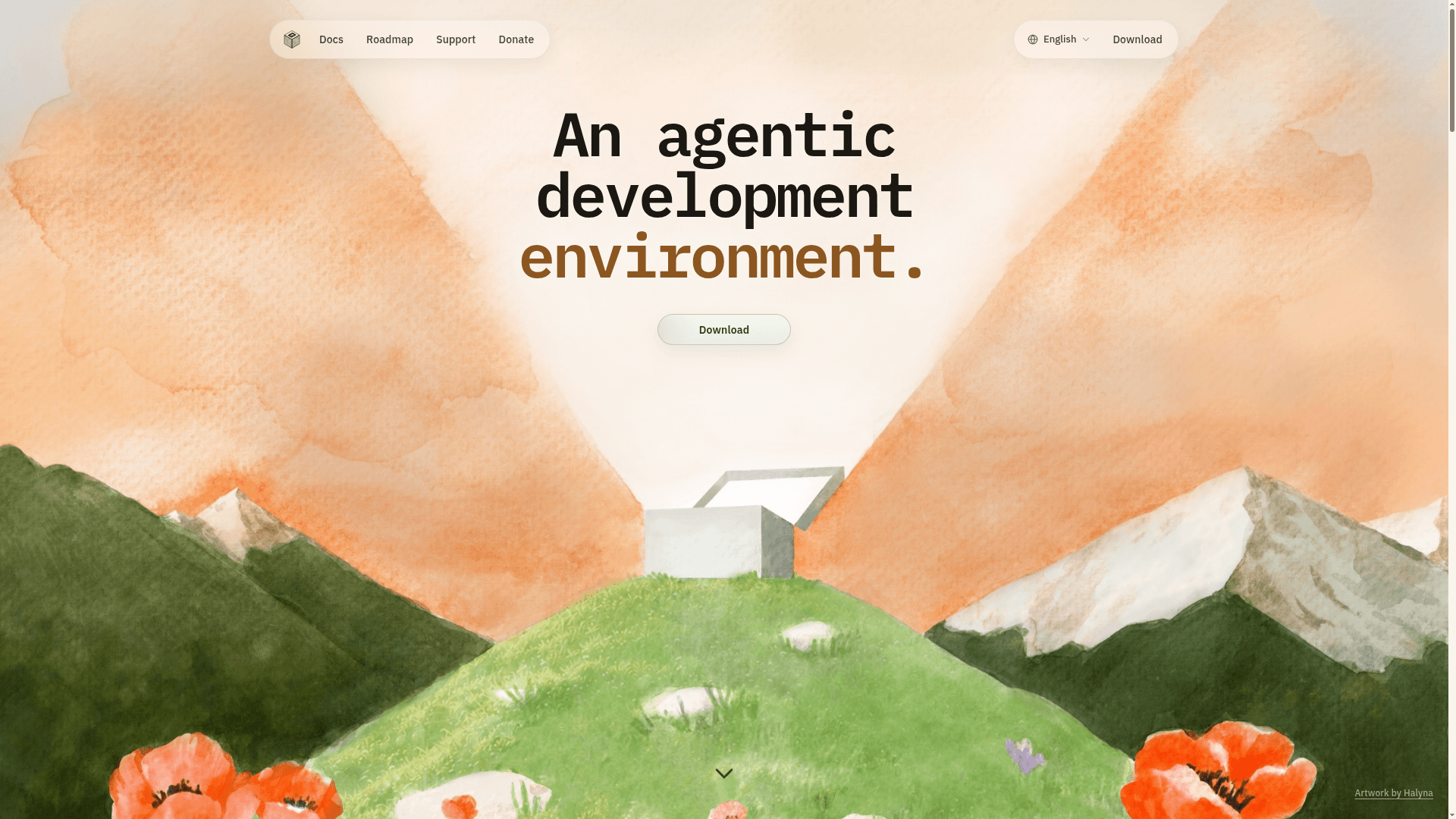
An open-source agentic development environment for running, supervising, and reviewing AI coding work across desktop, browser, VS Code, and mobile.
At a Glance
About OpenChamber
OpenChamber is an open-source workspace built by Bohdan Triapitsyn that wraps the OpenCode AI agent SDK into a polished, cross-platform interface for developers. It runs on macOS, Windows, Linux, iOS, Android, and in the browser, letting you direct agent work, review diffs, and ship changes without switching tools. The project is licensed under MIT and is free to use.
What It Is
OpenChamber describes itself as "an agentic development environment" — a layer that sits on top of the OpenCode CLI and adds the workspace, supervision, and review tooling that surrounds an agent run. Where a raw CLI session ends when you close the terminal, OpenChamber keeps sessions alive, tracks their progress, and lets you reconnect from any device. It is an independent project and is not affiliated with the OpenCode team.
Core Capabilities
- Session Goals — set a finish line and the agent keeps working turn after turn, even with the app closed, until the goal is met, blocked, or hits a limit you define
- Multi-run and Fusion — send the same task to up to five models in parallel, each in its own session and optionally its own worktree; pick the best result or use Fusion to combine the strongest parts
- Changes Walkthrough — converts a large diff into an AI-guided tour grouped into ordered steps that explain how the change fits together
- Preview — point at an element in a running app and send the agent its screenshot, styles, position, and browser errors as context
- GitHub integration — start sessions from a GitHub issue or PR, send failed checks back to the agent, and merge without leaving OpenChamber
- Scheduled work — run prompts on a cron schedule, optionally paired with Session Goals to aim at an outcome rather than a single response
Cross-Platform Workspace
OpenChamber is designed to follow the developer across surfaces without losing session state:
- Desktop — native apps for macOS, Windows, and Linux with multi-window workflows, Mini Chat, SSH forwarding, and Open In shortcuts for Finder, Terminal, and editors
- Browser / PWA / Mobile — browser access from anywhere, phone- and tablet-friendly controls, a native mobile app (in beta), and a UI password gate for public-ready browser access
- VS Code extension — editor-native workflow with right-click context actions, open-file-from-tool-output, and an Agent Manager for parallel multi-model runs
- CLI / Server — serve OpenChamber on a workstation or remote server, schedule work, and keep it available after login
Remote access uses a Private Relay system: pair a device with a one-time QR code and connect through an end-to-end encrypted relay without opening ports or exposing a public server. Cloudflare and Ngrok tunnels, LAN/VPN, and SSH are also supported.
Privacy Model
The project states that no project names, paths, prompts, code, diffs, or session content are collected by OpenChamber. Because the project is open source, the privacy model is visible in the code rather than hidden behind policy language. Browser access can be gated with a UI password, and tunnel links can be rotated or revoked.
Update: v1.18.2
The latest release is v1.18.2, published on August 10, 2026. The GitHub repository was created in September 2025 and has accumulated over 8,000 stars and 860 forks in under a year, with active pushes as recently as August 2026. Community feedback quoted on the homepage highlights a recent streaming feature as a notable addition. The project publishes a public roadmap and changelog at openchamber.dev.
Community Discussions
Be the first to start a conversation about OpenChamber
Share your experience with OpenChamber, ask questions, or help others learn from your insights.
Pricing
Open Source
OpenChamber is free and open source under the MIT license. No cost to use, modify, or distribute.
- Full desktop app for macOS, Windows, Linux
- Browser and PWA access
- VS Code extension
- Mobile app (beta)
- Session Goals
Capabilities
Key Features
- Session Goals for autonomous multi-turn agent work
- Multi-run across up to five models in parallel
- Fusion to combine results from multiple model runs
- Changes Walkthrough for AI-guided diff review
- Preview: send running app element context to agent
- GitHub issue and PR integration
- Scheduled work with cron support
- Private Relay for port-free remote access
- End-to-end encrypted device pairing via QR code
- Cloudflare and Ngrok tunnel support
- UI password gate for browser access
- Cross-device session continuity
- Native mobile app (beta)
- VS Code extension with Agent Manager
- Multi-window desktop workflows
- SSH forwarding and local URL project actions
- Background notifications and cross-tab session activity
- Token usage and cost tracking
- Session folders and notes
- Reusable project actions