
Design Studio
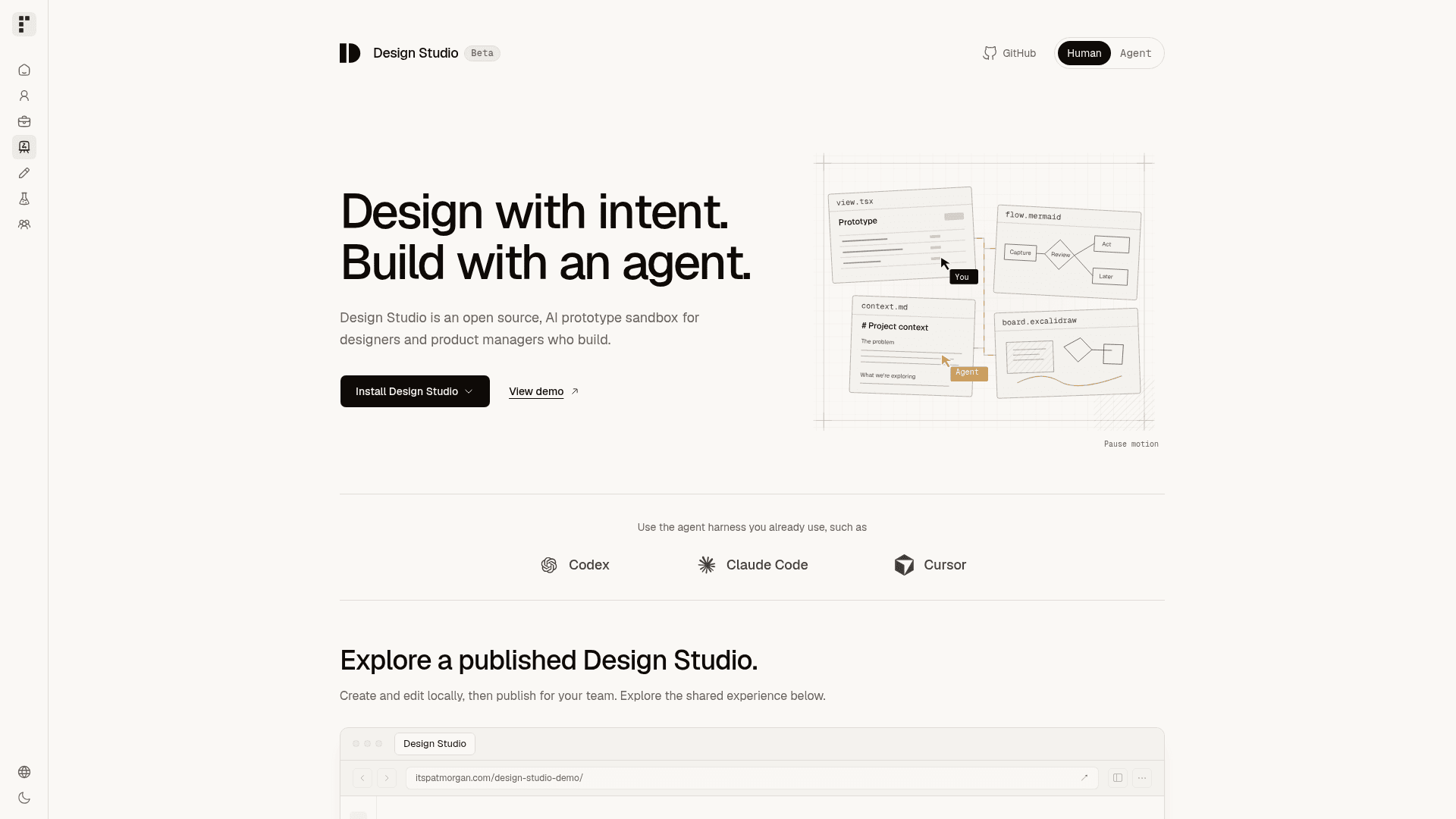
An open-source, local prototype sandbox for designers and product managers who build interactive prototypes with coding agents.
At a Glance
Design Studio core is MIT-licensed open source, installed locally and owned by the user. Bring your own coding agent harness (external cost); hosting for published viewing sites is separate.
Engagement
Available On
Alternatives
Listed Oct 2026
About Design Studio
Design Studio is an open-source prototype sandbox created by Patrick Morgan for designers and product managers who build with coding agents. It runs locally in a folder the user owns, with a browser preview, reusable design systems, and connected artifacts such as screens, diagrams, canvases, and documents. The project is described as being in early beta, and the latest release listed is v0.1.2.
What It Is
Design Studio is a front-end prototyping environment that pairs with an agent harness the user already uses, such as Codex, Claude Code, or Cursor. It does not supply its own coding agent. The agent reads files and runs commands in the Design Studio folder, following the repository's AGENTS.md and linked instructions.
Prototypes use React and TypeScript, canvases use Excalidraw, diagrams use Mermaid, and documents use Markdown. The starting stack is React, TypeScript, and Tailwind CSS. Data and service behavior can be simulated; connecting production services requires additional work.
How the Workflow Fits Together
Users install a tagged release into a local folder, open it in their agent harness, and ask the agent to configure the studio starting from the included examples. Product and Marketing example systems and Feedback Inbox and Design Studio Marketing sample prototypes are included.
A system bundles Context and Skills as instructions, plus Theme, Components, and Assets as a toolkit. Systems can be curated from shadcn/ui or Untitled UI components, or built by importing a team's own React components and theme after the agent proposes an import plan. A system is assigned to each prototype to guide the agent.
Briefs, assumptions, decisions, and open questions are saved as Markdown documents alongside the prototype, editable by both the user and agent.
Publishing and Team Use
Editing stays local. Teams can publish a static viewing build to hosts such as Vercel, Netlify, Cloudflare, or another static-site host, giving reviewers durable links to explore interactive prototypes. Private viewing depends on the host's access controls, as the published site has no built-in sign-in.
Design Studio starts in Personal mode. Team mode lets Admins register contributors and assign system maintainers, and source changes are shared through Git. Users can keep their copy in their own private or company repository and choose when to take release updates.
Community Discussions
Be the first to start a conversation about Design Studio
Share your experience with Design Studio, ask questions, or help others learn from your insights.
Pricing
Open Source (MIT)
Design Studio core is MIT-licensed open source, installed locally and owned by the user. Bring your own coding agent harness (external cost); hosting for published viewing sites is separate.
- MIT License
- Local prototype sandbox with browser preview
- Reusable design systems (Product and Marketing included)
- Personal mode and Team mode
- Publish a static viewing build to any static host
Capabilities
Key Features
- Interactive prototypes with connected screens and states
- Wireframes and alternative explorations
- Mermaid diagrams and Excalidraw canvases
- Markdown context documents alongside prototypes
- Reusable design systems with theme, components, assets, context, and skills
- Import of a team's own React components and theme
- Personal and Team modes with contributor permissions
- Static website publishing for shared viewing links
- Local browser preview
- Works with the user's existing agent harness