
Diagram Design
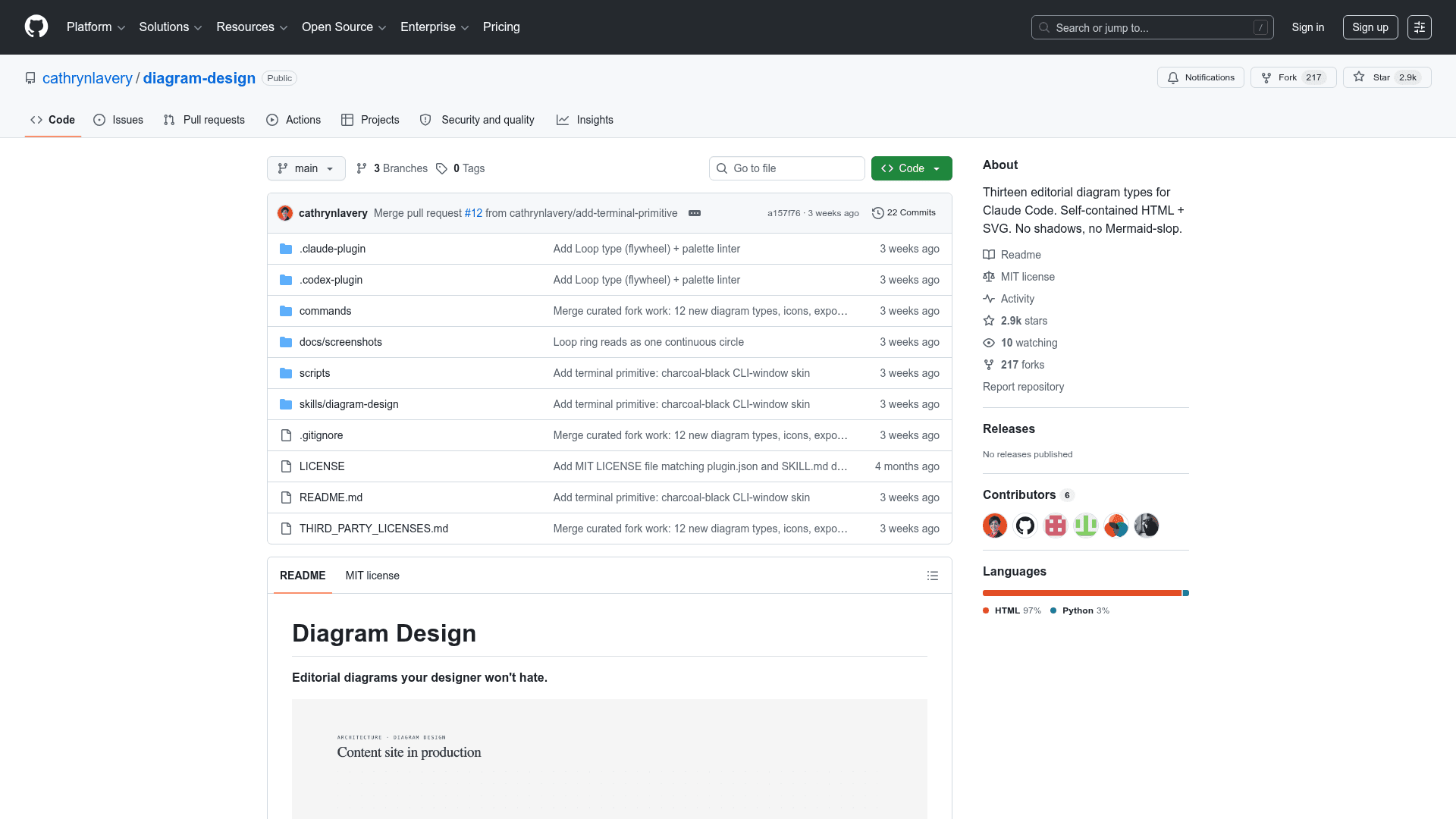
A Claude Code skill that generates 27 types of editorial-quality, brand-matched diagrams as self-contained HTML/SVG files — no Figma, no generic templates.
At a Glance
About Diagram Design
Diagram Design is an open-source Claude Code skill created by Cathryn Lavery (founder of BestSelf.co) that produces editorial-quality diagrams in self-contained HTML and SVG. It ships 27 diagram types across three visual variants — minimal light, minimal dark, and full-editorial — and can match your brand's colors and typography in about 60 seconds by reading your website. The project is licensed under MIT and hosted on GitHub, where it has accumulated over 2,900 stars.
What It Is
Diagram Design is a Claude Code skill (also installable as a Codex plugin) that replaces the generic rounded-box output typical of AI diagram requests with opinionated, editorial-quality SVG diagrams. Rather than wrapping Mermaid or a third-party renderer, it generates raw HTML+SVG files that open directly in a browser with no build step, no JavaScript dependencies, and no external images. The skill uses a progressive-disclosure architecture: a lean top-level SKILL.md index tells Claude how to pick a diagram type, and only the relevant per-type reference file is loaded into context — keeping the skill fast regardless of how many types exist.
The 27 Diagram Types
The library covers a wide range of structural and data visualization needs:
- Structural: Architecture, Flowchart, Sequence, State machine, ER/data model, Swimlane, Tree, Org chart, Nested, Layers, High-Level, IT current-state
- Analytical: Quadrant, Consultant 2×2, Radar/Spider, Venn, Pyramid/Funnel, Loop (flywheel)
- Temporal: Timeline, Gantt, Process
- Data: Bar chart, Line chart, Scatter plot, Medallion, Data flow, DP integration, DP security matrix
Each type ships with three variants and a corresponding reference file. A live gallery (assets/index.html) lets you browse all 27 with light/dark/editorial tabs directly in a browser.
Brand Onboarding Workflow
The skill's headline feature is a 60-second brand onboarding flow. You point it at your website URL, and Claude fetches the homepage, extracts the dominant palette and font stack, maps detected values to semantic roles (paper, ink, muted, accent, link), runs WCAG AA contrast checks, and proposes a diff before writing tokens to references/style-guide.md. Every subsequent diagram inherits those tokens automatically. Manual override is also supported by editing the style guide directly. A first-run gate prevents the skill from silently shipping default-skinned diagrams into a branded project — it pauses and asks whether to run onboarding, paste tokens manually, or proceed with defaults.
Design System and Primitives
The skill enforces a strict design system: one accent color per diagram, 1–2 focal elements, three font families (Instrument Serif for titles and italic callouts, Geist sans for node names, Geist Mono for technical sublabels), 1px hairline borders, no shadows, and a maximum border-radius of 10px. All coordinates, widths, and gaps must be divisible by 4. Three primitives extend the base system:
- Annotation callout — italic Instrument Serif with a dashed Bézier leader for editorial asides
- Sketchy filter — SVG turbulence and displacement map for a hand-drawn variant
- Icon set — 55 monochrome IT/cloud icons (MIT-licensed Tabler Icons + CC0 Simple Icons) using
currentColorso they inherit the active skin
Export and Installation
Diagrams export to SVG (with injected Google Fonts for standalone rendering in Figma and Illustrator) or PNG (via Playwright at 2× scale by default) using a slash command or natural-language request. Installation supports three paths: cloning the repo and symlinking the inner skill directory into Claude Code's skills folder, installing via the Claude Code plugin marketplace (/plugin marketplace add cathrynlavery/diagram-design), or adding via Codex (npx skills add). The clone route is recommended for teams that want to customize the style guide by hand, since plugin-cache installs don't survive plugin updates.
Update: Version 2.0 and Current Status
The README notes version 2.0 as the current release, which introduced the Loop diagram type — a flywheel layout with stations around a shared-memory hub and dashed write-back lines. The repository was last pushed in July 2026 and last updated in August 2026, indicating active maintenance. The project has 2,913 stars and 217 forks on GitHub per the repository metadata.
Community Discussions
Be the first to start a conversation about Diagram Design
Share your experience with Diagram Design, ask questions, or help others learn from your insights.
Pricing
Open Source
Fully free and open source under the MIT License. Clone, modify, and distribute freely.
- 27 editorial diagram types
- Three visual variants per type (light, dark, full-editorial)
- Brand onboarding from website URL
- SVG and PNG export
- 55 monochrome IT/cloud icons
Capabilities
Key Features
- 27 editorial diagram types (architecture, flowchart, sequence, ER, Gantt, radar, and more)
- Three visual variants per type: minimal light, minimal dark, full-editorial
- Brand onboarding: reads your website URL and maps colors + fonts to semantic tokens in 60 seconds
- WCAG AA contrast checks during onboarding
- Self-contained HTML/SVG output — no build step, no JS, no external images
- Live browser gallery for all 27 diagrams with tabbed variants
- Export to SVG and PNG via slash command or natural language
- 55 monochrome IT/cloud icons using currentColor for skin inheritance
- Annotation callout primitive (italic Instrument Serif + dashed Bézier leader)
- Sketchy hand-drawn SVG filter primitive
- Progressive-disclosure architecture: only loads the relevant type reference file
- First-run gate prevents default-skinned diagrams in branded projects
- Skin lint script for contributors
- Installable as Claude Code skill, Claude Code plugin, or Codex plugin
- MIT licensed and fully open source