
Screenshot to Code
AI-powered tool that converts screenshots, mockups, Figma designs, and screen recordings into clean, production-ready code across multiple frameworks.
At a Glance
About Screenshot to Code
Screenshot to Code is an open-source AI tool built by Abi Raja (GitHub: abi) that converts screenshots, mockups, Figma designs, and screen recordings into functional, production-ready code. The project is licensed under the MIT License and is available both as a self-hosted open-source repository and as a hosted web app at screenshottocode.com, operated by WhimsyWorks, Inc.
What It Is
Screenshot to Code sits in the AI-assisted UI development category. Its core job is to take a visual input — a screenshot, a design file, or a screen recording — and output working frontend code in the user's chosen framework. It removes the manual translation step between a visual design and a coded implementation, targeting developers and designers who want to move from mockup to working component quickly.
Supported Stacks and Models
The tool generates code for a range of popular frontend stacks:
- HTML + Tailwind
- HTML + CSS
- React + Tailwind
- Vue + Tailwind
- Bootstrap
- Ionic + Tailwind
On the AI model side, the README lists support for Gemini 3 Flash Preview and Gemini 3.1 Pro Preview, GPT-5.5, GPT-5.2 Codex, GPT-5.4 Mini, Claude Opus 4.6 and 4.8, and z-image-turbo via Replicate for image generation. Users can supply their own API keys for OpenAI, Anthropic, or Google Gemini when running locally.
Video to Code Feature
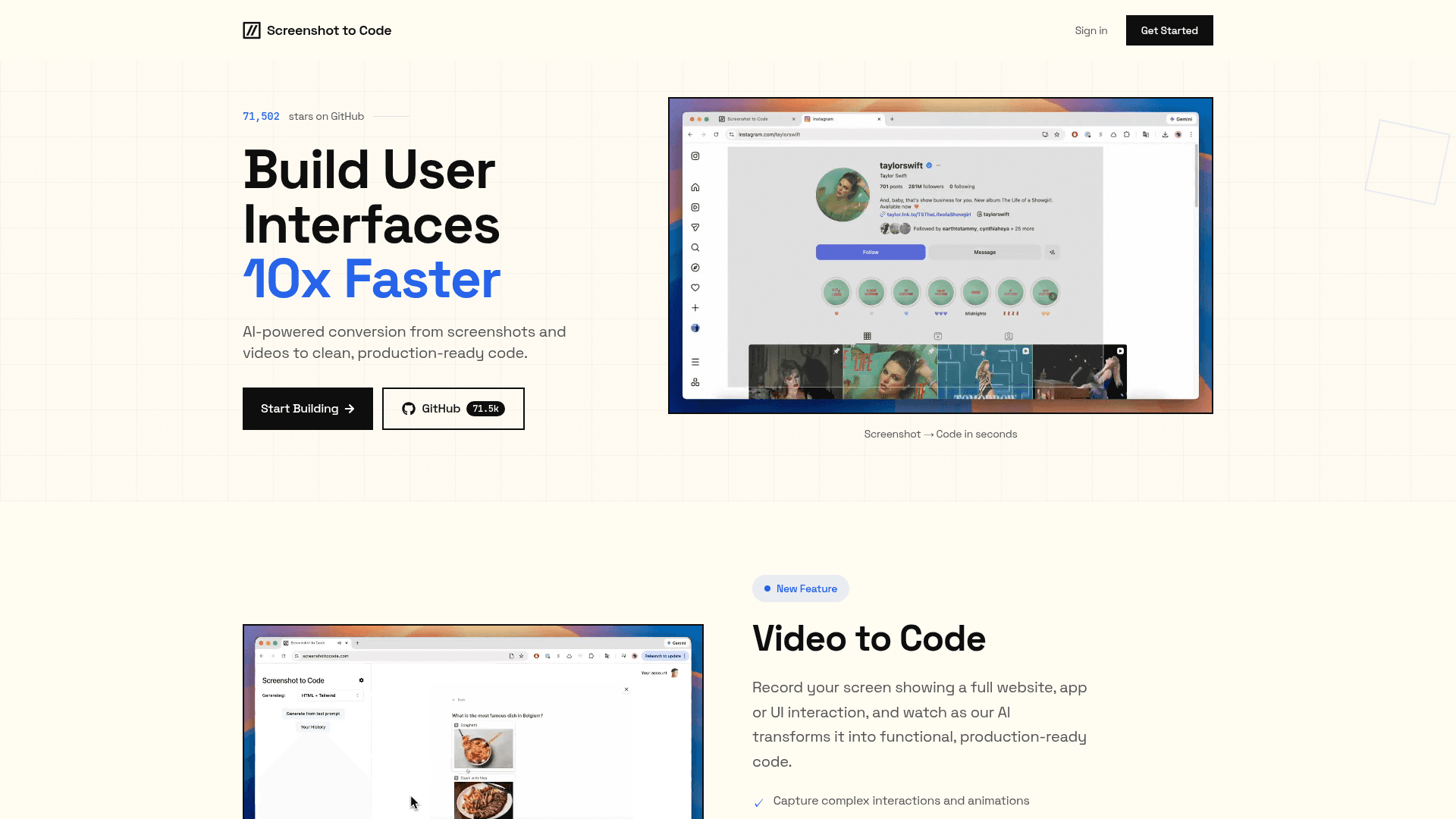
Beyond static screenshots, Screenshot to Code supports a "Video to Code" workflow: users record their screen showing a full website, app, or UI interaction, and the AI generates functional, interactive code from the recording. The homepage states this captures complex interactions and animations, hover states, transitions, and flows, and can produce complete interactive components.
Open-Source Deployment Model
The core platform is fully open source under the MIT License. The GitHub repository (abi/screenshot-to-code) had over 72,800 stars and nearly 9,000 forks as of mid-2026, making it one of the most-starred AI coding tools on GitHub. The homepage describes it as "fully open source with 71,000+ stars on GitHub."
Running locally requires a React/Vite frontend and a FastAPI (Python) backend. Setup involves installing dependencies via Poetry, setting API keys in a .env file, and running both services. Docker Compose support is also available for a one-command local deployment. Users who prefer not to self-host can use the official hosted product at screenshottocode.com with no local setup required.
Why It Got Attention
The project launched in November 2023 and quickly went viral on X (Twitter). Multiple developers and AI newsletter authors shared demos showing the tool progressively building HTML from a screenshot in real time — including recreations of sites like YouTube and the New York Times. The homepage surfaces several of these early tweets as social proof. The combination of a compelling visual demo, immediate utility, and open-source availability drove rapid GitHub star growth.
Iterate and Refine Workflow
After the initial code generation, users can issue follow-up prompts to refine colors, spacing, components, or functionality. A plain-text "Text to Code" mode also lets users describe a UI in English to generate code without a screenshot input. This iterative loop — paste screenshot, generate, refine with prompts — is the primary workflow the product is designed around.
Community Discussions
Be the first to start a conversation about Screenshot to Code
Share your experience with Screenshot to Code, ask questions, or help others learn from your insights.
Pricing
Open Source
Fully open-source self-hosted version available on GitHub under the MIT License.
- All supported frameworks (HTML/Tailwind, React, Vue, Bootstrap, Ionic)
- Multiple AI model support (OpenAI, Anthropic, Gemini)
- Screenshot to code
- Video to code
- Text to code
Capabilities
Key Features
- Screenshot to code conversion
- Video to code conversion
- Text to code generation
- HTML + Tailwind output
- HTML + CSS output
- React + Tailwind output
- Vue + Tailwind output
- Bootstrap output
- Ionic + Tailwind output
- Iterative refinement with follow-up prompts
- Multiple AI model support (GPT, Claude, Gemini)
- Self-hostable open-source backend
- Docker Compose support
- Figma design input
- Screen recording input