
DreamCoder
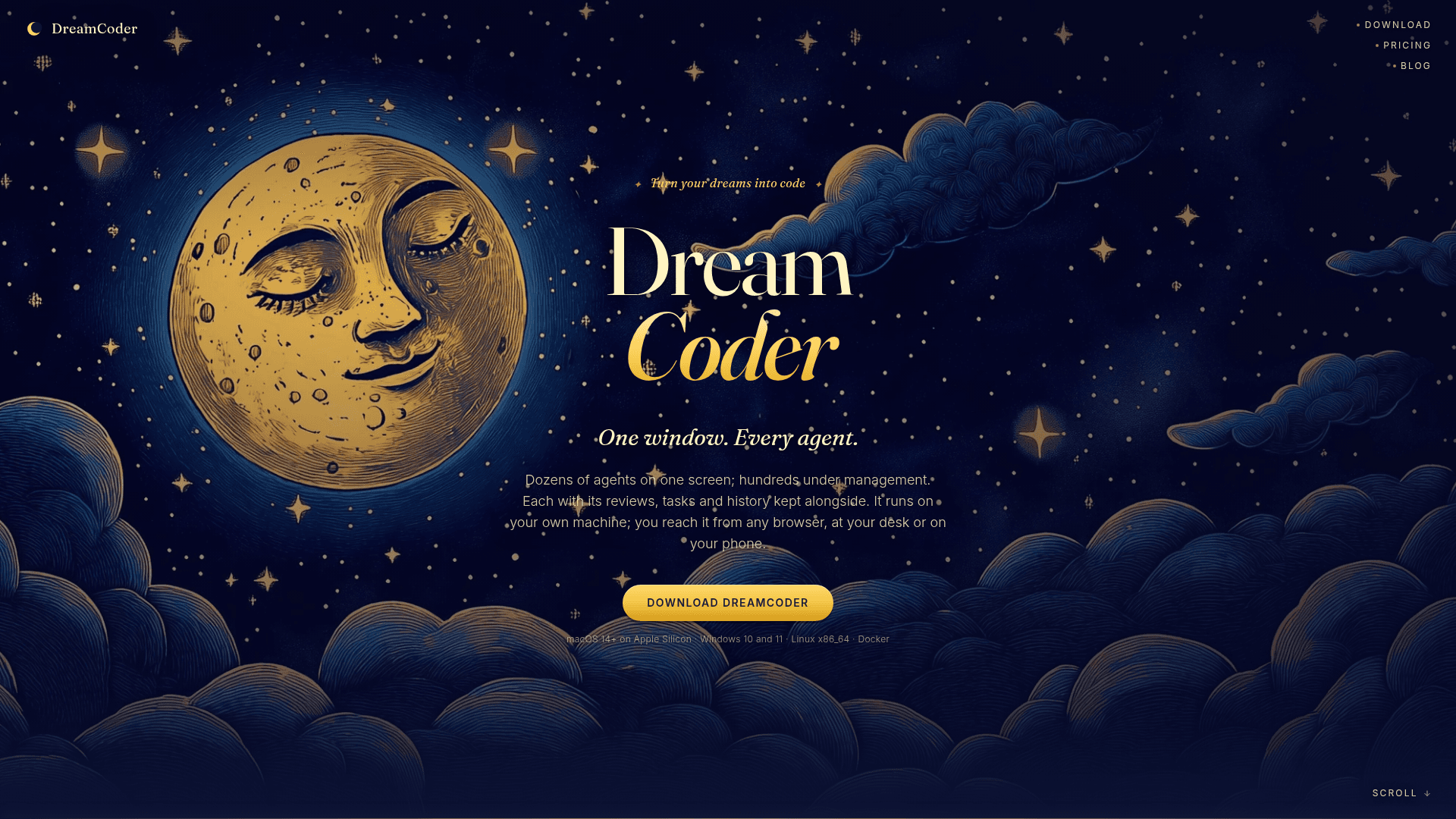
A browser-based tiling workspace that runs on your own machine for managing many AI coding agents, terminals and reviews in one window.
At a Glance
About DreamCoder
DreamCoder is a self-hosted workspace for running and supervising AI coding agents. It runs on your own machine (macOS, Windows, Linux or Docker) and is reached from any browser, including on a phone or tablet. Each agent, terminal and review gets its own pane in a tiling layout.
What It Is
DreamCoder combines an agent engine with a tiling window manager that lives in the browser. Chats, terminals, reviews, images and plans each open in panes that can be split, stacked, dragged, hidden or forked. A workspace minimap marks each pane as running, needs you, or done, and token spend and status show live on every pane. The layout is restored when you reopen it from another device.
Working With Agents
Chats render full Markdown, tables, LaTeX equations and Mermaid diagrams, with terminals alongside; terminal output can be selected and sent to the AI. An event graph links every prompt, tool request, result and objective so a run can be traced. For large tasks the agent writes nested objectives, each with checks that define when it is done, plus a status timeline. Agent Studio builds custom sub-agents with chosen tool access, prompt and model, and drafts are saved as versions until published. Sub-agents can work in the background and report back to the requesting agent.
Keyboard, Models and Connectivity
A keyboard mode moves, swaps and resizes panes using WASD and jumps between workspaces with Q/E. Alt+W labels links, tables, buttons and images for keyboard actions. Any MCP server can be added by address or local command, with OAuth, a saved key or no sign-in, and its tools can be assigned per project. Models range from hosted frontier models to small local ones over standard endpoints, with native GitHub Copilot for Business support and OpenAI Codex subscription use. The site says there are no configuration files and settings apply instantly. Remote access works through Tailscale, Cloudflare Tunnel or port-forwarding.
Current Status
The site says DreamCoder is not yet the complete AI coding environment it aims to be, and more features are being added with each release.
Community Discussions
Be the first to start a conversation about DreamCoder
Share your experience with DreamCoder, ask questions, or help others learn from your insights.
Pricing
Free
Free for personal use, and for businesses of up to five people.
- Personal use means your own non-commercial projects, with no limit on numbers
- Businesses of up to five people
- Same app as Pro
- Available for macOS, Windows, Linux and Docker
Pro
Licence a business needs once more than five people use DreamCoder; one seat per person.
- One seat per person, covering up to five installations
- Same app as Free; no extra features
- Paid by card in US dollars, plus VAT where it applies
- Renews automatically every month
Enterprise
A written order agreed with DreamCoder: invoiced and paid by bank transfer, able to cover more than five installations per person.
- Invoiced, paid by bank transfer
- Covers more than five installations per person
Capabilities
Key Features
- Tiling browser workspace for agents, terminals and reviews
- Workspace minimap with running, needs-you and done status
- Keyboard mode with WASD pane control and Alt+W link tagging
- Rendered Markdown, LaTeX, Mermaid diagrams and tables
- Event graph of prompts, tool calls and results
- Nested objectives with completion checks
- Agent Studio for custom sub-agents
- Background sub-agents
- MCP server connection with per-project tool access
- Live token spend and status per pane
- Responsive mobile access with layout resume
- Support for hosted and local models