
Forge
Open-source desktop coding environment that combines AI agents, editor, shell, diffs and approvals with durable multi-project sessions.
At a Glance
Forge core under the MIT License, free to use, copy, modify and distribute. Alpha software. Requires a supported model provider, which is an external cost.
Engagement
Available On
Alternatives
Listed Nov 2026
About Forge
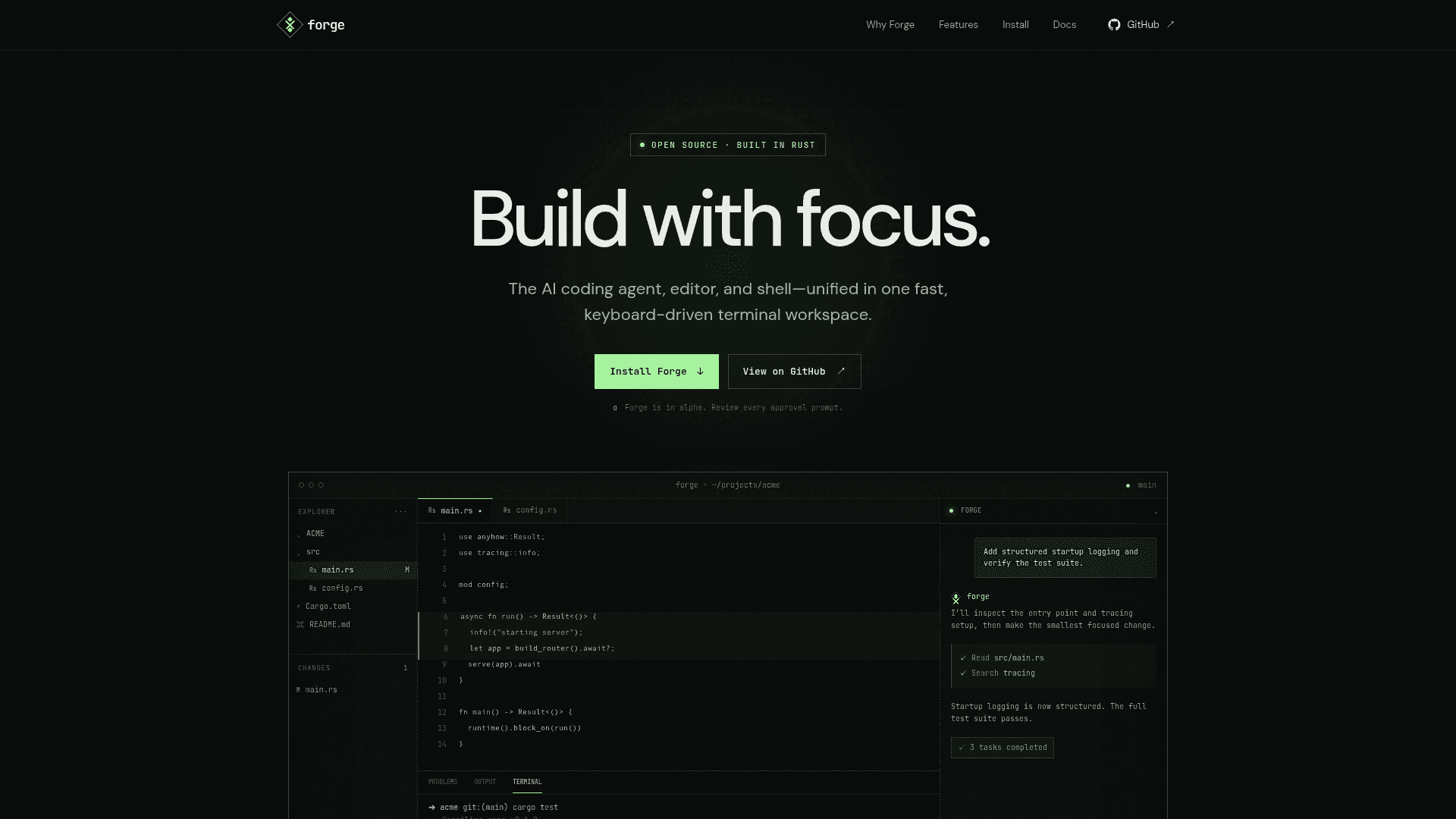
Forge is an open-source coding environment from Norvia Labs that brings AI agent conversations, a file explorer, editor, interactive shell, diffs and approvals into one workspace. The README describes it as alpha software and advises reviewing every approval prompt and trying it first in a disposable or backed-up repository. It is released under the MIT License and written in Rust.
What It Is
Forge is a desktop app for engineering with AI agents, launched with the forge command from the repository you want to work in. Rather than centering on a prompt-to-patch loop, it keeps inspection, manual editing, delegation, command execution, diff review and verification in a single window. Managed sessions each have their own durable state and an isolated Git worktree, so one session can keep running while you work in another.
Sessions, Sandboxing and Approvals
Session transcripts, task state, queued follow-ups and unfinished work are stored in a local SQLite journal so sessions survive restarts. Agent shell commands run inside an OS sandbox confined to the workspace, with network egress denied by default and opened through explicit host rules. Permission rules can be set in permissions.toml, and MCP tools prompt by default. Sessions can also run on a remote host over SSH, where commands run outside Forge's sandbox and ask for approval by default.
Models and Providers
Forge has native routes for OpenAI API, Anthropic API, xAI Grok via OAuth, OpenAI Codex subscriptions, OpenCode Go, OpenCode Zen and local Ollama, plus custom OpenAI- or Anthropic-compatible providers. Models and reasoning effort can be switched per session in the app. An Auto mode picks the model and effort for each turn using ranking evidence from earlier turns, and forge models report ranks models by completion, escalation, verification and approval rates.
Agents, Tools and Automation
The agent can read and write files, apply patches, search code, work with Git and run sandboxed commands. It can spawn child agents in isolated worktrees, and users can define custom agents as markdown files. Optional browser and desktop control are off by default, and a web check feature can run an app and verify its pages. Configured MCP servers expose their tools to the agent. A forge bench command accepts a piped prompt for automation, and a GitHub issue workflow and paired-device remote control are also documented.
Setup Path
Prebuilt installers exist for macOS and Linux (shell script) and Windows via PowerShell, which points to WSL2 since there is no native Windows build. Forge can also be built from source with Rust and Node.js/pnpm. A supported model provider is required.
Community Discussions
Be the first to start a conversation about Forge
Share your experience with Forge, ask questions, or help others learn from your insights.
Pricing
Open Source
Forge core under the MIT License, free to use, copy, modify and distribute. Alpha software. Requires a supported model provider, which is an external cost.
- MIT License
- AI coding agent, editor, file explorer and shell in one workspace
- Explicit approvals for commands and file changes
- Local SQLite session journal
- Connect OpenAI, Anthropic, xAI, Codex, OpenCode or local Ollama models
Capabilities
Key Features
- Multiple durable sessions across several projects in one window
- Isolated Git worktree per managed session
- OS-sandboxed agent shell commands with network egress rules
- Built-in file explorer, editor, interactive shell, diffs and diagnostics
- Local SQLite journal for session resume
- Provider sign-in and per-session model and reasoning effort selection
- Auto model selection with step-up ladder
- Model ranking report via forge models report
- MCP server support
- Child agents and custom agents
- Optional browser and desktop control
- Web check for verifying web app pages
- Sessions on remote hosts over SSH
- Remote control from a paired device
- GitHub issue workflow
- Headless forge bench automation command
- Custom themes and command palette