
Gemini in Android Studio
Gemini in Android Studio is Google's AI-powered coding companion built into the Android Studio IDE, helping Android developers write code, generate UIs, analyze crashes, and run multi-step agentic tasks.
At a Glance
Free tier for individual developers, students, and hobbyists. Includes a lightweight Gemini 2.5 Pro with a smaller context window, Agent Mode, chat, and all Gemini in Android Studio features.
Engagement
Available On
Alternatives
Listed Apr 2026
About Gemini in Android Studio
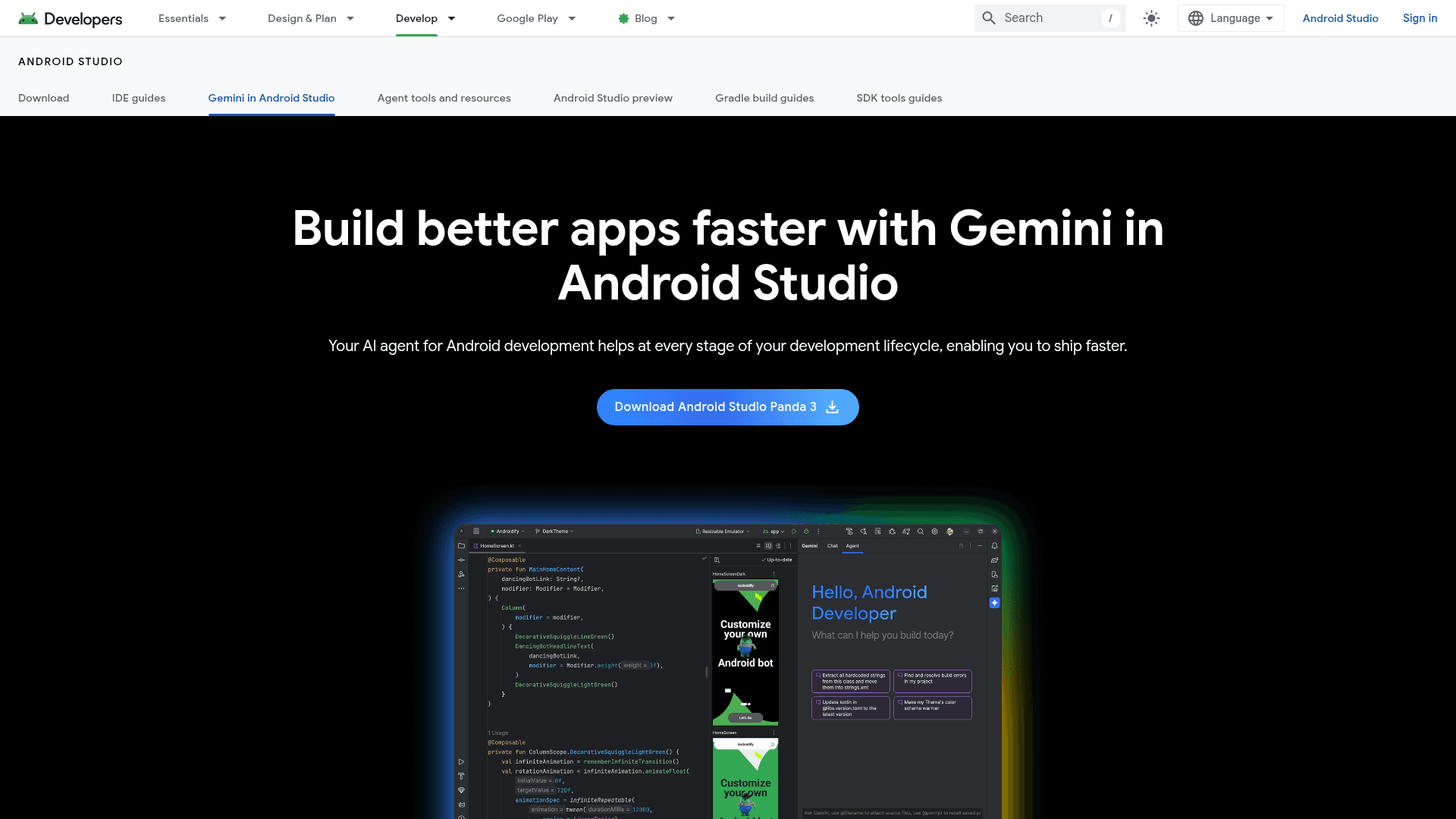
Gemini in Android Studio is Google's AI-powered coding companion built directly into the Android Studio IDE. It helps Android developers write code, fix bugs, generate UI from wireframes, analyze crashes, and execute multi-step development tasks through its Agent Mode. Powered by Gemini 2.5 Pro, it integrates natively with Android Studio features like Logcat, App Quality Insights, Jetpack Compose, and Gradle to provide context-aware assistance without leaving the IDE.
The tool is available in a no-cost tier suitable for freelancers, students, and hobbyists, and paid business tiers offered through Gemini Code Assist subscriptions. The free tier includes a lightweight version of Gemini 2.5 Pro with a smaller context window. Business tiers unlock the full 1M token context window, IP indemnification, VPC Service Controls, and integrations with Firebase, Colab Enterprise, BigQuery, and Cloud Run. The Enterprise tier adds customized code suggestions trained on private codebases in GitHub, GitLab, or Bitbucket.
Agent Mode handles complex, multi-file tasks: the developer describes a goal such as generating unit tests, altering UI, or fixing errors, and the agent formulates an execution plan, suggests edits, and iteratively fixes bugs while the developer reviews and guides. Agent Mode supports MCP servers, AGENTS.md files, and user-provided Gemini API keys for extended workflows. The tool also provides code completion, code transformation, variable name rethinking, commit message generation, automatic code documentation, Compose preview generation, and UI transformation from attached images.
A .aiexclude configuration file lets developers control what project data Gemini can access. In the no-cost tier, code and inputs are used only for the active session; paid tiers add enterprise controls ensuring code, inputs, and responses are never used for model training.
Community Discussions
Be the first to start a conversation about Gemini in Android Studio
Share your experience with Gemini in Android Studio, ask questions, or help others learn from your insights.
Pricing
Gemini in Android Studio (No-cost)
Free tier for individual developers, students, and hobbyists. Includes a lightweight Gemini 2.5 Pro with a smaller context window, Agent Mode, chat, and all Gemini in Android Studio features.
- Lightweight Gemini 2.5 Pro with smaller context window
- Agent Mode
- Gemini chat with file and image attachments
- Code completion, transformation, and documentation
- Compose preview and UI generation
Gemini Code Assist Standard
Business tier for professional developers, licensed through Gemini Code Assist. Adds enterprise privacy, IP indemnification, and broader Google Cloud AI access.
- Everything in the no-cost tier
- Expanded 1M token context window
- Gemini CLI access
- IP indemnification
- VPC Service Controls and Private Google Access
- Gemini in Firebase advanced features
- Gemini in Colab Enterprise and Gemini in Databases
- Admin controls and productivity analytics
- Code, inputs, and responses are not used for model training
Gemini Code Assist Enterprise
Top tier for organizations needing customized code suggestions and expanded Google Cloud AI integration.
- Everything in the Standard tier
- Customized code suggestions from private codebases in GitHub, GitLab, and Bitbucket
- Gemini in BigQuery
- Gemini in Apigee
- Gemini in Application Integration
Capabilities
Key Features
- Agent Mode for multi-file, multi-step development tasks
- MCP server support in Agent Mode
- AGENTS.md file support for agent instructions
- Chat with file and image attachments
- Prompt Library for saving and reusing prompts
- Code completion powered by Gemini 2.5 Pro
- Code transformation and refactoring
- Rethink variable names
- Unit test scenario generation
- Functional testing with Journeys
- Document code automatically
- Generate Git commit messages
- Generate Jetpack Compose previews
- Generate UI from attached wireframe or mockup images
- Transform UI via natural language
- Analyze crashes via App Quality Insights integration
- Analyze runtime errors via Logcat integration
- Use local or remote custom models
- .aiexclude file for context and privacy control
- Bring-your-own Gemini API key for per-token usage