
Junie CLI
LLM-agnostic coding agent by JetBrains that runs from the terminal, automates development workflows, and integrates with any IDE or CI/CD environment.
At a Glance
Free early access to Junie CLI during the EAP phase. Join the waitlist to get access.
Engagement
Available On
Alternatives
Listed Mar 2026
About Junie CLI
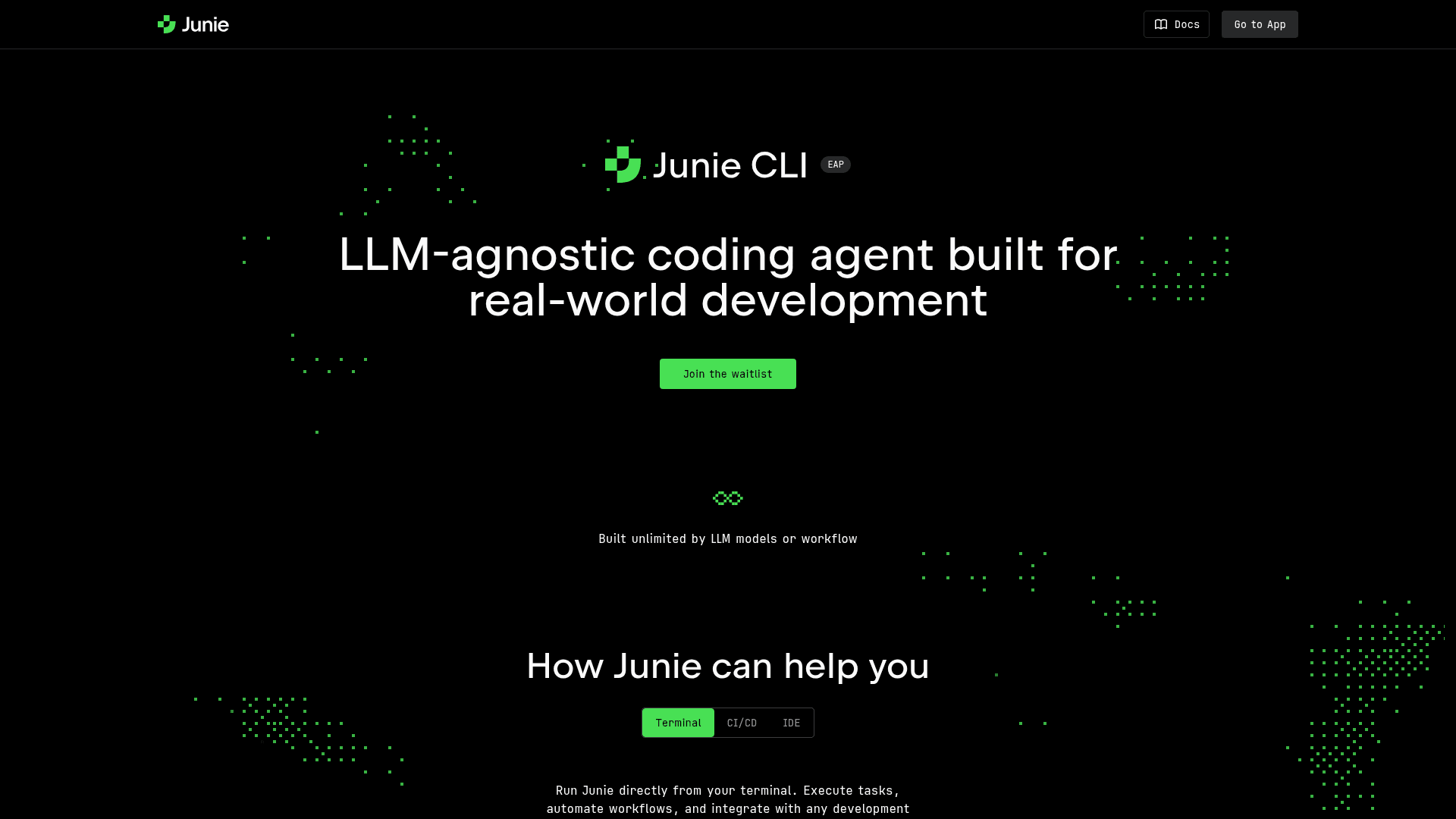
Junie CLI is an LLM-agnostic coding agent built by JetBrains for real-world software development. It runs directly from the terminal, enabling developers to execute tasks, automate workflows, and integrate with any development environment. Junie supports top-performing models including GPT, Claude, Gemini, and Grok, giving teams flexibility in their AI stack. Currently in Early Access Preview (EAP), it bridges terminal, CI/CD, and IDE workflows in a single agent.
- LLM-agnostic support — Works with GPT 5, Claude Sonnet & Opus 4.5, Gemini 3 Pro & Flash, and Grok 4.1, letting you choose your preferred model.
- Terminal-first execution — Install via browser or generate a token, set up the CLI in your terminal, and assign tasks directly from the command line.
- CI/CD integration — Automate development workflows and plug Junie into your existing CI/CD pipelines for hands-free coding tasks.
- IDE compatibility — Integrates with any IDE or code editor, complementing JetBrains' existing suite of developer tools.
- Task automation — Assign coding tasks and let Junie handle implementation, reducing manual effort in day-to-day development.
- Easy onboarding — Get started in three steps: install via browser or token, configure the CLI, and assign your first task.
Community Discussions
Be the first to start a conversation about Junie CLI
Share your experience with Junie CLI, ask questions, or help others learn from your insights.
Pricing
Early Access Preview (EAP)
Free early access to Junie CLI during the EAP phase. Join the waitlist to get access.
- LLM-agnostic model support
- Terminal execution
- CI/CD integration
- IDE integration
- Task automation
Capabilities
Key Features
- LLM-agnostic (GPT, Claude, Gemini, Grok)
- Terminal-based execution
- CI/CD pipeline integration
- IDE and code editor integration
- Task automation
- Token-based authentication
- Browser-based install