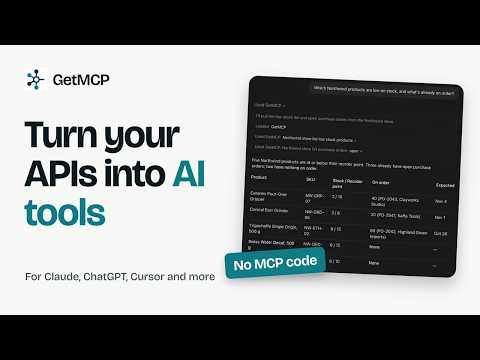
Self-hosted MCP server builder that turns OpenAPI specs, Postman collections or cURL requests into MCP servers for Claude, ChatGPT, Cursor and other clients.
At a Glance
Get your first MCP server running on any host. No card needed.
Engagement
Available On
Alternatives
Listed Nov 2026
About GetMCP
GetMCP is a self-hosted MCP server builder from InfiWebs Pvt. Ltd., the team behind FlowMattic. It lets you import an API definition and publish it as a Model Context Protocol server that AI clients such as Claude, ChatGPT and Cursor can call. It runs on your own server, either as a standalone PHP app or as a WordPress plugin.
What It Is
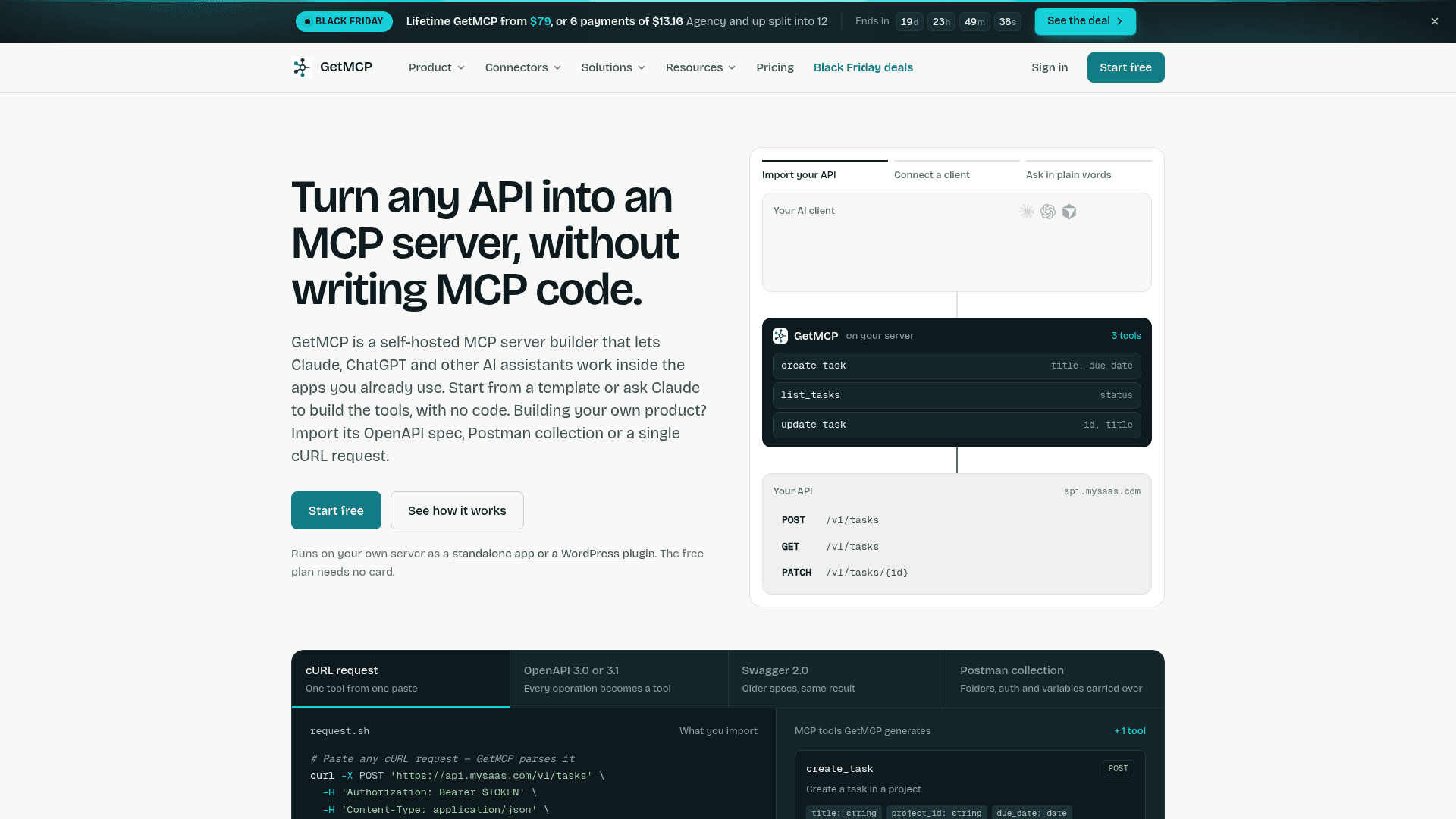
GetMCP generates MCP tools, prompts and resources from an API you already have, without MCP code. You can import a cURL request, an OpenAPI 3.0/3.1 document, a Swagger 2.0 spec or a Postman collection, or start from one of seventeen templates (for example Stripe, GitHub, Slack, WordPress and WooCommerce). Imported tools can be edited, renamed, trimmed or hand-authored in a visual editor.
How the workflow runs
The product describes four steps: install on any PHP host, create a server with its own path and auth strategy, import tools, then share the server URL so users add it to their AI client. Each server gets its own endpoint, tools, logs and rate limits. A built-in chat playground and inspector let you test tools with a real model and replay logged calls before exposing them.
Auth, security and operations
Authentication options are API key, bearer token, basic auth and OAuth 2.1 with automatic refresh. Credentials are stored encrypted on your server, and per-user tokens can pass through to the upstream API. Controls include PII redaction, JMESPath response pruning, per-client rate limits, retries with exponential backoff, and call analytics exportable as JSON or CSV.
Gateway, connectors and managing with AI
An MCP Gateway publishes every server on an install behind one endpoint. Built-in connectors cover MySQL, MariaDB and PostgreSQL databases, Gmail, Outlook or IMAP mailboxes, and SFTP/FTPS/FTP file servers, with write actions off by default. GetMCP also acts as an MCP server itself, so Claude or Cursor can build and edit servers by request.
Setup path
The standalone app needs PHP 8.3 or newer and supports SQLite, MySQL and PostgreSQL; a one-line installer is provided for macOS/Linux and Windows PowerShell. The WordPress plugin is the same codebase. The latest release listed on the site is v1.8.0.
Community Discussions
Be the first to start a conversation about GetMCP
Share your experience with GetMCP, ask questions, or help others learn from your insights.
Pricing
Solo
Get your first MCP server running on any host. No card needed.
- 1 MCP server
- Up to 10 tools
- 1,000 calls a month
- cURL import or manual tool creation
- API key, bearer and basic auth
Pro
For teams shipping a real MCP server, on one site.
- Everything in Solo
- Unlimited servers and tools
- Unlimited calls, no metering
- OpenAPI, Swagger and Postman import
- OAuth 2.1 and per-client rate limits
- Priority email support
- 1 site
Agency
For teams managing MCP servers across many client sites.
- Everything in Pro
- Up to 25 sites
- Partner support and onboarding
Unlimited
For teams running GetMCP everywhere, with no site limit.
- Everything in Agency
- Unlimited sites
- One licence for every install you run
White Label - Single site
Rebrand one GetMCP install, on WordPress or the standalone app.
- 1 branded install
- Your name, logos, icon and accent colour
- Your brand on the consent screen and in emails
- Hide the add-on behind a private link
- WordPress and the standalone app
- A year of updates and support
White Label - 25 sites
For agencies: rebrand up to 25 client installs under your own name.
- Up to 25 branded installs
- Your name, logos, icon and accent colour
- Your brand on the consent screen and in emails
- Hide the add-on behind a private link
- WordPress and the standalone app
- A year of updates and support
White Label - Unlimited sites
Rebrand every GetMCP install you manage, with no site limit.
- Unlimited branded installs
- Your name, logos, icon and accent colour
- Your brand on the consent screen and in emails
- Hide the add-on behind a private link
- WordPress and the standalone app
- A year of updates and support
Capabilities
Key Features
- Import tools from cURL, OpenAPI 3.0/3.1, Swagger 2.0 and Postman collections
- Tools, prompts and resources with JSON Schema editing
- Seventeen ready-made templates
- Database, mailbox and file server connectors
- API key, bearer, basic auth and OAuth 2.1
- PII redaction and JMESPath response pruning
- Per-client rate limits and retries
- Call analytics and logs with JSON/CSV export
- Chat playground and inspector
- MCP Gateway and project gateways
- Manage servers with AI via Claude or Cursor
- Streamable HTTP and SSE transport
- Server export/import between standalone and WordPress builds
- White label option
Integrations
Demo Video