
Granola
AI notepad that transcribes meetings from your computer audio without a bot and turns your notes into enhanced summaries, action items and searchable memory.
At a Glance
About Granola
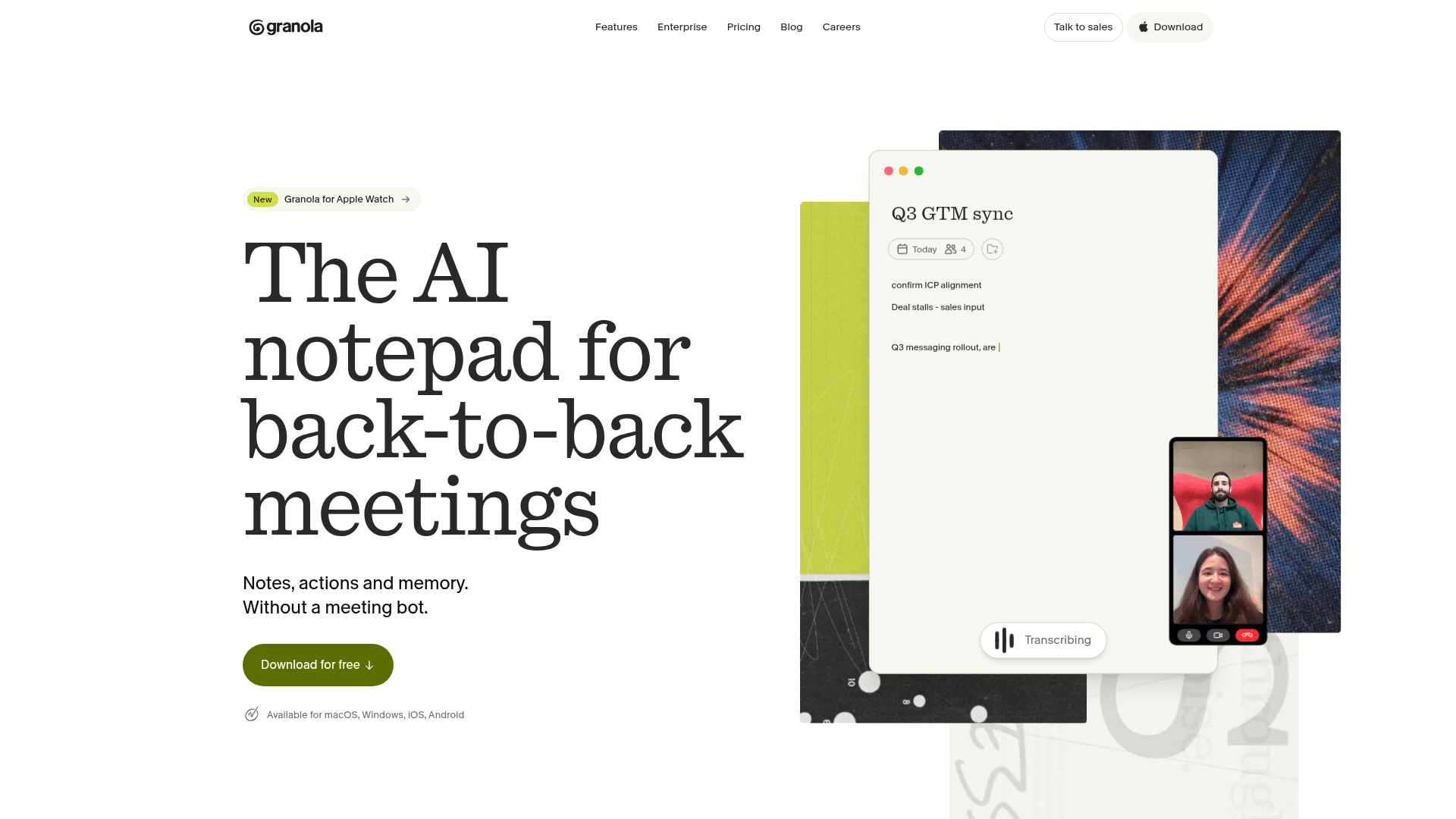
Granola, from Granola, Inc., is an AI notepad for people in back-to-back meetings. It captures meeting audio from your device rather than inviting a bot, then combines your own notes with the transcript to produce structured notes and follow-ups. It is available for macOS, Windows, iOS and Android.
What It Is
Granola is a meeting notes application. You jot down as much or as little as you like during a call, and Granola uses the meeting context to write clear, personalised notes. It works with Zoom, Google Meet, Teams and other meeting apps, and the mobile apps cover in-person meetings and phone calls. Notes are private by default and can be shared when you choose.
Before, during and after meetings
Granola syncs with your calendar and prepares a Brief before external meetings covering attendees, previous discussions and what matters now. During a meeting, you can ask questions about what was said. Afterwards, notes, action items and follow-ups are ready, and you can draft follow-up emails or project plans. Granola Chat lets you query your meeting history, such as what you promised to do this week.
Connecting notes to other tools
Granola offers an MCP connector so AI apps can use your meeting notes without copy-pasting transcripts. Its listed integrations include Slack, Notion, Linear, HubSpot, Salesforce, Affinity, Attio, Gmail, Google Calendar, Outlook and Zapier, plus ChatGPT and Claude.
Enterprise controls
The enterprise page lists SSO/SAML, SCIM provisioning, an admin dashboard, domain management, an audit API, and transcript redaction and deletion. It states that conversation data is never used to train AI models and that Granola is SOC 2 Type II certified, GDPR and HIPAA compliant, and aligned with the EU AI Act. Admins can turn on participant notifications, including a video watermark and a meeting chat message when transcription starts.
Community Discussions
Be the first to start a conversation about Granola
Share your experience with Granola, ask questions, or help others learn from your insights.
Pricing
Basic
Great for a free taste of Granola
- AI meeting notes
- See limited meeting history
- AI chat within and across meetings
- Shared folders for collaboration
- Customized note templates
Business
Great for individuals or small teams
- Everything in Basic, plus
- Unlimited meeting notes and history
- Access to advanced AI thinking models and features
- Advanced integrations with Attio, Notion, HubSpot, Affinity, and Zapier
- Centralized billing & user management
- MCP integration in all your apps
- API access
Enterprise
Great for larger companies
- Everything included in Business
- Enterprise-grade security & admin controls
- Single sign-on (SSO)
- Priority support and usage analytics
- Org-wide auto-deletion periods
- Admin controls for sharing & API access
- Opt out of model training for everyone in your team
- Org-wide notification that Granola is being used
Capabilities
Key Features
- Bot-free meeting transcription using computer audio
- AI-enhanced notes combining your notes with the transcript
- Pre-meeting Briefs synced from your calendar
- Chat across meeting history
- Action items and follow-up email drafting
- Mobile apps for in-person meetings and phone calls
- Granola for Apple Watch
- MCP connector for AI apps
- Private by default with optional sharing
- Enterprise SSO/SAML, SCIM, admin dashboard and audit API
- Participant notifications and transcribing watermark