
Guaca
Open-source macOS desktop app where you talk to LLM agents that also message and delegate work to each other.
At a Glance
Free and open source desktop app under AGPL-3.0; runs on your Mac with the model you choose and needs no account.
Engagement
Available On
Listed Nov 2026
About Guaca
Guaca is a desktop app, made by madebywelch, in which you talk to LLM agents that also talk to each other. You ask one agent for something and a group of agents works on it, then returns a single answer. It is open source under AGPL-3.0, and the latest release listed is v0.3.0.
What It Is
Guaca is a multi-agent desktop workspace. Agents are organized into groups, which are isolated spaces with their own agents, settings and connectors. Each agent has its own instructions, memory and working notes. Agents message each other directly, delegate work, and think at the same time, so you can ask one agent and have colleagues consulted in parallel.
The desktop app is a window onto a backend host (guacad) that runs the agents in a container. You can run it on your Mac through Docker, or connect to a remote host such as a VPS. On an always-on VPS, agents keep working after you close your laptop.
Connectors, Computers and Approvals
Connectors are MCP servers that link agents to other services. You choose which agents may use each connector and its tools. Agents can also be given a browser through Kernel or a computer through E2B, each configured with that vendor's API key. The homepage describes a Linux machine with a browser and shell whose screen is shown live beside the conversation.
According to the site, an agent stops and waits for your approval before acting as you, for example sending mail or submitting a form. Per the README, page content is labeled where it enters a turn and connector OAuth credentials stay in the backend.
Models and Privacy
Guaca needs no account to run. The homepage says you can point it at OpenRouter or at llama.cpp on localhost, and that nothing reaches a model unless you or an agent sent it.
Agent States and Setup
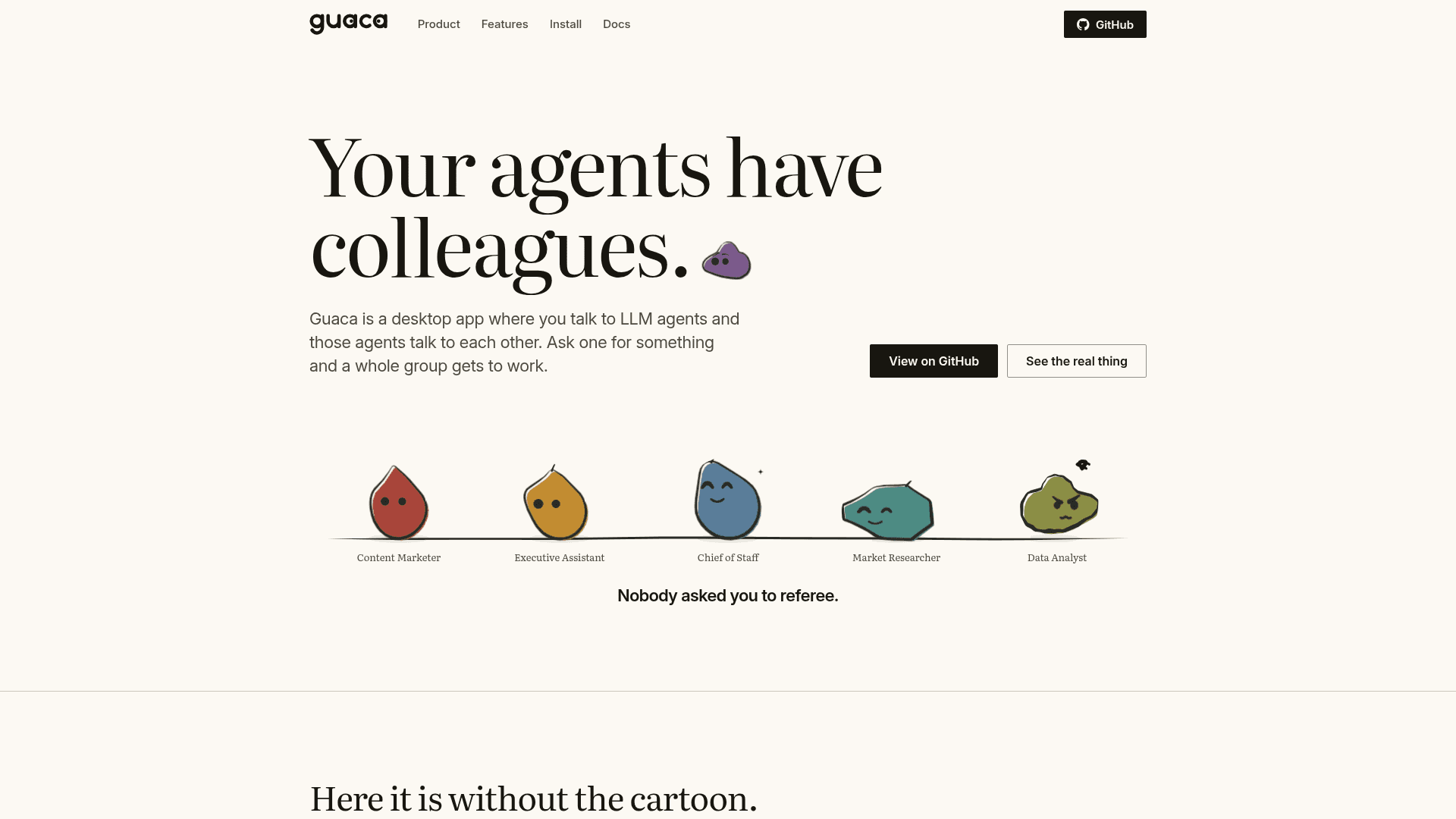
Each agent is shown as a creature whose shape signals its state: idle, listening, thinking, working, frustrated, waiting on you, pleased, paused, stuck or surprised. Art style (drawn or paper cut) is chosen in Settings.
The desktop app currently supports macOS. Releases are a signed and notarized universal disk image for Apple Silicon and Intel, and a local host needs Docker. You can also build from a checkout with Node.js, pnpm, Rust and the Xcode Command Line Tools.
Community Discussions
Be the first to start a conversation about Guaca
Share your experience with Guaca, ask questions, or help others learn from your insights.
Pricing
Open Source
Free and open source desktop app under AGPL-3.0; runs on your Mac with the model you choose and needs no account.
- AGPL-3.0 licensed core
- No account needed
- Runs locally or on a remote host (VPS)
- Bring your own model (OpenRouter or llama.cpp); model provider costs are external
- Optional Kernel browser or E2B computer requires the vendor's own API key
Capabilities
Key Features
- Groups of agents with separate instructions, memory and working notes
- Agents message and delegate to each other and work in parallel
- Isolated groups with their own agents, settings and connectors
- MCP-based connectors with per-agent access control
- Optional browser via Kernel or computer via E2B
- Approval prompts before agents act on your behalf
- Local or remote (VPS) backend host
- Works with OpenRouter or local llama.cpp models
- Animated agent mood states
- No account required