
Hangar
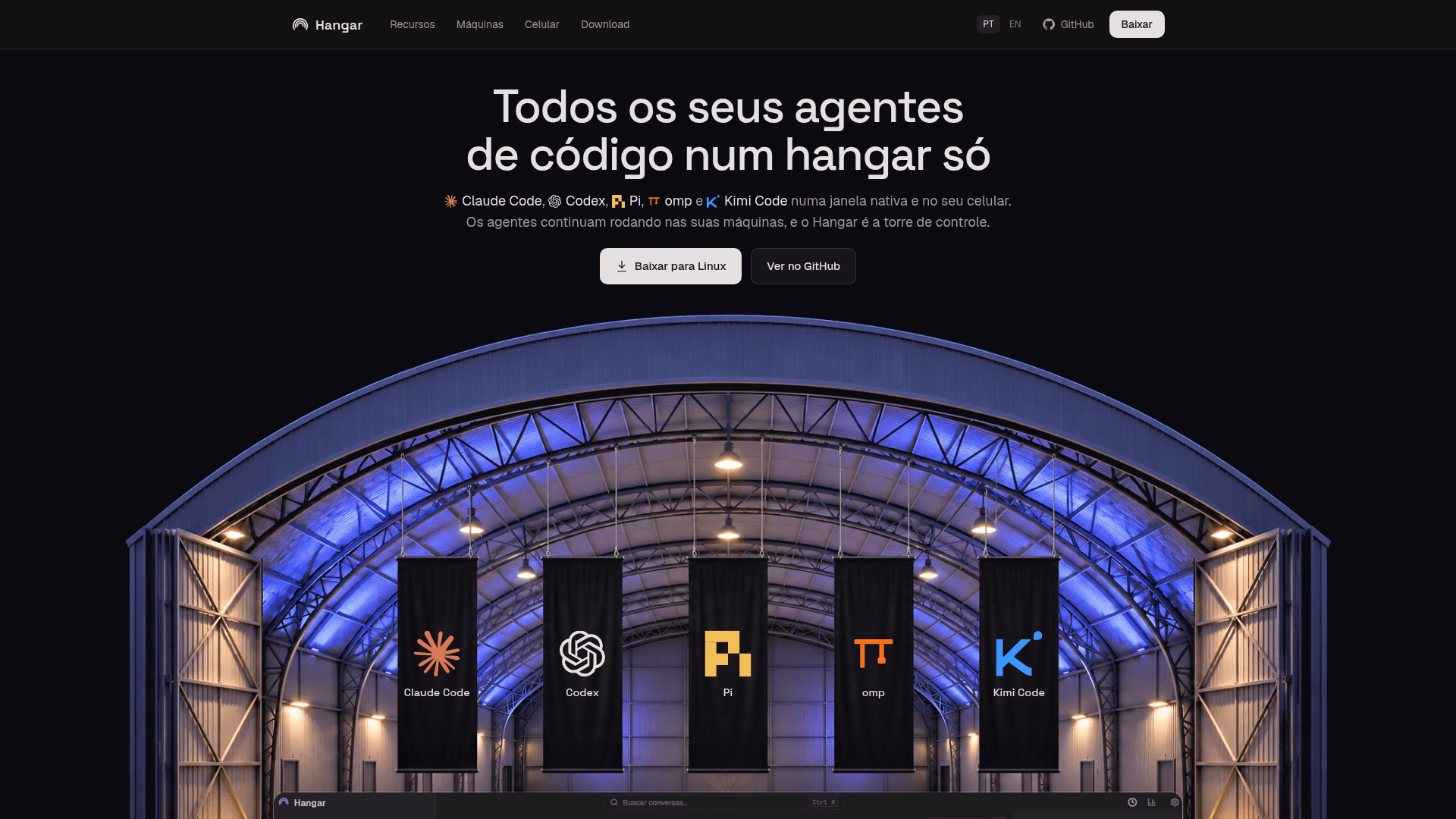
Open-source native desktop and mobile control tower for running Claude Code, Codex, Pi, omp and Kimi Code agent sessions across your own machines.
At a Glance
Free, self-hosted, MIT-licensed Hangar desktop app and server for Linux, Windows and macOS, with mobile apps.
Engagement
Available On
Listed Nov 2026
About Hangar
Hangar is an open-source, MIT-licensed app by Jefferson Felizardo that puts coding-agent sessions from Claude Code, Codex, Pi, omp and Kimi Code into one native window and onto a phone. The agents keep running on the user's own machines, while Hangar acts as the control tower. It ships a Rust desktop app for Linux, Windows and macOS, plus an Android app, an iPhone app installed through the desktop app, and a browser-based PWA.
What It Is
Hangar is a session manager for multiple coding agents. It does not reimplement any agent: each session is the original CLI, with the user's own skills, hooks and accounts, running in tmux (psmux on Windows). Sessions started in a terminal appear in the app, and tmux attach returns to the same conversation. Claude and Codex can also run as Hangar-managed processes, where permissions and questions arrive as cards. Chat content is read from each agent's structured transcript rather than scraped from the terminal.
Working With Many Agents
The app lists sessions from all connected machines in one place and floats those that need attention to the top. An orchestration mode assigns planner, executor and independent reviewer roles to separate sessions, even on different models, with a gate between tasks and a final branch review before push. Sessions can message or pair with one another, including across machines, and agents can drive Hangar through its MCP server and the hangar-send CLI. Other documented features include:
- A per-session embedded browser the agent can use to open pages, fill forms and take screenshots.
- A built-in real terminal under the conversation.
- Git operations from the chat: staging, commit, push, history, cherry-pick and revert.
- Search across live and closed conversations.
- Estimated token and cost tracking by day, provider and project.
- A "pass the baton" button to continue a task on another account, model or CLI when quota runs out.
- Voice dictation and read-aloud, session sharing by link, and a password vault.
Setup and Access Model
Hangar is self-hosted: sessions go over the user's LAN or VPN such as Tailscale, with no Hangar cloud in between. On Linux and Windows the app can install the server itself; on macOS a bootstrap command installs the server and app. The documentation says to treat Hangar like a remote shell, since whoever holds the token drives the agents with the user's permissions. The binaries are unsigned, and the project states it is not affiliated with Anthropic, OpenAI, Moonshot AI or the Pi project.
Community Discussions
Be the first to start a conversation about Hangar
Share your experience with Hangar, ask questions, or help others learn from your insights.
Pricing
Open Source (MIT)
Free, self-hosted, MIT-licensed Hangar desktop app and server for Linux, Windows and macOS, with mobile apps.
- MIT license
- Self-hosted over LAN or VPN, no Hangar cloud
- Native desktop app in Rust for Linux, Windows and macOS
- Android and iPhone apps, plus PWA
- Orchestration with planner, executor and reviewer
Capabilities
Key Features
- Unified session list for Claude Code, Codex, Pi, omp and Kimi Code
- Original CLIs run in tmux; sessions started in a terminal appear in the app
- Orchestration with planner, executor and independent reviewer sessions
- Agent-to-agent messaging, pairing and working groups across machines
- Embedded real terminal and per-session browser
- Pass the baton to another account, model or CLI when quota runs out
- Git operations from the chat
- Search across live and closed conversations
- Token and estimated cost tracking
- Voice dictation and read-aloud
- Session sharing via guest link
- MCP server and hangar-send CLI for agents
- Password vault for agent credentials
- Checkpoints for Pi and omp
- Native Rust desktop app, Android app, iPhone app and PWA
- Self-hosted over LAN or Tailscale