Harness
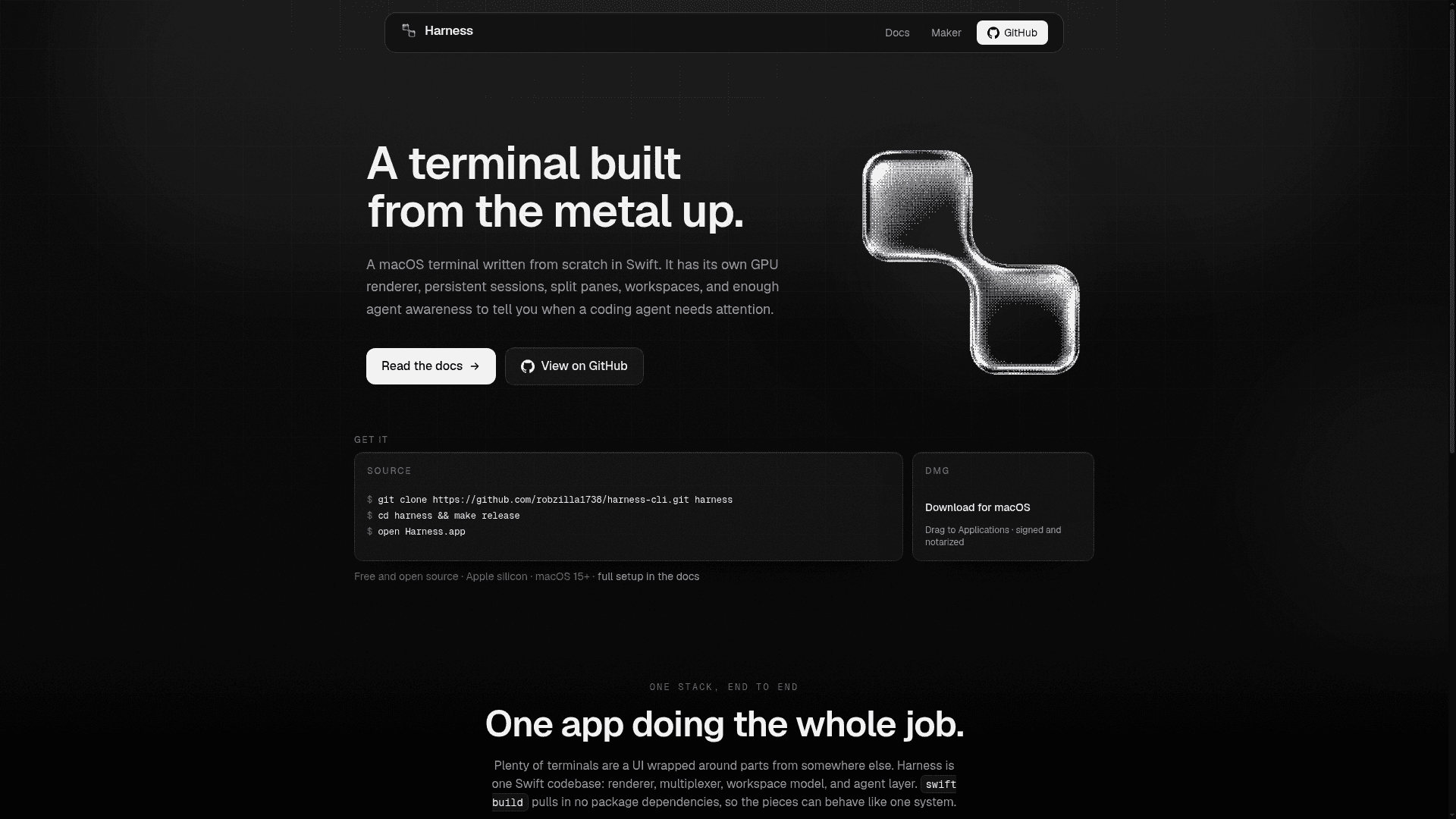
A macOS terminal written from scratch in Swift with its own GPU renderer, persistent sessions, split panes, and built-in awareness of coding agents like Claude Code, Codex, and Cursor.
At a Glance
About Harness
Harness is a native macOS terminal application built entirely in Swift by Robert Courson, available as a signed and notarized DMG for Apple silicon Macs running macOS 15 or later. The project is MIT-licensed and open source, with the full codebase — renderer, multiplexer, daemon, and CLI — published on GitHub. Its latest release is v1.7.1 (build 121), published on June 6, 2026.
What It Is
Harness is a terminal emulator in the same category as iTerm2, Ghostty, or Warp, but written as a single self-contained Swift codebase rather than a UI layer wrapped around third-party components. It ships its own VT parser, Metal GPU renderer, session daemon (HarnessDaemon), and command-line interface (harness-cli), with no external Swift package dependencies beyond Sparkle for auto-updates. The core design goal is that the renderer, multiplexer, workspace model, and agent-awareness layer all behave as one system rather than loosely coupled parts.
GPU Rendering and Display Fidelity
Harness renders every pane on its own Metal engine with a CoreText glyph atlas on the GPU. Box-drawing and block characters are drawn procedurally in code so borders tile without seams at any font size. The renderer supports ligatures, inline images (Sixel, Kitty, and iTerm2 protocols), 24-bit color, accurate sRGB output by default, and opt-in converted Display-P3 vivid color. Damage-driven redraws keep selection drags, find highlights, IME composition, and streaming output cheap; covered or minimized windows stop rendering entirely. ProMotion displays run at full rate. The project ships 490 built-in color themes and supports .harnesstheme export and import.
Session Persistence and the Multiplexer
Sessions, tabs, and splits are owned by HarnessDaemon rather than the app process, so quitting and reopening Harness leaves everything exactly where it was — scrollback included, persisted to disk and restored even across daemon restarts. The built-in multiplexer supports split panes (horizontal and vertical), copy mode, paste buffers, and a command prefix (default Ctrl-A) with a live cheatsheet. The attach-window command composites a full split layout — borders, status line, live panes, active cursor — into any plain terminal, including over SSH, with no separate multiplexer server. Multiple clients can attach the same surface simultaneously; HarnessDaemon sizes shared clients to the smallest attached view.
Agent Awareness
Harness reads the process tree to detect coding agents running inside its panes: Claude Code, Codex, Cursor, Grok, Pi, Hermes, OpenClaw, OpenCode, Aider, Gemini, and Goose are all recognized, each with a brand color and a sidebar chip. When an agent stops or posts an approval prompt, Harness fires a desktop banner notification and marks the pane with a sidebar bell. Cmd+Shift+U jumps directly to the pane that is waiting and skips panes where agents are still working. One-line hook installation (harness-cli install-hooks <agent>) adds richer, explicit notifications for agents that support hooks; agents without a hook mechanism still notify through the built-in activity detection path.
The CLI and Remote Daemons
harness-cli talks to HarnessDaemon over a local Unix socket and exposes the full command set: list-workspaces, list-surfaces, new-session, new-tab, new-split, send-keys, capture-pane, kill-pane, resize-pane, zoom-pane, swap-pane, rename-tab, attach-window, notify, color-check, theme-preview, and more. The daemon and CLI also run on Linux, so a remote or headless box can host sessions that are driven from a local harness-cli --host <name> command over an SSH tunnel. Remote hosts are registered with harness-cli remote add and reuse existing SSH trust with no new credentials.
Update: Harness v1.7.1
The latest release is v1.7.1 (build 121), published June 6, 2026 — nine days after the repository was created on May 27, 2026, indicating rapid early iteration. The repository had 262 stars and 19 forks as of the last recorded update. CI runs on every push: a deterministic test suite, live daemon tests over a real Unix socket and PTY, and a release build. Signed background updates are delivered via Sparkle with EdDSA signatures.
Community Discussions
Be the first to start a conversation about Harness
Share your experience with Harness, ask questions, or help others learn from your insights.
Pricing
Open Source
Fully free and open source under the MIT License. Download the signed DMG or build from source.
- GPU-accelerated Metal renderer
- Persistent sessions via HarnessDaemon
- Built-in multiplexer with split panes
- harness-cli for scripting and automation
- Agent detection and notifications
Capabilities
Key Features
- GPU-accelerated Metal renderer with CoreText glyph atlas
- Own VT parser — no third-party terminal engine
- Persistent sessions, tabs, and splits via HarnessDaemon
- Scrollback persisted to disk and restored across daemon restarts
- Built-in multiplexer: split panes, copy mode, paste buffers, command prefix
- attach-window composites full split layout into any plain terminal over SSH
- Remote and headless daemon support (macOS and Linux) via SSH tunnel
- harness-cli for scripting: send-keys, capture-pane, new-session, notify, and more
- Agent detection for Claude Code, Codex, Cursor, Grok, Aider, Gemini, Goose, and more
- Cmd+Shift+U jumps to the waiting agent pane
- One-line hook install: harness-cli install-hooks <agent>
- 490 built-in color themes plus .harnesstheme export/import
- Inline images: Sixel, Kitty, and iTerm2 protocols
- Shell integration (OSC 133): prompt marks and command success/failure gutter
- Ligatures, 24-bit color, accurate sRGB, opt-in Display-P3 vivid color
- Live re-wrap while resizing with grid-size overlay
- Command palette (Cmd+K) and native macOS Settings window
- Four experience modes: Plain Terminal, Persistent Terminal, Full Terminal, Agent Workspace
- Automatic signed background updates via Sparkle + EdDSA
- Imports existing terminal config (Ghostty colors, font, padding) on first run