SigmaOS
A macOS-native, productivity-first WebKit browser that organizes tabs into workspaces, offers vertical tabs and split-screen, and includes the LLM-powered assistant Airis for contextual web help.
At a Glance
About SigmaOS
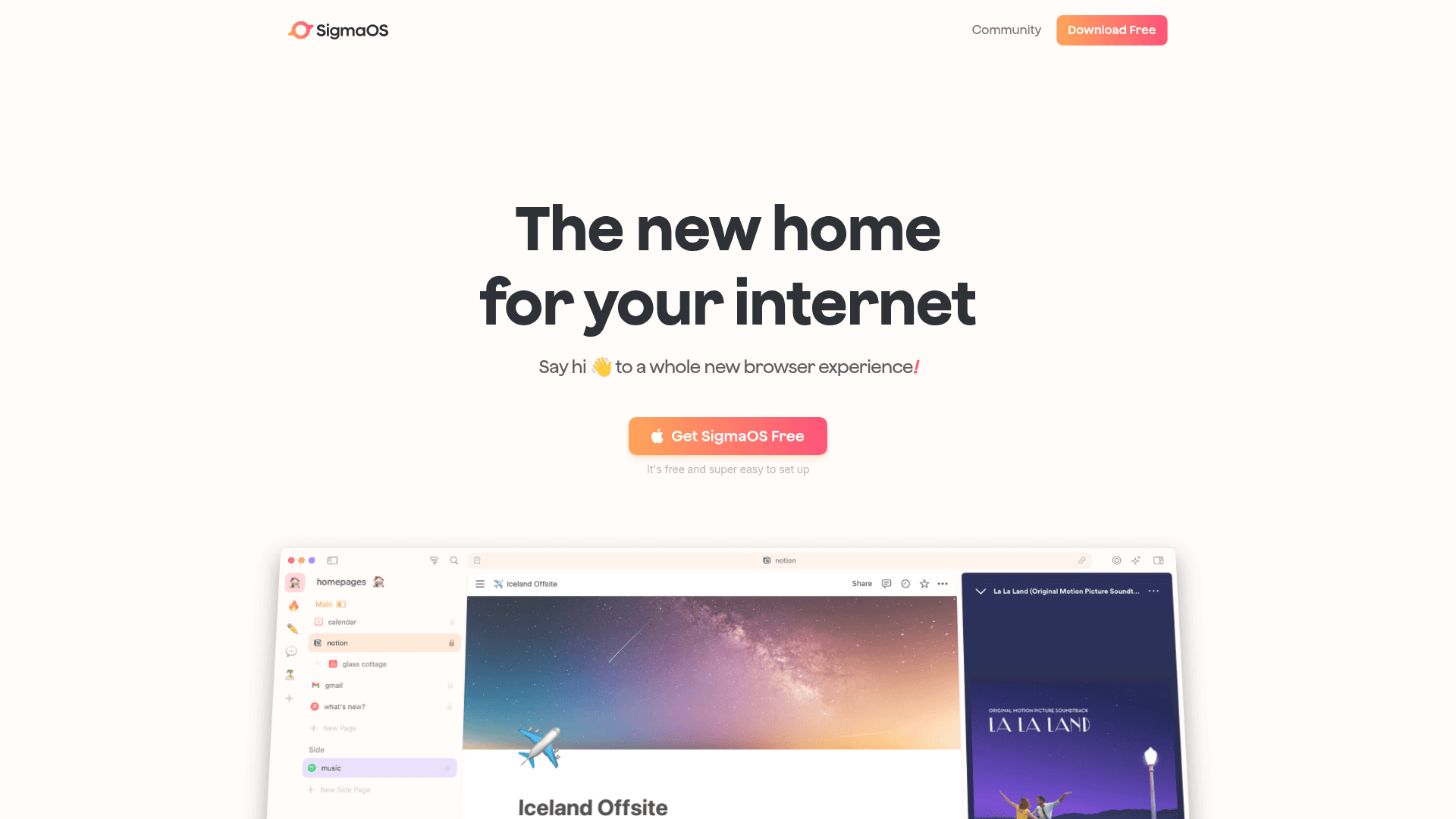
SigmaOS is a productivity-focused web browser built natively for macOS to help you organize work, minimize distractions, and get contextual help from an integrated AI assistant. It uses WebKit under the hood and native SwiftUI to deliver performance- and battery-optimized browsing on Apple Silicon. Tabs are organized as workspaces and vertical lists, and built-in features like Lazy Search and Airis provide fast, contextual access to information across open pages and the web.
- Workspaces — organize tabs into named lists to separate projects, contexts, or accounts; create, switch, and sync workspaces across devices.
- Vertical tabs & Tabs-as-tasks — view pages as a list, mark pages as done or lock them to keep them in a workspace.
- Split Screen — tile two pages side-by-side for research and comparison without leaving the browser.
- Lazy Search — hit the spacebar to quickly search tabs, commands, bookmarks, and open new pages.
- Airis (AI assistant) — ask contextual questions about the page you’re on, get interactive summaries, and perform follow-ups; supports multiple LLM models depending on plan.
- Look it up & Interactive Summaries — send multi-page queries to the assistant and receive concise, actionable summaries.
- Extension support — compatible with Chromium extensions via the Chrome Web Store to extend workflows.
- Privacy & performance features — Safari-like WebKit privacy protections, Apple Keychain integration for passwords, page suspension to conserve RAM, and a built-in ad blocker.
To get started, install SigmaOS on a supported macOS machine, sign in to enable Autosync, open Lazy Search with the spacebar, create Workspaces with W, and try Airis on any page to see contextual summaries and answers.
Community Discussions
Be the first to start a conversation about SigmaOS
Share your experience with SigmaOS, ask questions, or help others learn from your insights.
Pricing
Personal (Free)
Free personal plan with core productivity features and limited Airis usage.
- Unlimited workspaces
- Fast ad-blocker
- Airis Assistant (limited)
Personal Pro
Paid tier with increased Airis limits, look-up queries, and interactive summaries; student and educator discounts available.
- Unlimited Advanced Airis (GPT-4o)
- Look it up (high usage)
- Interactive Summaries (high usage)
- Unlimited workspaces and device sync
- 14-day money back guarantee
Personal Max
Top-tier plan with additional model support and unlimited AI features.
- Everything in Personal Pro
- More LLM models (Llama, Claude…)
- Unlimited Look it up queries
- Unlimited Interactive Summaries
Capabilities
Key Features
- Workspaces for tab organization
- Vertical tabs and tabs-as-tasks
- Split-screen multitasking
- Lazy Search (spacebar)
- Airis AI assistant and Interactive Summaries
- Look it up multi-page search
- Chromium extension support (Chrome Web Store)
- Built-in ad blocker and Focus Mode
- Autosync across devices
- Apple Keychain integration
- Page suspension for RAM savings
- Single-key keyboard shortcuts
Integrations
Demo Video