
Hermes One
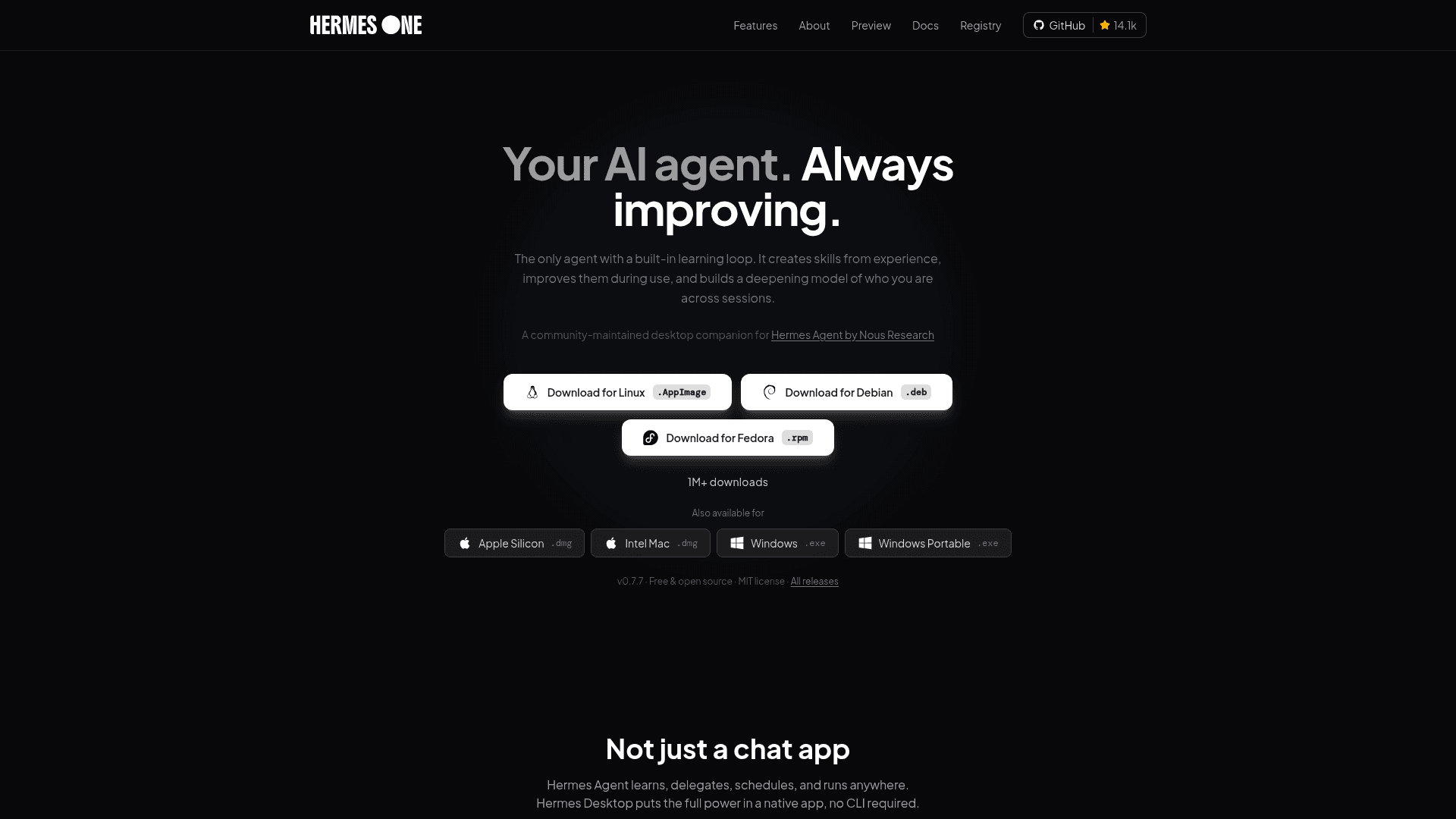
A community-maintained native desktop app for installing, configuring, and chatting with Hermes Agent — a self-improving AI assistant with a closed learning loop, deep memory, and multi-platform messaging.
At a Glance
Fully free and MIT-licensed desktop app. Download and use without cost.
Engagement
Available On
Alternatives
Updated Sep 2026
About Hermes One
Hermes One is a community-maintained Electron app that wraps the open-source Hermes Agent from Nous Research in a native GUI for macOS, Windows, and Linux. It is free, MIT-licensed, and available at v0.7.7 with the project reporting over 1 million downloads and 14,000+ GitHub stars. The app eliminates the need to manage the Hermes CLI by hand, walking users through install, provider setup, and day-to-day agent use in one place.
What It Is
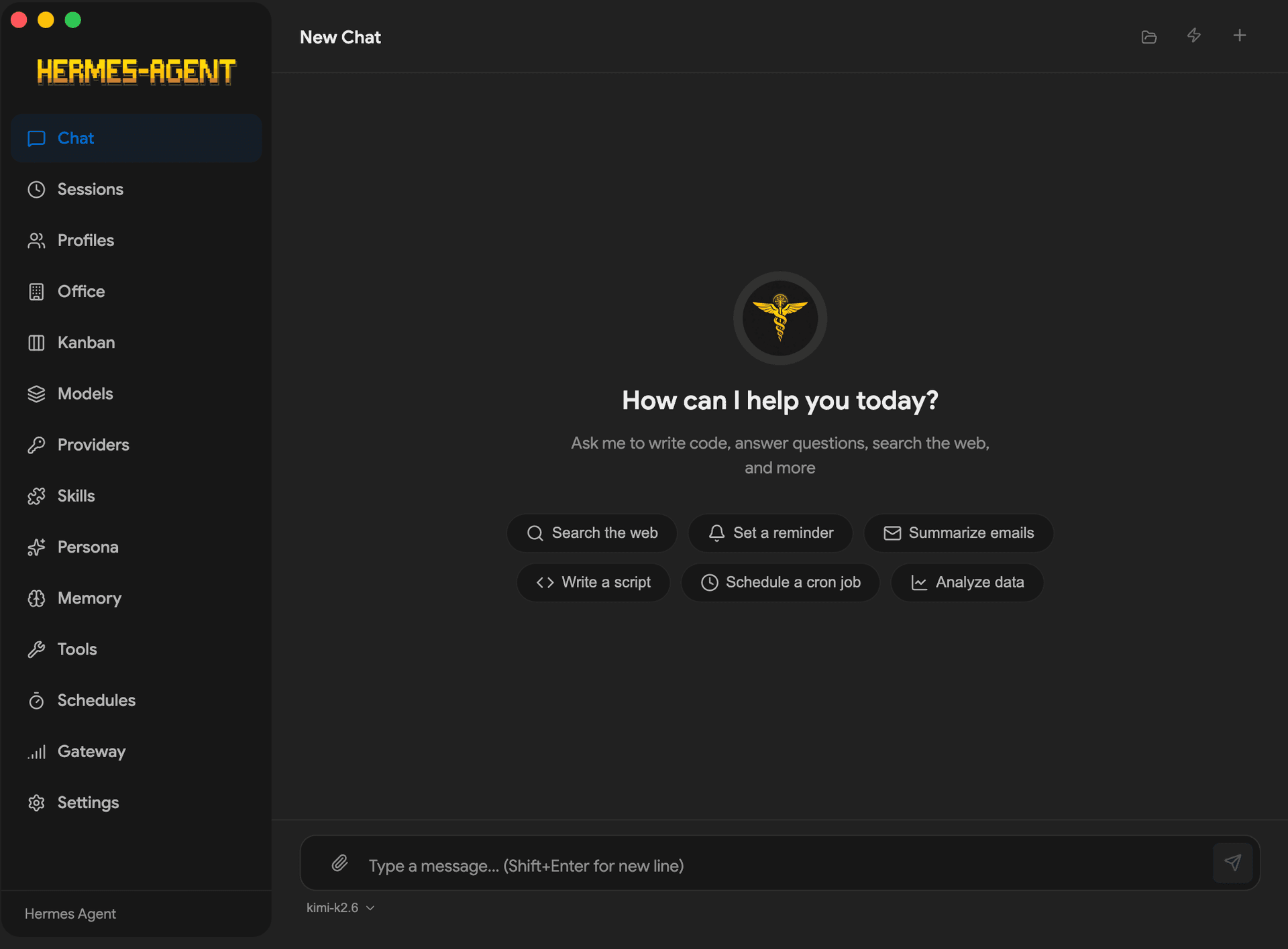
Hermes One (previously named Hermes Desktop by fathah) is a desktop companion for Hermes Agent — a self-improving AI assistant built around a closed learning loop. The agent can author its own reusable skills after complex tasks, refine those skills during future use, and maintain persistent memory across sessions using FTS5 full-text search and LLM summarization. The desktop app provides a GUI for chat, sessions, profiles, memory, skills, tools, scheduling, and messaging gateways, all without requiring terminal access.
The Closed Learning Loop
The defining architectural feature of Hermes Agent — and the reason Hermes Desktop was built — is its learning loop:
- Autonomous skill creation: After complex tasks, the agent authors reusable skills and stores them for future use.
- Self-improving skills: Skills are refined during subsequent use, not just stored statically.
- Honcho dialectic user modeling: The agent builds a deepening model of the user across sessions, compatible with the agentskills.io open standard.
- Agent-curated memory: Periodic nudges keep memory relevant; FTS5 session search with LLM summarization enables cross-session recall.
Multi-Platform Connectivity and Toolsets
Hermes Desktop acts as a single gateway to 16 messaging platforms including Telegram, Discord, Slack, WhatsApp, Signal, Matrix, Mattermost, Email (IMAP/SMTP), SMS via Twilio and Vonage, iMessage via BlueBubbles, DingTalk, Feishu/Lark, WeCom, WeChat, Webhooks, and Home Assistant. Conversation continuity is maintained across all connected platforms.
The app exposes 14 toolsets: web search, browser automation, terminal, file operations, code execution, vision, image generation, TTS, memory, session search, delegation, Mixture-of-Agents (MoA), and task planning. Tool integrations include Exa Search, Tavily, Firecrawl, FAL.ai, Honcho, Browserbase, Weights & Biases, and Tinker.
Model Support and No Lock-In
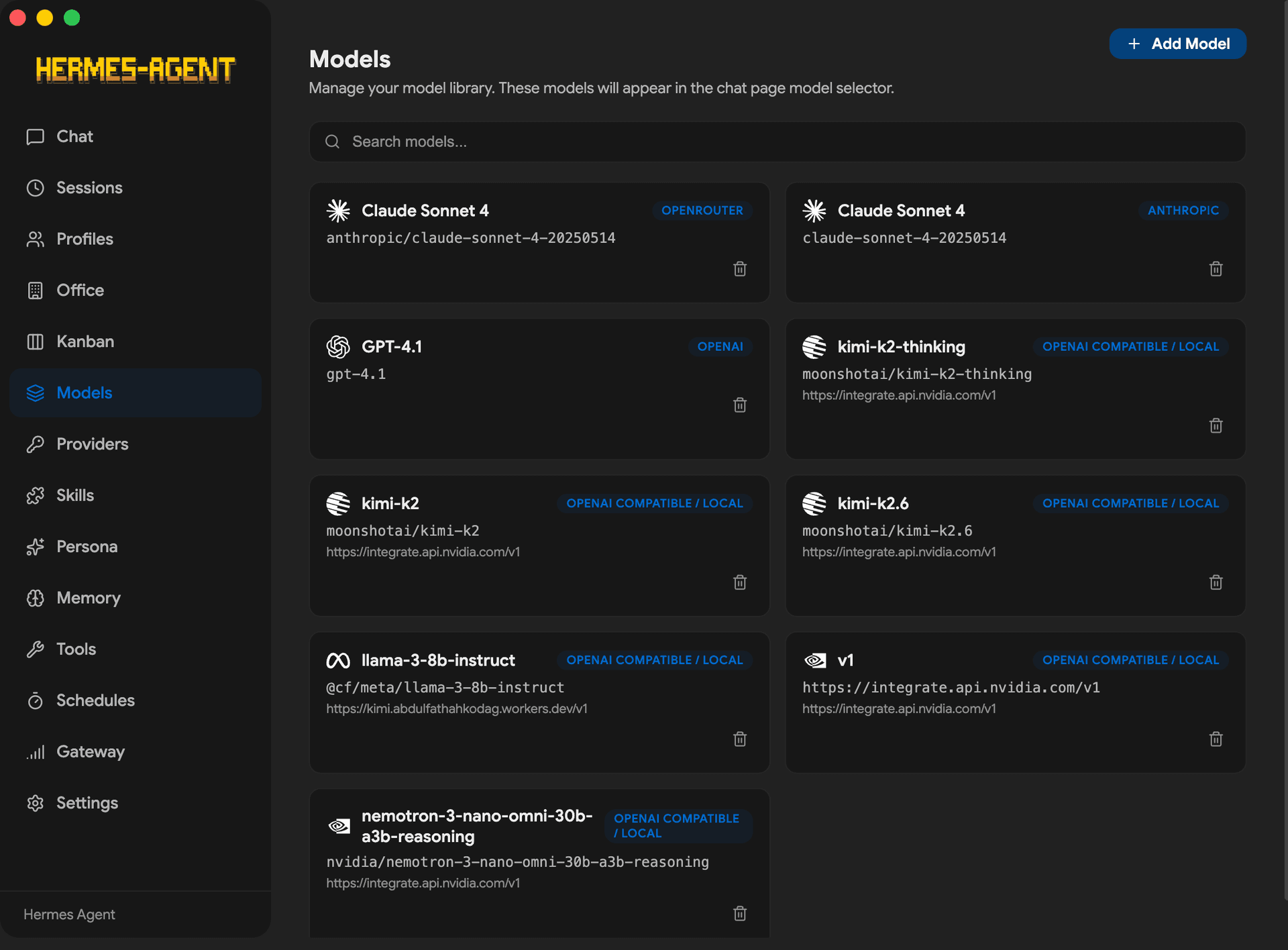
Hermes Desktop supports switching between providers with a single command. Supported providers include:
- Cloud: OpenRouter (300+ models), Anthropic, OpenAI, Google Gemini, xAI Grok, Nous Portal, Qwen, MiniMax, Hugging Face, Groq
- Local/self-hosted: Ollama, LM Studio, vLLM, llama.cpp, Atomic Chat, and any OpenAI-compatible endpoint
- Sponsor provider: Atlas Cloud (OpenAI-compatible gateway)
Seven terminal backends are supported for running the agent: local, Docker, SSH, Singularity, Modal, Daytona, and Vercel Sandbox — from a laptop to a GPU cluster.
Architecture and Setup Path
The app is built with Electron, electron-vite, React, and TypeScript. On first launch it offers two modes: local mode, which installs Hermes Agent to ~/.hermes using the official install script (handling Python 3.11, Node.js, ripgrep, ffmpeg, and more automatically), and remote mode, which connects to a user-supplied Hermes API server via URL and API key. Chat requests stream over HTTP + SSE to 127.0.0.1:8642 in local mode. The app parses the stream in real time, rendering tool progress, markdown, and token usage as they arrive.
Update: v0.7.7
The latest release is v0.7.7, published in September 2026. The project is in active development with 401 open issues and regular pushes to the main branch. The GitHub repository was created in April 2026 and has grown to over 14,000 stars. The project notes that features may change and some things might break, and welcomes contributions via the Contributing Guide and open issues.
Community Discussions
Be the first to start a conversation about Hermes One
Share your experience with Hermes One, ask questions, or help others learn from your insights.
Pricing
Free & Open Source
Fully free and MIT-licensed desktop app. Download and use without cost.
- Full desktop GUI for Hermes Agent
- Local and remote backend modes
- 300+ model support via OpenRouter and other providers
- 14 toolsets
- 16 messaging gateway integrations
Capabilities
Key Features
- Closed learning loop with autonomous skill creation and self-improvement
- Deep memory with FTS5 session search and LLM summarization
- Honcho dialectic user modeling across sessions
- 16 messaging gateway integrations (Telegram, Discord, Slack, WhatsApp, Signal, and more)
- 14 toolsets including web search, browser automation, terminal, vision, image gen, TTS
- Built-in cron scheduler with 15 delivery targets
- Subagent delegation and parallel workstreams
- 7 terminal backends: local, Docker, SSH, Singularity, Modal, Daytona, Vercel Sandbox
- 300+ model support via OpenRouter and direct provider integrations
- Local model support: Ollama, LM Studio, vLLM, llama.cpp
- 22 slash commands
- Session management with full-text search and date-grouped history
- Profile switching with isolated config environments
- Persona editor (SOUL.md)
- Scheduled automations in natural language
- Streaming chat UI with SSE, markdown rendering, and syntax highlighting
- Token usage tracking and cost display
- Auto-updater via electron-updater
- Backup, import, and debug dump from Settings
- In-app Discover gallery and hermesone add CLI for skills, MCP servers, agents, and workflows
- Secrets provider with vault/secret manager integration support
- i18n-ready with English locale