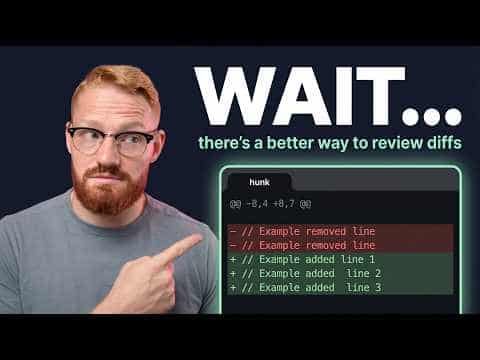
Hunk
A review-first terminal diff viewer for humans and AI agents, with multi-file review streams, inline agent annotations, and syntax highlighting.
At a Glance
Free and open-source under the MIT license. Install via npm, Homebrew, or Nix.
Engagement
Available On
Listed Jul 2026
About Hunk
Hunk is an open-source, review-first terminal diff viewer built by Modem and released under the MIT license. It is designed for both human developers and AI coding agents, offering a fast, visually polished interface that works across macOS, Linux, and Windows. The project has accumulated over 7,800 GitHub stars and reached v0.17.6 as of late July 2026.
What It Is
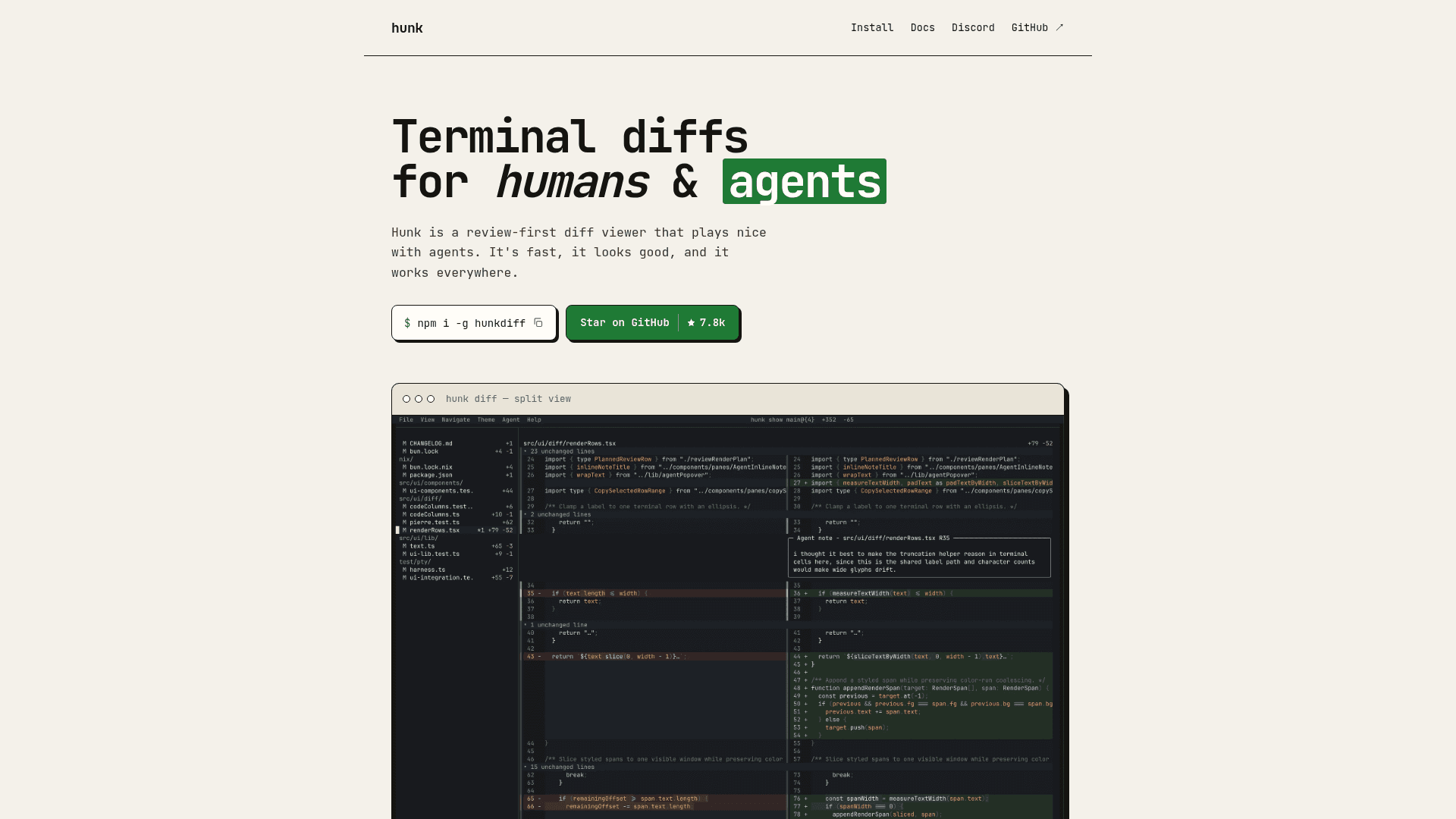
Hunk is a terminal UI (TUI) application that replaces plain-text git diff output with an interactive, multi-file review stream. Rather than scrolling through raw patch text, users navigate a sidebar of changed files, view split or stacked diff layouts, and read syntax-highlighted code changes. It is built on OpenTUI and Pierre diffs, and is distributed as an npm package (hunkdiff), a Homebrew formula, and a Nix flake.
Agent-First Design
What sets Hunk apart from tools like delta, difftastic, or diff-so-fancy is its first-class support for AI coding agents. Agents can connect to a live Hunk review session, navigate hunks, and leave inline comments and annotations that render directly beside the code they describe — keeping AI reasoning in the diff rather than in a separate tab or chat window. The workflow is:
- The developer opens
hunk difforhunk showin one terminal pane. - The agent runs
hunk session review --repo . --jsonandhunk session comment addto inspect and annotate the live session. - A skill file (retrieved via
hunk skill path) can be loaded by any compatible coding agent to enable this workflow automatically.
Review Workflow and Navigation
Hunk mirrors Git's diff-style commands but opens changesets in an interactive UI:
hunk diff— review current working tree changes, including untracked fileshunk diff --watch— auto-reload as the working tree changeshunk show— review the latest commithunk diff before.ts after.ts— compare two files directlygit diff --no-color | hunk patch -— pipe a patch from stdin
It also auto-detects Jujutsu and Sapling version control systems, using native revsets inside those workspaces. Hunk can be set as the Git pager so git diff and git show open in Hunk automatically.
Layouts, Themes, and Configuration
Hunk supports split, stacked, and responsive auto layouts that adapt to terminal width, with runtime toggles for line numbers and line wrapping. Six built-in themes are shown on the homepage (Graphite, Midnight, Ember, Zenburn, Catppuccin Mocha, Catppuccin Latte), and users can define custom themes that inherit from any built-in theme and override specific colors or TextMate syntax scopes. Configuration is stored in ~/.config/hunk/config.toml or a per-repo .hunk/config.toml, covering theme, layout mode, VCS backend, watch mode, tab width, and agent note display.
Extensibility and Embedding
Hunk includes an experimental extension API (Phase 1) that loads plain TypeScript extensions from the user config directory or a trusted repository's .hunk/extensions/ folder. Extensions can contribute themes, add VCS backends, rewrite changesets before review (e.g., collapsing lockfiles), replace the file-navigation sidebar with a custom React component, and react to lifecycle events. Hunk also publishes HunkDiffView and lower-level primitives from hunkdiff/opentui for embedding the same diff renderer in other OpenTUI applications.
Update: v0.17.6
The latest release is v0.17.6, published on July 25, 2026. The repository shows active development with frequent pushes and 100 open issues as of late July 2026. The extension API is marked experimental and may change between minor releases; breaking changes are called out in release notes. The older [custom_theme.syntax] role table is deprecated and will be removed in the next major release, with syntax_scopes as the replacement.
Community Discussions
Be the first to start a conversation about Hunk
Share your experience with Hunk, ask questions, or help others learn from your insights.
Pricing
Open Source
Free and open-source under the MIT license. Install via npm, Homebrew, or Nix.
- Multi-file review stream
- Inline agent annotations
- Split/stack/auto layouts
- Watch mode
- Syntax highlighting and themes
Capabilities
Key Features
- Multi-file review stream with sidebar navigation
- Inline AI and agent annotations beside the code
- Split, stack, and responsive auto layouts
- Watch mode for auto-reloading file and Git-backed reviews
- Keyboard, mouse, pager, and Git difftool support
- Syntax highlighting with multiple built-in themes
- Custom theme support with TextMate syntax scope overrides
- Git, Jujutsu, and Sapling VCS backend support
- Pager-compatible mode for piping patches from stdin
- Experimental TypeScript extension API
- OpenTUI component for embedding diff renderer
- Agent skill integration for live session review
Integrations
Demo Video