
Image Color Changer
AI-powered tool to recolor products, visualize designs, and change image colors instantly in your browser without Photoshop.
At a Glance
About Image Color Changer
Image Color Changer is an AI-powered browser-based tool that enables users to instantly recolor images without requiring professional software like Photoshop. The platform offers two distinct modes: Precision Mask for pixel-perfect color replacement ideal for e-commerce and product photography, and AI Magic for creative transformations using natural language prompts. Users can upload images, select objects with smart AI detection, pick colors, and download high-resolution results in minutes.
- Smart Object Detection - AI automatically identifies and masks complex shapes including hair strands, intricate jewelry, and product edges with pixel-level accuracy for precise selections.
- Precision Mask Mode - Apply exact HEX or RGB color codes to selected regions with real-time preview, perfect for e-commerce catalogs and brand assets requiring color consistency.
- AI Magic Mode - Describe desired transformations in plain English and let AI handle texture, lighting, shadows, and material changes like fabric to leather or matte to glossy.
- Live Preview - See color changes apply in real-time as you adjust the color picker, enabling rapid experimentation without waiting for rendering.
- Natural Blending - Advanced technology fuses new colors with original lighting, shadows, and texture gradients for photorealistic results indistinguishable from originals.
- High-Resolution Output - Upload and download professional-quality images suitable for print and commercial use without quality loss.
- Browser-Based Processing - Access the full editing engine directly in Chrome, Safari, or Edge on any device without software installation.
- Multiple Use Cases - Ideal for e-commerce product variants, real estate staging, automotive dealership listings, furniture visualization, and creative digital art projects.
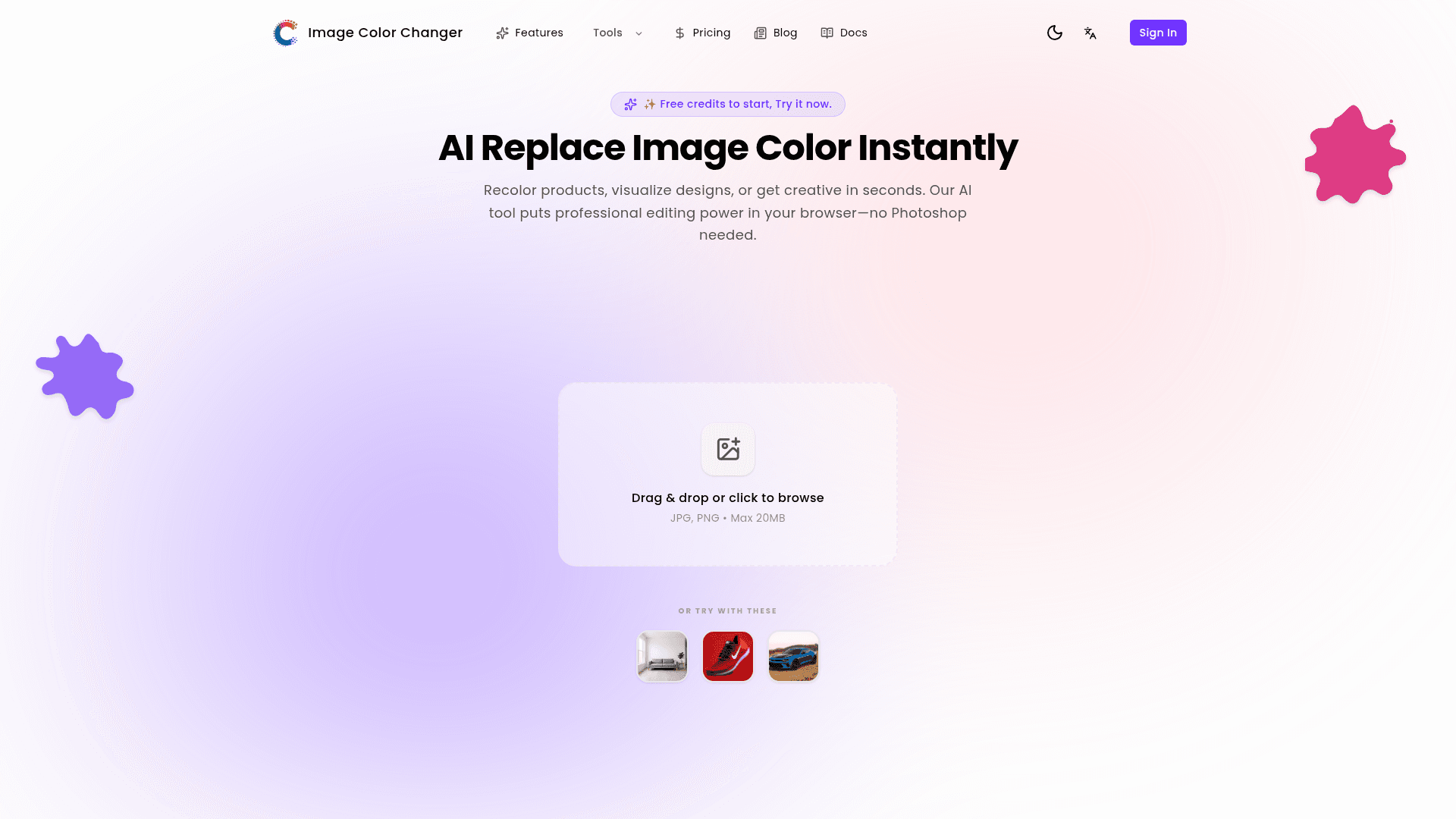
To get started, simply drag and drop a JPG or PNG image (up to 20MB) onto the upload area or click to browse files. Select the object you want to recolor using the smart detection tool, choose your desired color from presets or enter a specific HEX code, and download your transformed image in high resolution.
Community Discussions
Be the first to start a conversation about Image Color Changer
Share your experience with Image Color Changer, ask questions, or help others learn from your insights.
Pricing
Free
Free credits to start and try both modes
- Free credits to try
- Precision Mask mode
- AI Magic mode
Starter
For personal projects & hobbyists
- 1200 credits per year
- Smart Object Detection
- Magic Prompt Enhancer
- Natural Lighting Preservation
- High-Resolution Downloads
- Personal Use License
Standard
For professional creators & designers
- 6000 credits per year
- Everything in Starter
- Commercial License
- Priority Email Support
Premium
For agencies & high volume teams
- 24000 credits per year
- Everything in Standard
- Priority 1-on-1 Support
- Early Access to New Features
Capabilities
Key Features
- Smart Object Detection
- Precision Mask Mode
- AI Magic Mode
- Live Preview
- Natural Blending
- High-Resolution Downloads
- Browser-Based Processing
- HEX & RGB Color Codes
- One-Click Object Selection
- Natural Language Prompts
- Texture & Material Swap
- Smart Lighting Adjustment
- Magic Prompt Enhancer
- Natural Lighting Preservation