
iMCP
A macOS app that runs an MCP server to connect your Messages, Contacts, Calendar, Reminders, and more with AI clients like Claude Desktop.
At a Glance
Fully free and open-source under the MIT License. Download and use at no cost.
Engagement
Available On
Alternatives
Listed Sep 2026
About iMCP
iMCP is an open-source macOS app built by developer Mattt that bridges your personal Apple data — Messages, Contacts, Calendar, Reminders, Location, Maps, Phone, Shortcuts, and Weather — with AI clients that support the Model Context Protocol (MCP). It is available as a free download from iMCP.app and requires macOS 15.3 or later. The project is licensed under the MIT License and has accumulated over 1,600 GitHub stars since its initial release in March 2025.
What It Is
iMCP is a macOS menu bar application that runs a local MCP server, exposing your Apple device data as tools that MCP-compatible AI clients can call. When you ask Claude Desktop "How's the weather where I am?" or "What's on my calendar this week?", Claude uses iMCP's tools to retrieve that information directly from your Mac — without you having to paste it manually. The app acts as a permission-gated bridge: it uses Apple's standard macOS permission dialogs to request access to each data source, and only exposes the services you explicitly enable.
How the Architecture Works
iMCP ships two components in one package:
- iMCP.app — a menu bar UI that manages macOS system permissions and lets you toggle individual services on or off
- imcp-server — a bundled CLI executable that speaks the MCP stdio transport, relaying requests from AI clients to the app and returning responses
The app and CLI discover each other on the local network using Apple's Bonjour protocol (service type _mcp._tcp). Requests from MCP clients arrive at the CLI via stdin and are proxied to the app; responses travel back through stdout. The project also produced what became the official Swift SDK for MCP servers and clients.
Capabilities Exposed as MCP Tools
Each service is independently toggleable and permission-gated:
- Calendar — view and create events with recurrence, alarms, and availability settings
- Contacts — search by name, phone, or email; access your own contact card
- Location — current GPS coordinates and address geocoding
- Maps — place search, directions, POI lookup, travel time, and static map images
- Messages — iMessage history with specific participants over customizable date ranges, including attachments
- Phone — call history synced from iPhone, filterable by participant, date, or call type
- Reminders — view and create reminders with due dates, priorities, and alerts
- Shortcuts — list and run macOS Shortcuts with optional text input
- Weather — current conditions including temperature and wind speed for any location
Tool results are returned as JSON-LD documents using Schema.org vocabularies, making them readable by both AI models and conventional software.
Client Compatibility and Setup
iMCP works with any MCP-compatible client. The README documents setup paths for:
- Claude Desktop — one-click configuration via the iMCP menu bar item, or manual JSON config
- Claude Code — a single
claude mcp addcommand - Cursor — a deep-link installer
- Amp — an
amp mcp addcommand
When a new client connects, iMCP shows an approval dialog; checking "Always trust this client" avoids repeated prompts.
Update: Version 1.5.4
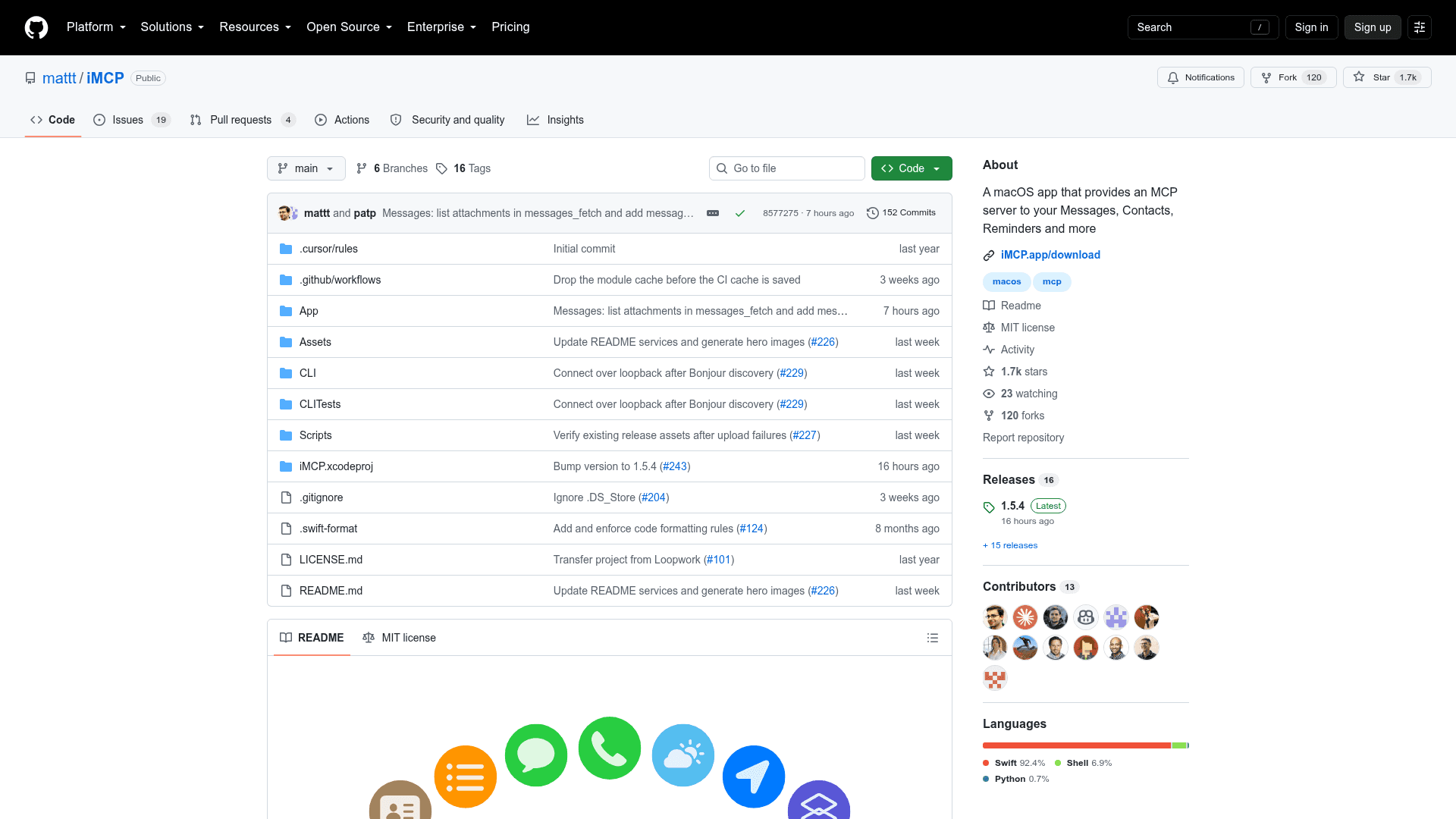
The latest release is 1.5.4, published on September 24, 2026. Recent commits include expanded Messages support — messages_fetch now lists attachments (with metadata like name, encoding format, and content size) and a new messages_attachment_read tool allows reading attachment bytes by ID. Earlier in the same release cycle, the CLI was updated to connect over loopback after Bonjour discovery, and CI workflows were hardened. The project has 16 tagged releases since its March 2025 launch, reflecting active development. The iMessage access layer was also improved to request folder-level sandbox access (rather than file-level) so that write-ahead log entries — containing the newest messages — are readable.
Community Discussions
Be the first to start a conversation about iMCP
Share your experience with iMCP, ask questions, or help others learn from your insights.
Pricing
Free
Fully free and open-source under the MIT License. Download and use at no cost.
- All MCP capabilities (Calendar, Contacts, Location, Maps, Messages, Phone, Reminders, Shortcuts, Weather)
- Claude Desktop integration
- Claude Code integration
- Cursor integration
- Amp integration
Capabilities
Key Features
- Menu bar app with per-service toggle controls
- Calendar access: view and create events with recurrence and alarms
- Contacts access: search by name, phone, or email
- Location: current GPS coordinates and address geocoding
- Maps: place search, directions, POI lookup, travel time, static map images
- Messages: iMessage history with participants, date ranges, and attachments
- Phone: call history from iPhone with filtering
- Reminders: view and create with due dates and priorities
- Shortcuts: list and run macOS Shortcuts
- Weather: current conditions for any location
- JSON-LD tool results using Schema.org vocabularies
- Bonjour-based local discovery between app and CLI
- One-click Claude Desktop configuration
- Cursor deep-link installer
- MCP Inspector debugging support
- Companion app debugging support
- App Sandbox with macOS permission dialogs
- MIT open-source license