
Intent
A free desktop app for spec-driven, multi-agent coordination that runs isolated task workspaces across devices.
At a Glance
Official documentation describes Intent as a free desktop app; the public repository is Apache-2.0. Bring your own agent provider/account, whose usage charges or subscription are separate. The iOS companion source is private and is not covered by the public-source claim.
Engagement
Available On
Listed Nov 2026
About Intent
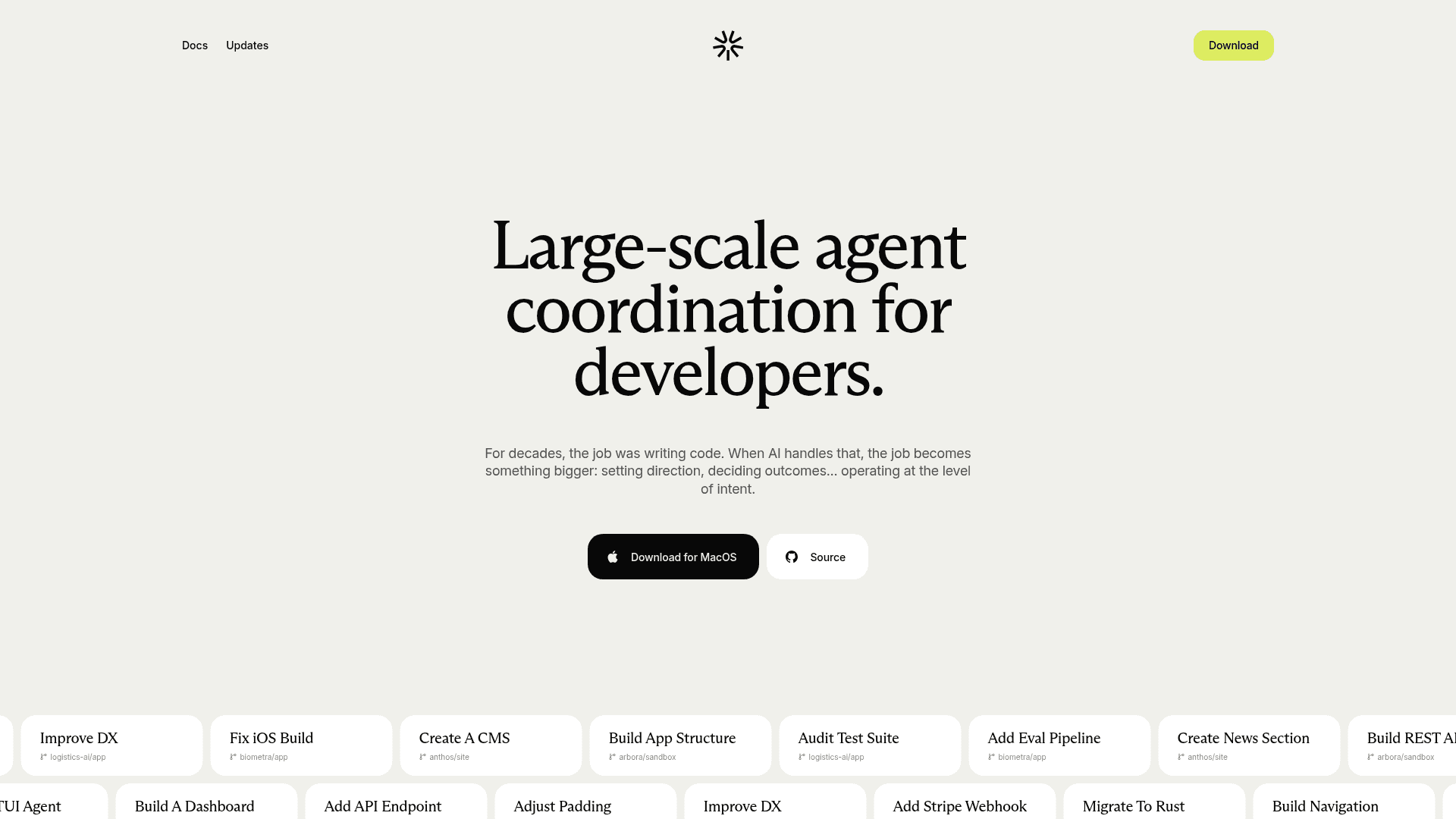
Intent is a desktop app for large-scale agent coordination, built around spec-driven development and multi-agent orchestration. Each task lives in its own git-backed workspace where a Coordinator agent writes a living spec and delegates to specialist agents. The docs describe it as free, licensed under Apache License 2.0, with macOS builds and Windows and Linux listed as alpha.
What It Is
Intent is a workspace-first environment for AI-assisted software development. You point a workspace at a repository, describe the outcome, and agents write a spec, implement code, and verify results. It does not replace your coding agents; it works with providers such as Augment Auggie, Anthropic Claude Code, Google Antigravity, Grok Build, OpenAI Codex, OpenCode, Pi, and Unsloth, which you configure under Settings.
How Workspaces and Specs Work
Every workspace wraps a git branch or worktree with its own agents, notes, and file tracking, so parallel tasks do not collide. The Spec note holds goals, tasks, acceptance criteria, and non-goals, and every agent in the workspace reads it as shared context. Tasks are written as trackable task blocks that agents can be assigned to.
Specialists and Orchestration
Built-in specialists include Coordinator, Developer, Implementor, Verifier, UI Designer, and PR Reviewer. A Coordinator can plan, delegate implementation in parallel, and trigger a verifier. You can create custom specialists with their own prompt, provider, and model, and mix models per role.
Built-in Development Tooling
The app includes integrated git (commits, pull requests, merging), a terminal overlay, and a browser panel where agents can click through a web app and capture before-and-after screenshots as verification evidence. Diagrams can be Mermaid or interactive native diagrams, and MCP servers can be connected for extra tools. Home gives list and kanban views of workspaces, plus GitHub pull requests and Linear issues.
Multi-Device and Mobile
Workspaces can run on remote machines and be transferred between local and remote devices. The Intent mobile app for iPhone, iPad, and iPhone Duo acts as a remote control for a paired computer, letting you start workspaces, chat with agents, and review diffs and terminals.
Community Discussions
Be the first to start a conversation about Intent
Share your experience with Intent, ask questions, or help others learn from your insights.
Pricing
Free desktop and public source
Official documentation describes Intent as a free desktop app; the public repository is Apache-2.0. Bring your own agent provider/account, whose usage charges or subscription are separate. The iOS companion source is private and is not covered by the public-source claim.
- Desktop workspace and agent coordination
- Bring your own providers
- Multi-device workflow
Capabilities
Key Features
- Task-focused isolated workspaces
- Living spec shared by all agents
- Multi-agent orchestration with Coordinator, Implementor, and Verifier
- Custom specialist agents
- Bring your own agent providers and models
- Remote machines and workspace transfer
- Intent mobile remote control app
- Integrated git, pull requests, and merging
- Built-in browser verification with screenshots
- Mermaid and interactive diagrams
- MCP server support
- Built-in terminal with saved scripts
- Home view with list and kanban of workspaces
- GitHub and Linear issue integration
- Token-saving settings and usage view
- Voice dictation