
Bug reporting tool that records screen captures with logs, network requests, and device context for teams and AI agents.
At a Glance
Free for everyone; for small teams getting started
14 day free trial of the Team plan
Engagement
Available On
Listed Oct 2026
About Jam
Jam is a bug and feedback capture tool from Jam, Inc., founded in 2020, for product, QA, support, and engineering teams. It records the screen or takes screenshots from a Chrome extension, an iOS app, or a Mac app, and bundles the recording with technical context so engineers and AI agents can investigate. Jam says more than 300,000 users use it.
What It Is
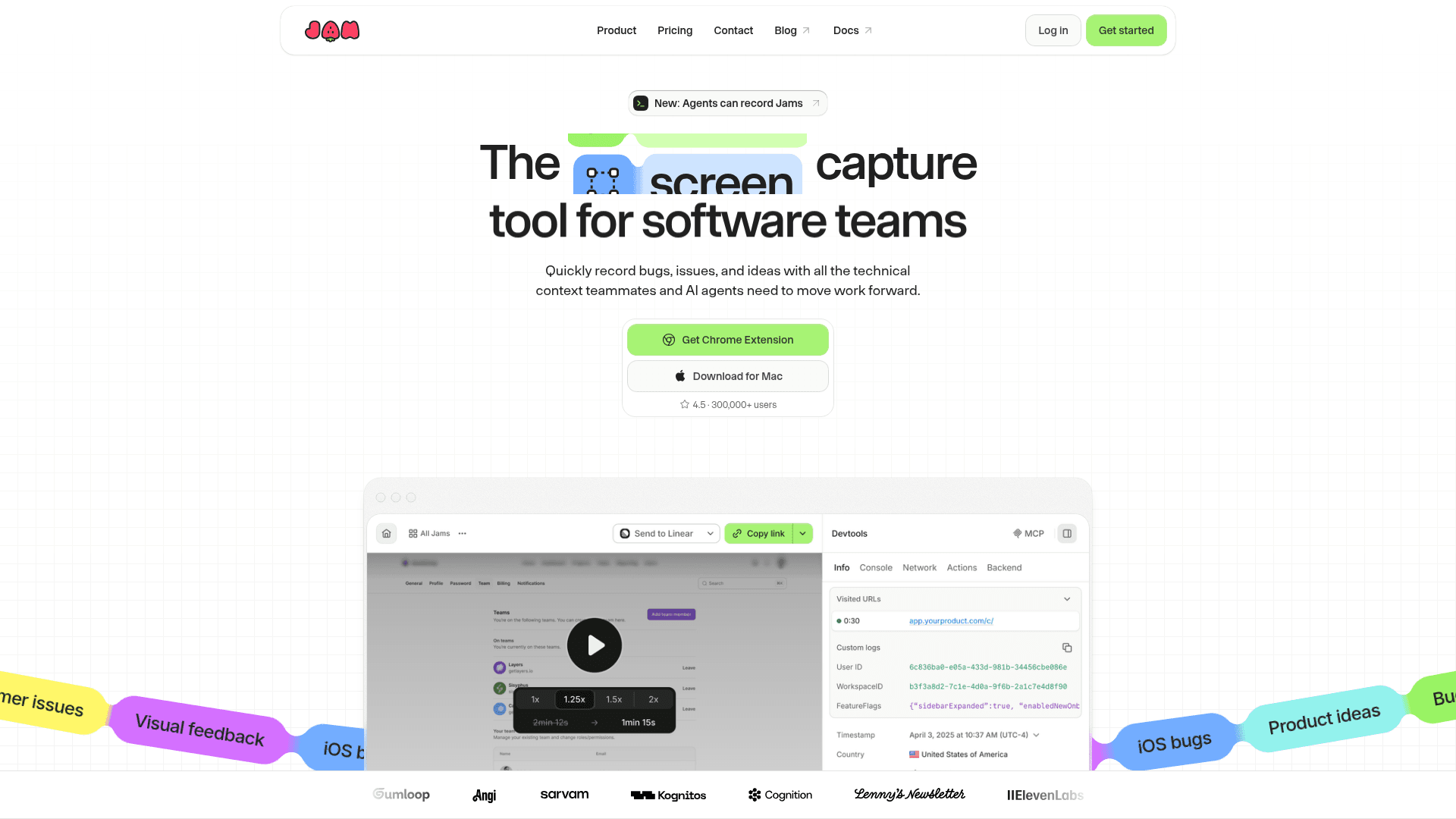
Jam is a bug-reporting and visual-feedback tool. A user records a bug, customer issue, or product idea, and Jam keeps the recording together with available console logs, network requests, user events, and device details. Jam AI suggests a title, summary, and repro steps. The result is shared as a single Jam link and can be routed to Linear, Jira, or Slack, or into AI tooling for a coding agent.
Customer Context
Recording Links let anyone record a Jam from a link without installing anything, and Jam for Fin lets customers record and submit a Jam inside an Intercom conversation. Connecting a product's domain lets customer recordings arrive with console logs, network requests, and user interactions from any browser. Auto-blur hides matched elements during Recording Link sessions so only the blurred version is captured. Automations can trigger triage, notifications, or handoffs when a Jam is created.
Jam for Developers and Agents
The Jam SDK controls what context is captured. Calling jam.metadata() at capture time attaches live user, feature flag, and app-state data. Sentry backend errors and FullStory sessions can be viewed alongside a Jam. For agents, Jam MCP lets coding agents read the context in a Jam, and webhooks can trigger agent runs when a new Jam is created. Jam CLI lets agents create Jams, for example publishing a video that shows the work behind a PR.
Security and Workspace Control
Jam states it is independently audited for SOC 2 Type II and complies with GDPR. It also lists SSO, audit logs with custom retention periods, and admin controls for managing system-level privileges.
Community Discussions
Be the first to start a conversation about Jam
Share your experience with Jam, ask questions, or help others learn from your insights.
Pricing
Free
Free for everyone; for small teams getting started
- 30 Jams
- 5 Recording Links
- Recordings up to 5 minutes
- Connect Jira, Linear and more
- Debug Jams via MCP
Team Free Trial
14 day free trial of the Team plan
Team
For growing product teams
- Everything in Free plus:
- Unlimited Jams
- 150 Recording Links
- Recordings up to 15 minutes
- 200 AI summaries
- Access controls
- Backend logging
Enterprise
For large orgs with custom needs; yearly billing only
- Everything in Team plus:
- Unlimited Recording Links
- SAML/SSO login
- Audit logs
- Workspace analytics
- Automatic data deletion
- Priority support
Capabilities
Key Features
- Screen recording and screenshot capture
- Automatic AI title, summary, and repro steps
- Automatic console logs, network requests, user events, and device info
- Recording Links requiring no install
- Jam for Fin (Intercom) customer recording
- Auto-blur of sensitive elements in Recording Link sessions
- Automations triggered on Jam creation
- Jam SDK with custom metadata
- Jam MCP for agents
- Jam CLI for agents to publish videos as Jams
- Webhooks
- SOC 2 Type II, GDPR, SSO, audit logs, admin controls