
Jelly
Open-source local-first workspace for running multiple persistent AI agents on your own Mac, Linux box or VM.
At a Glance
About Jelly
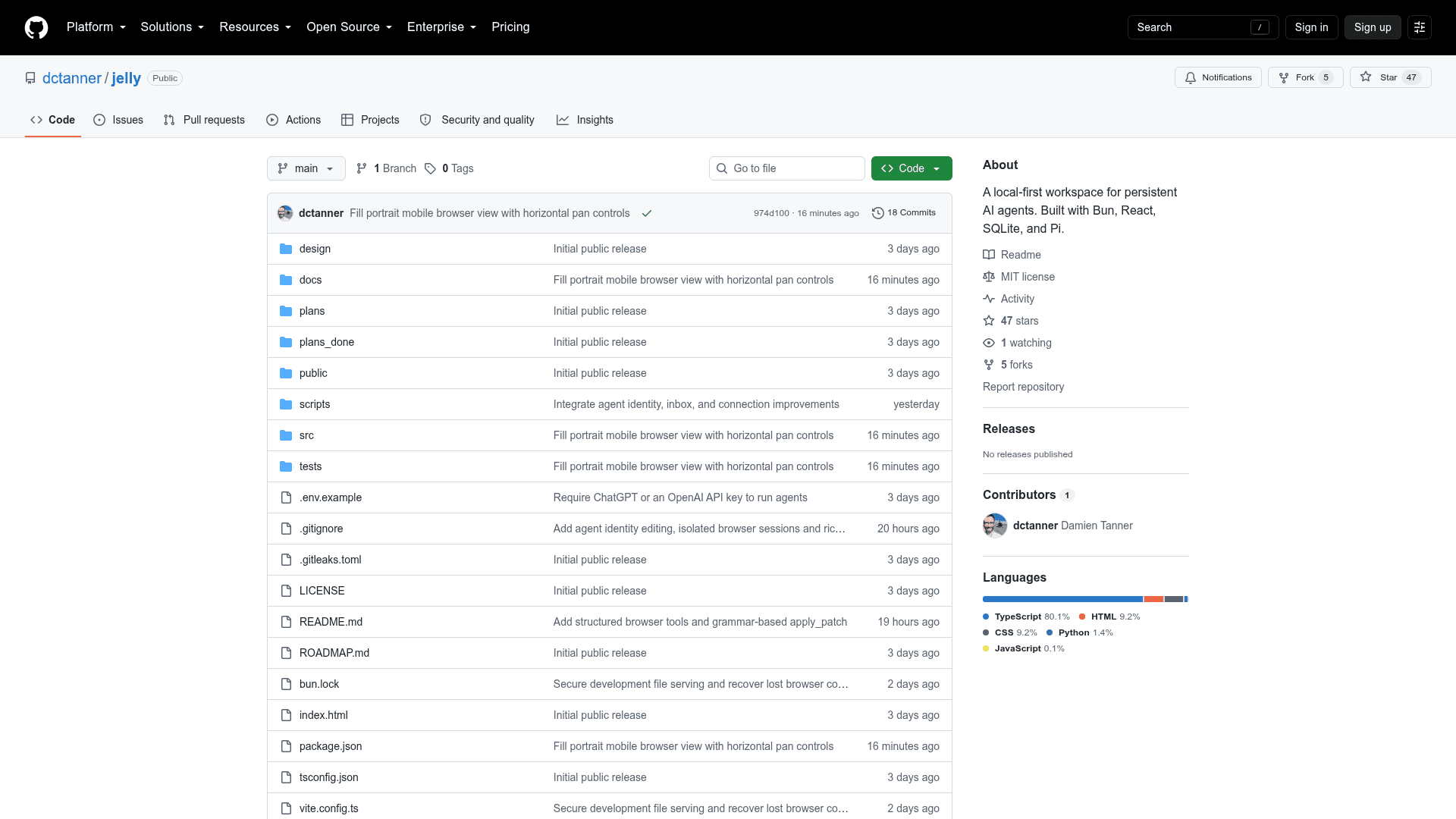
Jelly is an open-source, local multi-bot agent system published on GitHub by dctanner under the MIT License. Its README says it is aimed at someone running a whole business from a single VM, inspired by a post from levelsio. It is built with Bun, React, SQLite and the Pi agent harness.
What It Is
Jelly is a local-first workspace for persistent AI agents. Users can create as many agents as they want and group them into project directories. The web UI runs locally and can also be reached from a laptop or phone over Tailscale; the README says it can be added to an iPhone home screen to feel like a native app. Agents run on a user's own hardware, though the README notes that model conversations are sent to the chosen provider, so local storage does not mean local inference.
Agent Capabilities
The README lists the features it expects from an agent: shell tools, subagents, MCP connections, file uploads, inline images and downloadable artifacts. It also describes an apply_patch tool for Codex-style multi-file add, update, delete and move patches. The README states that filesystem writes are not transactional and that paths are not sandboxed.
Browser Control and Handoff
Agents can use a local Chrome browser, and each agent gets its own browser window, profile and private desktop on demand. Agents can read bounded visible text, click and fill non-secret fields, manage tabs, scroll and wait for readiness. If an agent needs to sign in somewhere, the user can take control of the browser through VNC in the web UI. The README says up to eight browser sessions can be allocated at once, and that clipboard transfer during control is text-only and limited to 12,000 characters.
Sudo and Security Model
Agents can call a request_sudo tool. If the sudo policy permits, the command runs immediately; otherwise Jelly shows the command and asks for the password in a private authentication card, which the README says is not sent to the model or saved. The README states plainly that Jelly is a trusted-user tool, not a sandbox, and should stay on loopback or a trusted Tailscale network rather than being exposed to the public internet.
Setup Path
The README says Jelly requires Bun 1.3.9+ and Node.js 24+, with Linux required for the managed browser desktop and sudo handoffs. After cloning the repository, users run bun install and bun run dev. Running agents requires a ChatGPT subscription or OpenAI API key, and the README says there is no no-key demo mode. Web search and fetching are enabled by setting a Firecrawl API key. The browser desktop setup targets Debian/Ubuntu x86-64 with Chrome or Chromium installed.
Community Discussions
Be the first to start a conversation about Jelly
Share your experience with Jelly, ask questions, or help others learn from your insights.
Pricing
Open Source (MIT)
Self-hosted, local multi-bot agent system released under the MIT License. Requires your own ChatGPT subscription or OpenAI API key to run agents.
- Run on your own hardware: Mac, Linux box or VM
- Create as many agents as you want, grouped into project directories
- Web UI accessible locally or via Tailscale
- Agents can use your local Chrome browser with VNC handoff
- Sudo requests via private authentication
Capabilities
Key Features
- Multiple persistent agents grouped into project directories
- Local web UI with Tailscale access from laptop or phone
- Uses ChatGPT subscription or OpenAI API key
- Per-agent isolated Chrome browsers with VNC human takeover
- Secure sudo request flow with private password entry
- Shell tools, subagents and MCP connections
- File uploads, inline images and downloadable artifacts
- apply_patch multi-file patch tool
- Automatic sea-themed agent naming
- Optional Firecrawl web search and fetch