
Juggler
A visual workbench for AI coding agents that lets you inspect, control, and branch conversations locally or remotely across desktop and browser clients.
At a Glance
About Juggler
Juggler is an open-source visual workbench for AI coding agents, built by Julian Storer — the developer behind JUCE, Tracktion, and Cmajor. It ships as a native desktop app paired with a headless server binary, runs on macOS, Windows, and Linux, and requires no Juggler account to use. The core application is licensed under AGPLv3, while the extension SDK and bundled extensions use Apache-2.0.
What It Is
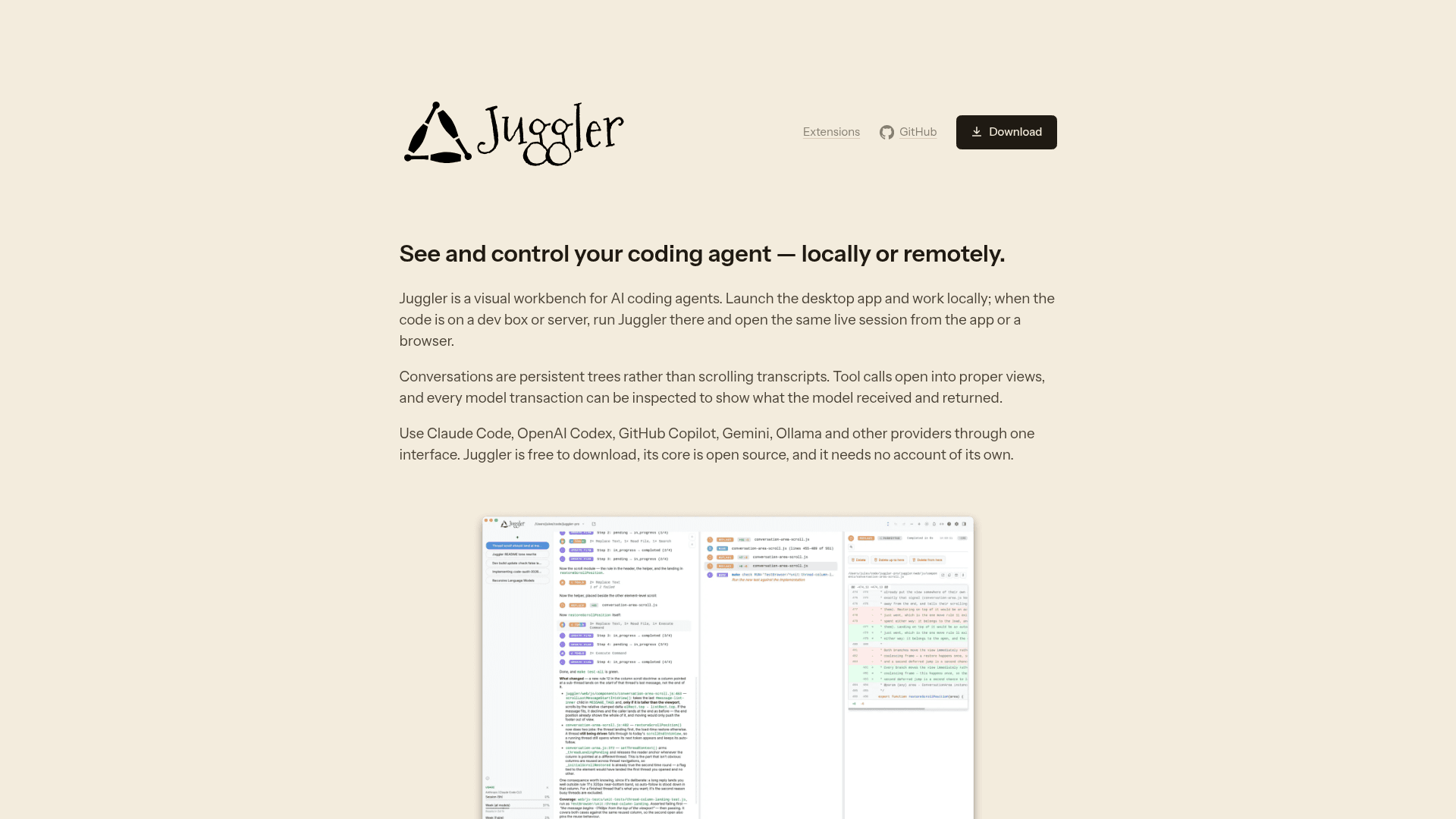
Juggler gives developers a proper interface for working with AI coding agents rather than a scrolling chat transcript. Conversations are represented as persistent trees stored on disk, so sessions survive quits, reconnects, and network interruptions. Tool calls open into dedicated views, and every model transaction — system prompt, messages, tool definitions, output, token use, timing, and stop reason — can be inspected in full. The tool supports Claude Code, Anthropic, OpenAI, Codex, GitHub Copilot, Google Gemini, Mistral, Z.AI, Ollama, OpenRouter, DeepSeek, and other OpenAI-compatible providers through a single interface.
Architecture: Server-Owned Sessions, Multiple Clients
The server owns the session and runs on the machine where the code lives. The desktop app and any number of browser tabs are synchronized clients of that server, kept in sync via Yjs documents. For local work, the desktop app starts its own matching server automatically — no terminal required. For remote or long-lived sessions, the headless juggler binary runs on a dev box or server, and the same interface is accessible from the desktop app or any browser, including a phone. The backend is Go; the UI is type-checked JavaScript served directly by the Go backend with no Electron shell and no frontend compilation step.
The Context Surgeon
Juggler treats an agent's context as an editable workspace rather than a sealed container:
- Branching threads — branch at any point, recursively; sub-threads do their work in isolation and return only the result to the parent, keeping intermediate history out of the main context.
- Structural editing — fold selected history into a new thread, move or copy items between branches, expand a branch back into its parent, and undo structural changes.
- Context sizing — Juggler measures the complete request before each call, leaves room for the answer, and automatically compacts older history when a conversation outgrows the model's context window.
- Full transaction inspection — select any completed turn's token count to open the recorded transaction with input messages, system prompt, tool schemas, model output, usage, timing, and stop reason.
Extension Model
Most of Juggler's capabilities are JavaScript extensions using the same public SDK as the bundled tools. Context items define tools like read, write, and bash — including their model schema, execution logic, and UI. Strategies define the LLM loop. Commands add slash-command workflows. Cards, Pinboard tabs, and file viewers add project-specific UI. MCP servers and skills enter through the same extension system. Extensions can be scaffolded from the CLI and hot-reload without rebuilding the app. Because the SDK is Apache-2.0, closed-source extensions carry no copyleft obligation.
MCP Support
Juggler functions as a workbench for testing and debugging MCP servers. Connecting a local or remote MCP server makes its tools available alongside built-in tools. The full handoff is visible: the schema offered to the model, the arguments generated, the approval decision, and the result returned. Individual tools can be allowed or denied, fixed default arguments can be set, and server status and logs are inspectable. Past model transactions show exactly which tool definitions were received at that turn.
Update: v0.6.4
The latest release is v0.6.4, published on September 14, 2026, according to the GitHub repository. The project describes itself as moving quickly with frequent releases shaped by real-project usage. The changelog is maintained at the GitHub repository, and the Discord server is the primary channel for feedback.
Community Discussions
Be the first to start a conversation about Juggler
Share your experience with Juggler, ask questions, or help others learn from your insights.
Pricing
Open Source
Free to download and use. Core application is AGPLv3; extension SDK and bundled extensions are Apache-2.0. No Juggler account required.
- Native desktop app for macOS, Windows, Linux
- Headless server binary for remote/long-lived sessions
- Multi-client sync (desktop, browser, mobile)
- Full model transaction inspection
- Branching conversation trees
Capabilities
Key Features
- Persistent tree-structured conversations (not scrolling transcripts)
- Full model transaction inspection (system prompt, messages, tool schemas, output, token use, timing, stop reason)
- Miller-column navigation for large sessions
- Branching sub-threads with isolated context
- Structural context editing: fold, move, copy, expand, undo
- Automatic context window sizing and history compaction
- Native desktop app + headless server binary
- Multi-client sync via Yjs (desktop, browser, mobile)
- Local and remote session support
- JavaScript extension SDK (Apache-2.0)
- MCP server integration with full handoff inspection
- Slash commands, Pinboard tabs, file viewers, info cards
- Support for Claude Code, OpenAI, Codex, GitHub Copilot, Gemini, Mistral, Ollama, OpenRouter, DeepSeek, Z.AI
- No Juggler account required
- No Electron — Go backend, native windowing via Wails
- Hot-reload extensions without rebuilding the app