
Kensaku
A local-first desktop file search launcher that searches file names, document text, OCR text in images, and meaning, with MCP access for AI agents.
At a Glance
Free, MIT-licensed desktop file search launcher; runs locally on Windows, macOS and Linux.
Engagement
Available On
Listed Nov 2026
About Kensaku
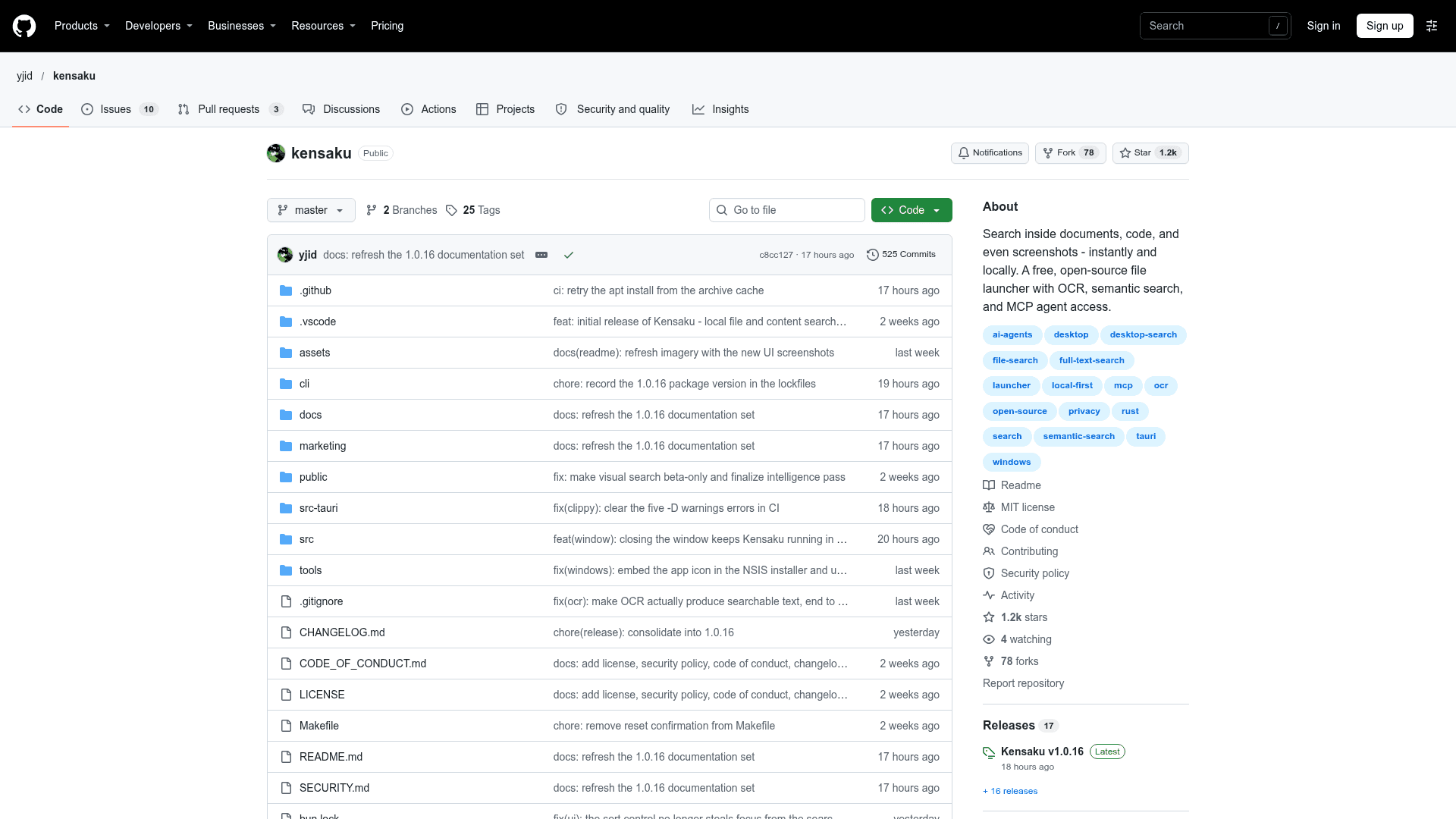
Kensaku is an open-source desktop search app for Windows, macOS, and Linux, published on GitHub by yjid under the MIT license. It searches file names, text inside documents and code, text in images via OCR, and meaning in one query, and shows matches with highlighted words. The latest release listed is v1.0.16.
What It Is
Kensaku is a file search launcher that runs locally. It indexes the folders you choose and updates results as you type. It can run as a tray launcher summoned with a keystroke or as a normal desktop window. The README states that it has no account, no telemetry, and no cloud search; the only outbound requests are update checks and model or OCR downloads.
What It Searches
- Documents and Office files such as PDF, DOCX, PPTX, XLSX, EPUB, ODT, RTF, and CSV.
- More than 50 code and data formats.
- Images, read with OCR (PP-OCRv6 by default, with optional Indra and Tesseract engines).
- Chinese, Japanese, and Korean text through a custom tokenizer.
- Natural-language time phrases such as "last week", plus a query language with filters like
type:,ext:,modified:,size:, andre:.
Agent and CLI Access
A kensaku-cli tool ships with each release for searching from the terminal. Running it in MCP mode lets clients such as Claude or Cursor search the same local index. Access is read-only by default, and an HTTP mode listens on loopback only with a bearer token.
Setup Path
Download installers from the GitHub releases page (EXE, MSI, portable zip, DMG, AppImage, DEB, RPM), or build from source with Rust and Bun. The README notes that builds are not yet code-signed, so macOS and Windows warn on first run. On first run you pick folders to index and exclusions. Search works while the first scan runs.
Performance Claims
The README reports 100,000-file name searches in milliseconds, with about 12.2 MB of in-memory metadata. It documents the benchmark method in a separate benchmarks file and notes that these are not cross-platform "fastest" claims.
Community Discussions
Be the first to start a conversation about Kensaku
Share your experience with Kensaku, ask questions, or help others learn from your insights.
Pricing
Open Source
Free, MIT-licensed desktop file search launcher; runs locally on Windows, macOS and Linux.
- MIT License
- Filename search across ~100,000 files in milliseconds
- Full text search inside PDF/DOCX/EPUB
- OCR for text inside screenshots and images
- Semantic search (find by meaning)
Capabilities
Key Features
- Millisecond filename search across ~100,000 files
- Full-text search inside PDF, DOCX, PPTX, XLSX, EPUB and more
- OCR for text in screenshots and images
- Semantic search by meaning
- Multilingual and CJK tokenization
- Natural-language time queries
- Query language with filters
- Incremental indexing
- Tray launcher or desktop app mode
- Quick Look previews
- MCP server and loopback HTTP for AI agents
- kensaku-cli command line tool
- Respects .gitignore and .cursorignore
- In-app updates with checksum verification
- Local-only with no telemetry