
KittyBrowser
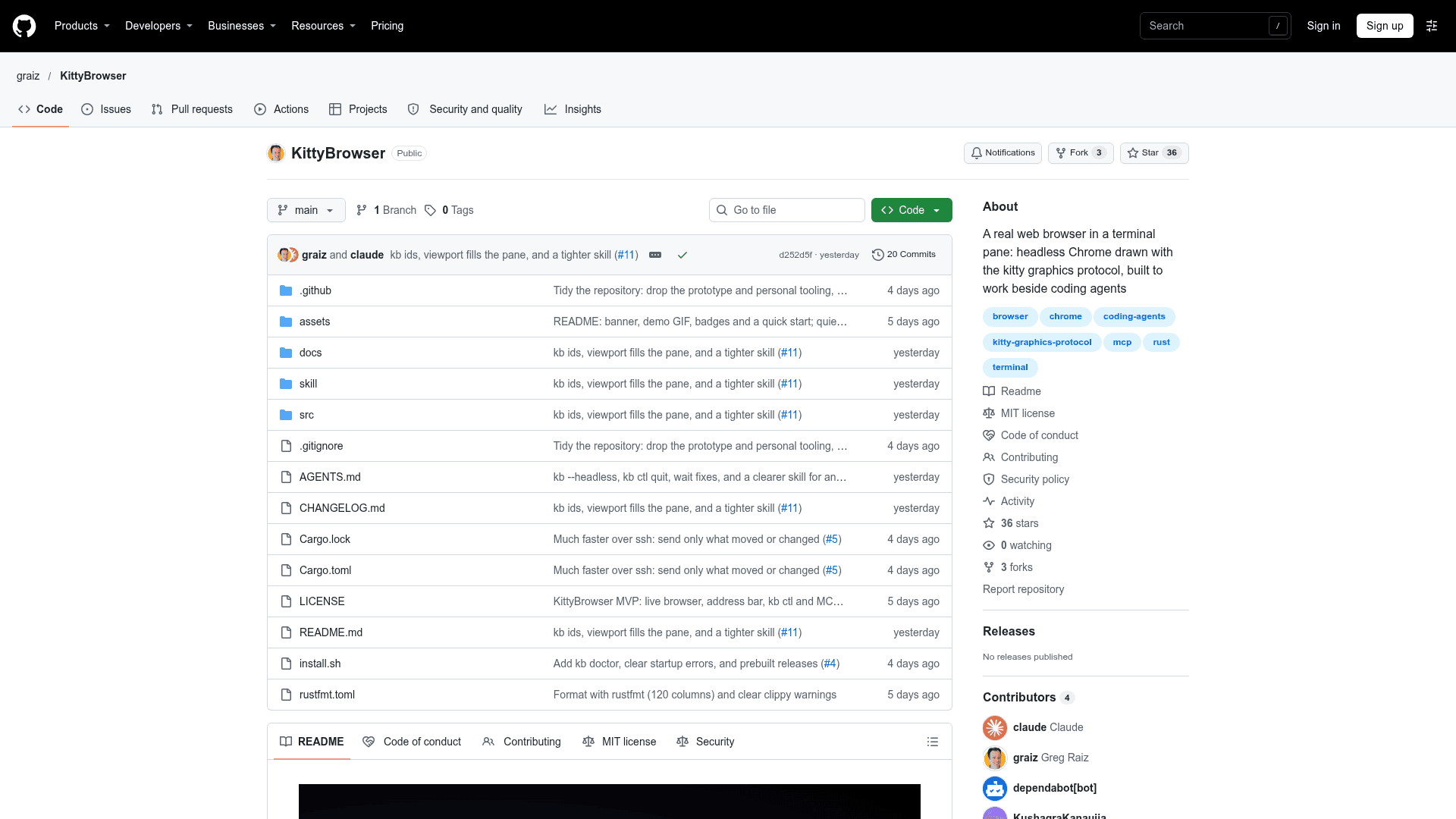
A terminal-pane web browser that drives headless Chrome and draws pages with the kitty graphics protocol, built to work beside coding agents.
At a Glance
KittyBrowser (kb) is MIT-licensed open-source software, free to use, copy, modify and distribute. Built from source with Rust.
Engagement
Available On
Alternatives
Listed Nov 2026
About KittyBrowser
KittyBrowser (kb) is an open-source, MIT-licensed browser written in Rust that runs in a terminal pane. It drives headless Chrome and renders each page as pixels through the kitty graphics protocol, so the real layout, fonts and images appear in the terminal. The README describes it as early but usable (version 0.1), used daily on macOS in Rex and Ghostty.
What It Is
kb is a terminal browser that shows actual rendered pages rather than a text approximation. You can click, scroll, type, find, zoom, copy and inspect elements in the pane. Address completion comes from local history, cookies and logins are kept in a separate local profile, and anything that is not an address is treated as a web search. It also opens local HTML files.
Working Beside Coding Agents
The design goal is to let an agent open kb in the pane next to its own so both the user and the agent look at the same page. Through kb ctl, an agent can load a dev server, check for console errors and failed requests, click through a flow, try a phone-width viewport, take screenshots, or read documentation. Command groups cover navigating, reading (outline, text, links, tables, images, html), acting (click, hover, type, select, press, scroll, wait) and debugging (console, network, eval, style, box, listeners, storage). kb skill install installs a skill for Claude Code or other skill-reading agents, and an optional MCP server can be enabled with kb mcp on. A --headless mode runs the browser without a pane for scripts or CI.
Setup Path
kb requires a terminal that supports the kitty graphics protocol (Ghostty, kitty, WezTerm or Rex), a Chromium-based browser such as Chrome, Edge or Brave, and Rust to build it, since no prebuilt release is available yet. It does not work inside tmux, screen or Zellij. The kb doctor command checks the terminal and Chrome setup. macOS is the tested platform; Linux builds but is untested, and Windows is only suggested through WSL 2, also untested.
Security Note
kb listens on a user-only socket, and any program running as that user can run JavaScript in pages logged in within kb. The README advises considering this before enabling the MCP server.
Community Discussions
Be the first to start a conversation about KittyBrowser
Share your experience with KittyBrowser, ask questions, or help others learn from your insights.
Pricing
Open Source (MIT)
KittyBrowser (kb) is MIT-licensed open-source software, free to use, copy, modify and distribute. Built from source with Rust.
- MIT License
- Terminal browser using headless Chrome and the kitty graphics protocol
- kb ctl commands for coding agents
- Runs on macOS and Linux
- Requires Rust to build and Chrome/Chromium/Edge/Brave installed
Capabilities
Key Features
- Real browser rendering in a terminal pane via kitty graphics protocol
- Click, scroll, type, find, zoom, copy and element inspection
- Address completion from local browsing history
- Separate local profile for cookies and logins
- Popup and multi-window switching
- `kb ctl` command interface for agents and scripts
- Console, network and page health checks
- Viewport and dark/light scheme emulation
- Screenshots, outline, text, links and table extraction
- Headless mode for scripts and CI
- Optional MCP server
- Installable agent skill for Claude Code
- Customizable key bindings
- `kb doctor` environment diagnostics