
Local-first desktop AI workbench with personal agents, group chats, Code and Work workspaces, and a terminal TUI sharing one runtime.
At a Glance
Free to download for learning, research, and other non-commercial use under the PolyForm Noncommercial 1.0.0 license. Commercial use requires separate written permission.
Engagement
Available On
Listed Oct 2026
About Kun
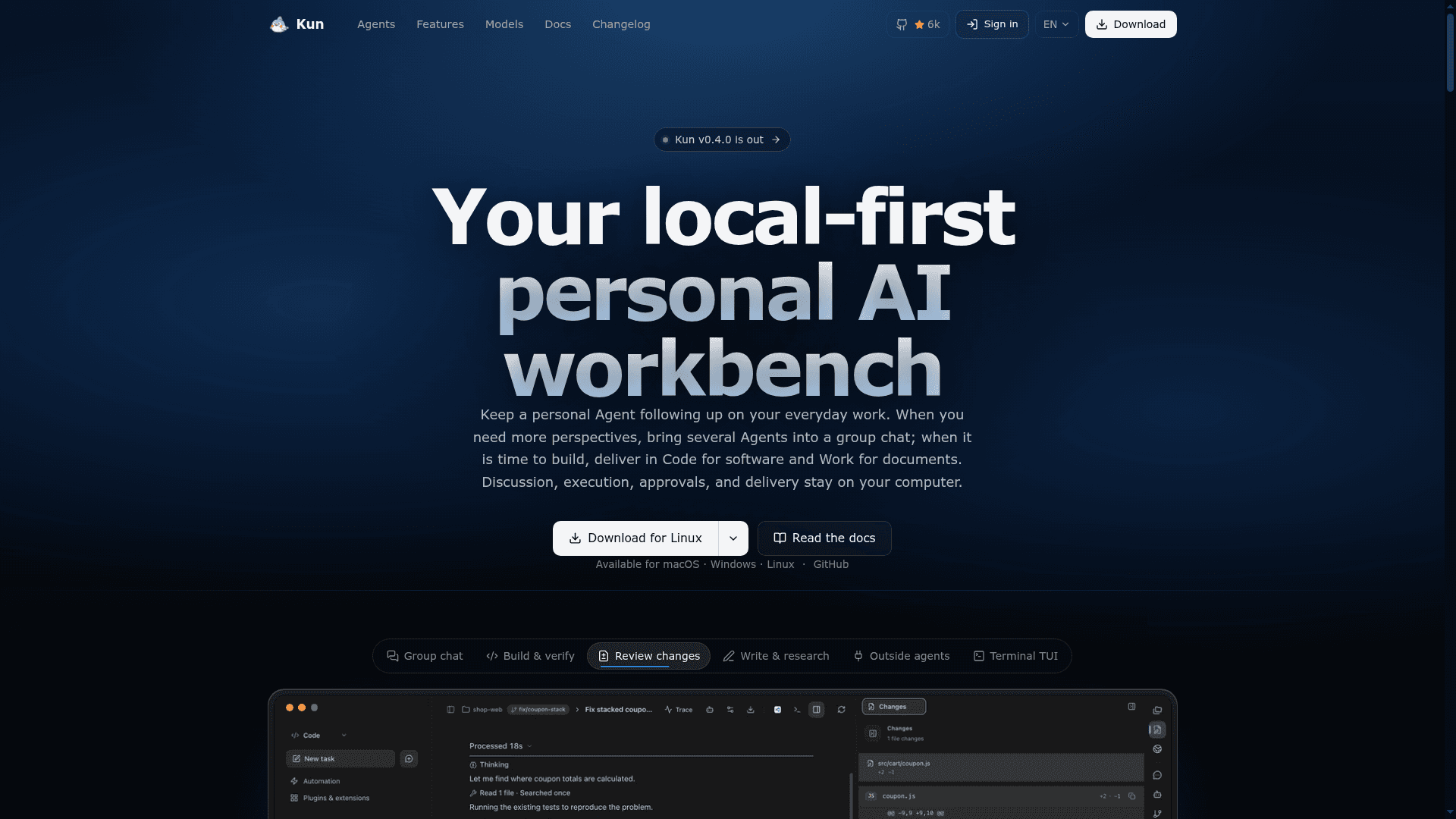
Kun is a local-first personal AI workbench from KunAgent that runs as a desktop app for macOS, Windows, and Linux, with a terminal TUI attached to the same runtime. It combines personal Agents, group chats, a Code workspace for software tasks, and a Work workspace for documents. The latest release listed is v0.4.0, and the source is public under the PolyForm Noncommercial 1.0.0 license.
What It Is
Kun is an AI agent workspace where conversation, execution, approvals, and delivery stay on your own computer. Sessions, Agent memory, preferences, and runtime data are stored locally by default. You connect your own models through subscription sign-in, API keys, OpenAI- or Anthropic-compatible endpoints, or local models, and each Agent can choose its own provider, model, and reasoning level.
Personal Agents, Groups, Code, and Work
A personal Agent has a stable identity, a private chat, its own workspace, and memory you can correct, disable, forget, or share. It can track goals and set one-off or recurring reminders. Groups put several Agents in one room, where peer discussion or coordinator mode splits work and only pinned items become agreements. Code covers projects, terminal, Git worktrees, diffs, and a Design canvas. Work covers PDF and Office files, Markdown drafting, paper reading with OCR and page citations, and spreadsheets and slides.
Outside Agents and Extensions
Code tasks can be handed to outside agents such as Claude Code, Codex, Cursor, Copilot CLI, OpenCode, and others connected under Settings. Subagent activity appears as cards. MCP servers, Skills, and Extensions declare scope and permissions that can be reviewed before enabling. Visual Loops and scheduled tasks automate repeat work, and a local gateway lets outside agents use your configured model accounts.
Safety and Control
Commands require approval, folder permissions bound actions, and every change can be inspected as a diff. Memory, reminders, and group discussion do not widen permissions. Closing the main desktop window stops managed work unless the separate host mode is started with kun host start. Messaging channels such as Feishu, Lark, WeChat, and Telegram can start tasks and report progress.
Licensing
Kun is released under PolyForm Noncommercial 1.0.0, intended for learning, research, and other non-commercial use. Commercial use requires separate written permission from the author.
Community Discussions
Be the first to start a conversation about Kun
Share your experience with Kun, ask questions, or help others learn from your insights.
Pricing
Free (Non-commercial)
Free to download for learning, research, and other non-commercial use under the PolyForm Noncommercial 1.0.0 license. Commercial use requires separate written permission.
- Free to download for learning, research, and other non-commercial use
- Licensed under PolyForm Noncommercial 1.0.0 (source-available, not OSI-approved)
- Model costs are billed by the providers you choose (BYOK)
- Commercial use requires separate written permission from the author
- Educational institutions may use for noncommercial teaching and research without separate authorization
Capabilities
Key Features
- Personal Agents with private chat, workspace, and managed memory
- Group chats with peer or coordinator modes and pinned agreements
- Code workspace with terminal, Git worktrees, and diff review
- Work workspace for PDF and Office documents, papers with OCR and citations
- Hand off tasks to outside agents like Claude Code and Codex
- Multi-provider model support including local models
- Command approvals and folder permissions
- Scheduled tasks, reminders, and Visual Loops
- MCP, Skills, and Extensions with declared permissions
- Desktop GUI and terminal TUI on one runtime
- Messaging channels for remote task control
- Local gateway for sharing model accounts with outside agents