
Laylight
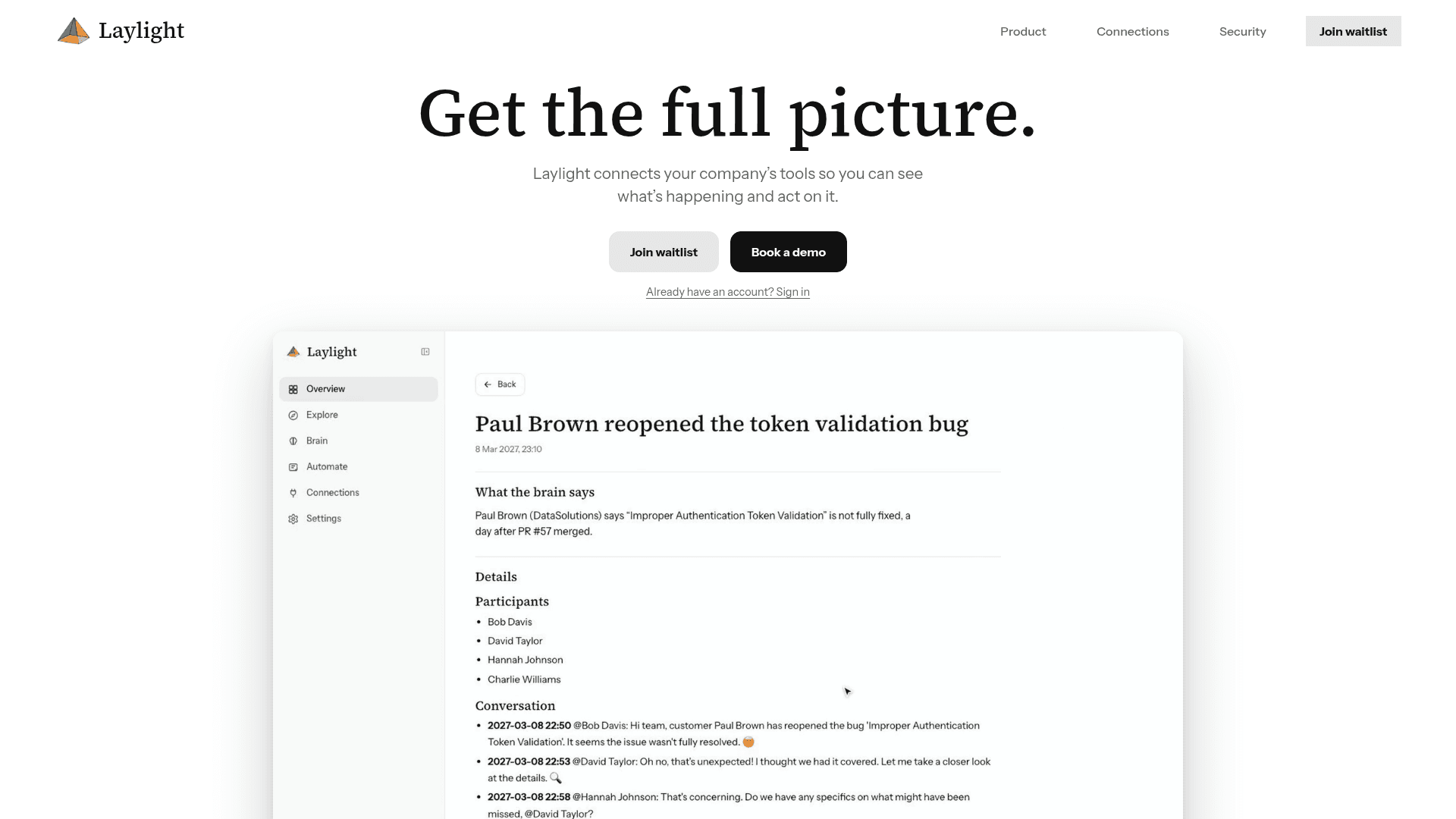
Laylight connects a company's tools into one cited, answerable picture of the organisation with daily briefings and approval-gated automations.
At a Glance
About Laylight
Laylight connects the tools a company already uses, such as Slack, Linear, Google Drive and Notion, and builds a single view of what is happening across them. Users ask questions and receive cited answers, and receive a daily briefing of what changed and what needs attention. The product currently runs a waitlist, and its site says it is at full capacity.
What It Is
Laylight is a company-context and question-answering layer over workplace tools. It links the same customer, project or person across connected systems and keeps a page for each. The homepage lists connector categories including messages, code, documents, issues, email, databases, calendars and custom systems.
How the Workflow Works
Teams connect their tools and choose what Laylight can read, from specific channels to folders, repositories or tables. Access can be narrowed or revoked at any time. A daily briefing surfaces items such as decisions awaiting approval, projects at risk and resolved customer issues.
Users can ask questions in the app, on Telegram or from their own agent. Every answer cites the message, document or issue it came from and shows a confidence level. Learnings can be turned into automations, and anything that writes to another system waits for the user's click.
Current Status
The product page states the company is at full capacity and invites visitors to join a waitlist. Demos can be booked through the site.
Community Discussions
Be the first to start a conversation about Laylight
Share your experience with Laylight, ask questions, or help others learn from your insights.
Pricing
Contact sales
No public pricing; demo can be booked for Laylight.
- Book a 30-minute demo
- Join waitlist
Capabilities
Key Features
- Connectors for messaging, code, documents, issues, email, databases and calendars
- Custom connectors for other systems
- Granular read permissions that can be narrowed or revoked
- Linked pages per customer, project or person across tools
- Daily briefing of changes and items needing attention
- Cited answers with confidence level
- Ask from the app, Telegram or your own agent
- Automations with approval before writing to other systems