
Lightfern
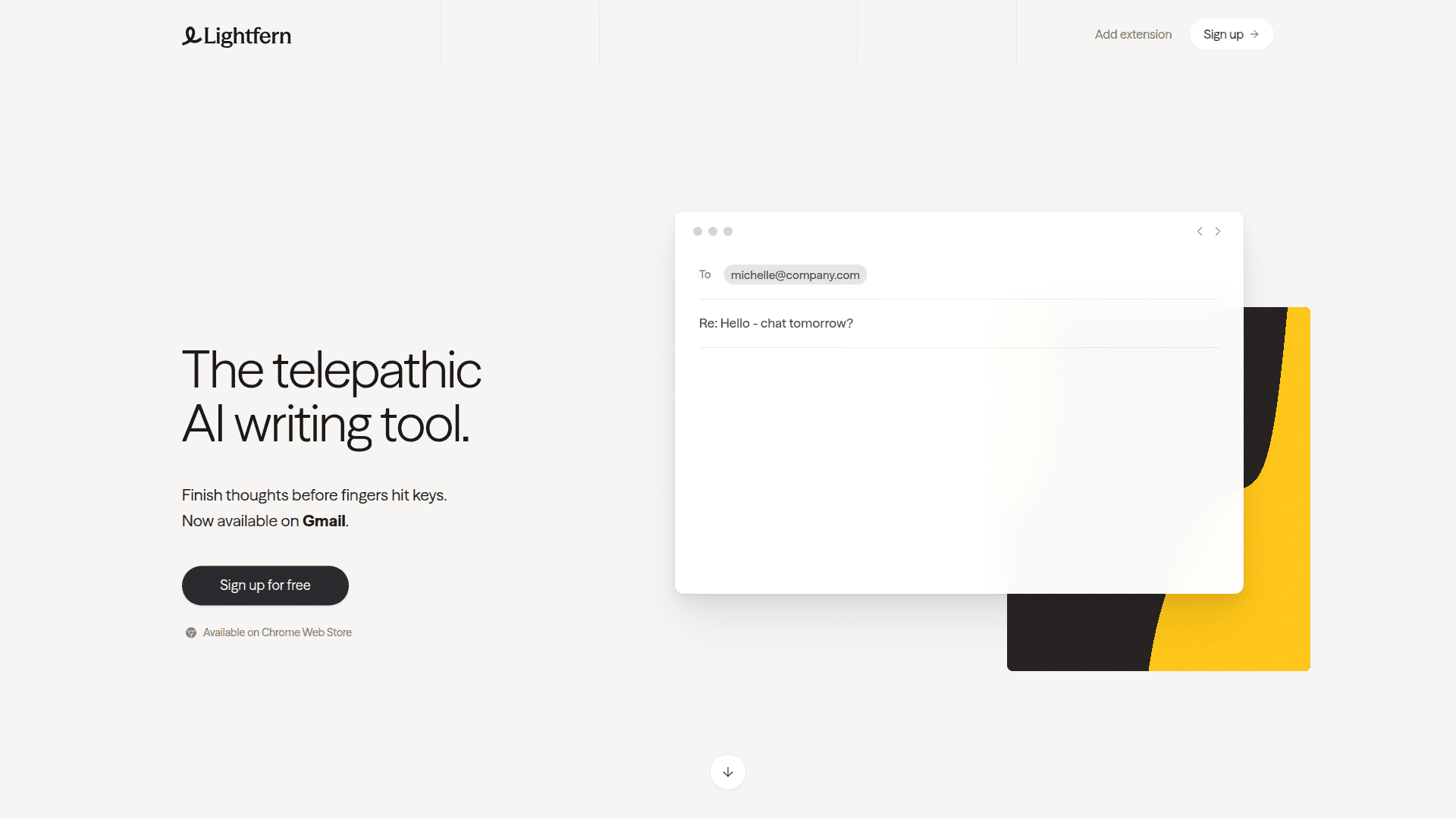
AI-powered email writing assistant that finishes your thoughts before you type, available as a Chrome extension for Gmail.
At a Glance
About Lightfern
Lightfern is an AI writing tool designed to help professionals compose emails faster and more naturally. It works as a Chrome extension that integrates directly with Gmail, providing intelligent autocomplete suggestions that capture your personal writing style, tone, and voice. The tool learns your greetings, signoffs, nicknames, and communication patterns to deliver contextually relevant suggestions.
-
Telepathic Autocomplete - Finishes your thoughts before your fingers hit the keys, learning your unique writing style including greetings, signoffs, and tone preferences.
-
Relationship Context - Remembers important details about your contacts, from a VC's ski trip to Switzerland to long-forgotten invoice numbers, helping you maintain thoughtful and personalized communication.
-
In-Page Editing - Allows you to redraft and edit emails without leaving the page or copying text across tabs and LLMs, as Lightfern sees what you see in your inbox.
-
Zero Data Retention - Emails are never used for model training unless you explicitly opt in, prioritizing user privacy and data security.
-
No Fuss Setup - Simply install the Chrome extension and connect your email account. Lightfern works directly in your inbox with nothing to configure.
-
Ultracomplete Technology - Features world-class autocomplete capabilities with superior context awareness and speed, built by a European team.
To get started, install the Lightfern extension from the Chrome Web Store and sign up for a free account. Once connected to your Gmail, the tool works seamlessly within your inbox, providing AI-powered suggestions as you compose emails. Use the keyboard shortcut Ctrl+Alt+L to activate suggestions and streamline your email writing workflow.
Community Discussions
Be the first to start a conversation about Lightfern
Share your experience with Lightfern, ask questions, or help others learn from your insights.
Pricing
Free
Free access to Lightfern AI email writing assistant
- AI-powered email autocomplete
- Personal writing style learning
- Gmail integration
- Zero data retention by default
- In-page editing
Capabilities
Key Features
- AI-powered email autocomplete
- Personal writing style learning
- Context-aware suggestions
- Relationship memory for contacts
- In-page editing and redrafting
- Zero data retention by default
- Gmail integration
- Keyboard shortcuts