
Loom
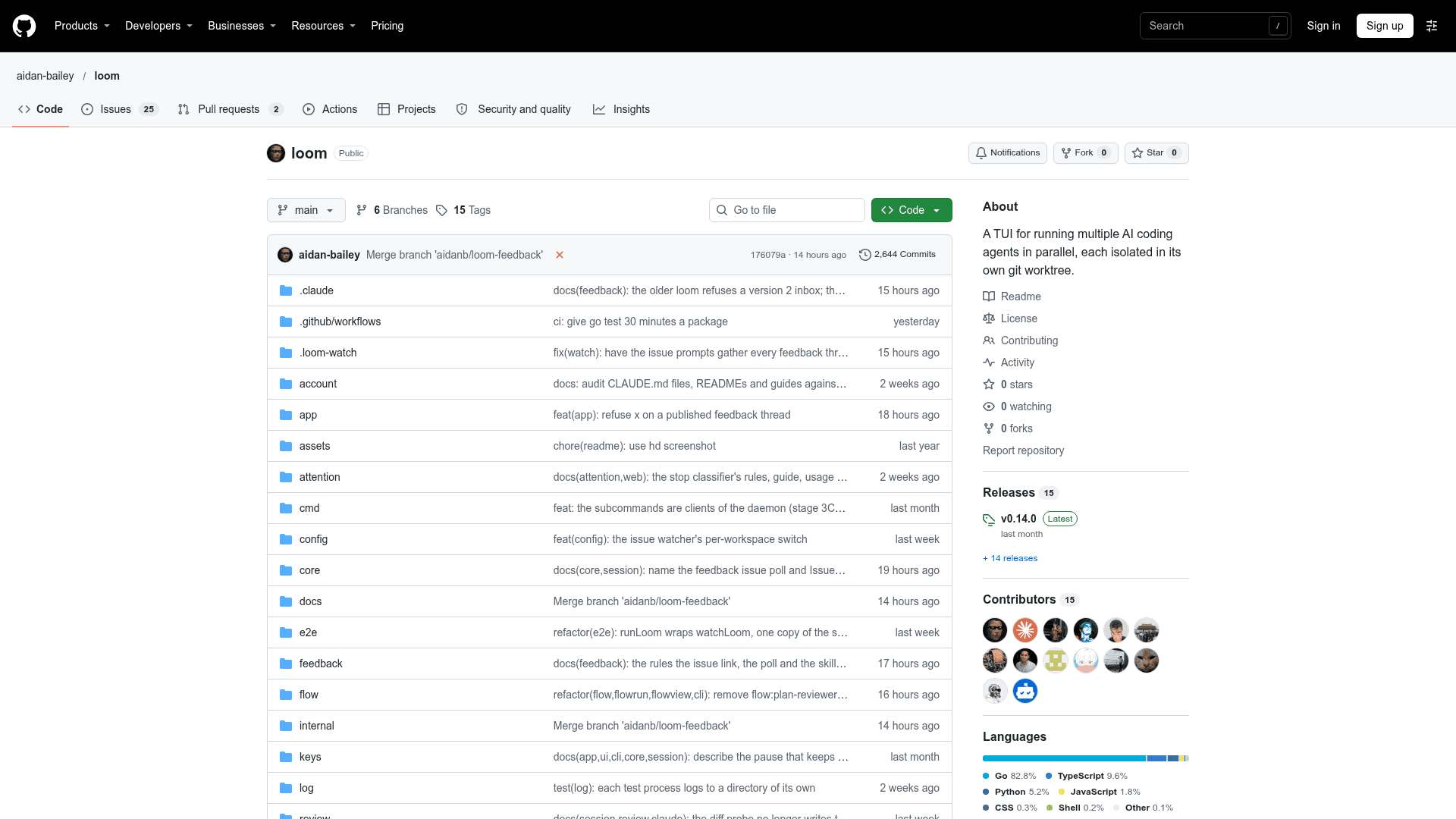
A terminal UI for running multiple AI coding agents in parallel, each isolated in its own git worktree.
At a Glance
Self-hosted Loom terminal app released under AGPL-3.0 (OSI-approved license).
Engagement
Available On
Listed Nov 2026
About Loom
Loom is an open-source terminal app by aidan-bailey that manages multiple AI coding agents, such as Claude Code, Codex, Gemini and Aider, in separate workspaces. It was forked from smtg-ai/claude-squad at v1.0.17 and has since diverged substantially. Each task runs in its own git worktree, so parallel sessions do not conflict.
What It Is
Loom is a Go-based TUI that launches and supervises coding agents as isolated sessions. It uses tmux for terminal sessions and git worktrees so each session works on its own branch. A background daemon (loom serve) owns the sessions, keeping agents running after you quit Loom and showing the same sessions in every terminal you open.
How the Workflow Works
You create sessions from the TUI, optionally with a prompt, and can run tasks in the background, including auto-accept mode. You can review changes through a diff overlay, then commit and push a branch to GitHub. Sessions can be paused and resumed, and you can jump between agents that are waiting for input. A fleet overview shows sessions as a card grid.
Scripting, Accounts and Remote Control
- Drive sessions from the shell or scripts with
loom session new,list,send,pause,resumeandkill. - Queue heavy work against the host's CPU and memory caps with
loom job. - Spread Claude sessions across several accounts with
loom account. - Watch and steer sessions from an iPhone, with notifications, via
loom web. - Customize behavior with a Lua-scripted keymap, a workspace registry for multi-repo flows, and profiles that define named agent launch commands.
Setup Path
Install with the provided install script, which places the loom binary in ~/.local/bin. tmux and the GitHub CLI (gh) are prerequisites. The default program is claude; other agents are chosen with the -p flag or config profiles. Configuration lives in ~/.loom/config.json, with per-repo overrides. On first launch it migrates an existing ~/.claude-squad/ directory.
Community Discussions
Be the first to start a conversation about Loom
Share your experience with Loom, ask questions, or help others learn from your insights.
Pricing
Open Source
Self-hosted Loom terminal app released under AGPL-3.0 (OSI-approved license).
- AGPL-3.0 licensed core
- Manage multiple AI coding agents in isolated git worktrees
- Background daemon, Lua-scripted keymap, workspace registry
- External agent/API costs (Claude, Codex, etc.) are separate
Capabilities
Key Features
- Parallel AI coding agent sessions
- Isolated git worktree per task
- Background daemon keeps sessions running after quit
- Diff overlay to review changes before pushing
- Commit and push branch from the TUI
- Pause and resume sessions
- Fleet overview card grid
- Shell/script session control (loom session)
- Resource-aware job queue (loom job)
- Multiple Claude account support
- Phone monitoring via loom web with notifications
- Lua-scripted keymap
- Workspace registry for multi-repo flows
- Configurable agent profiles