
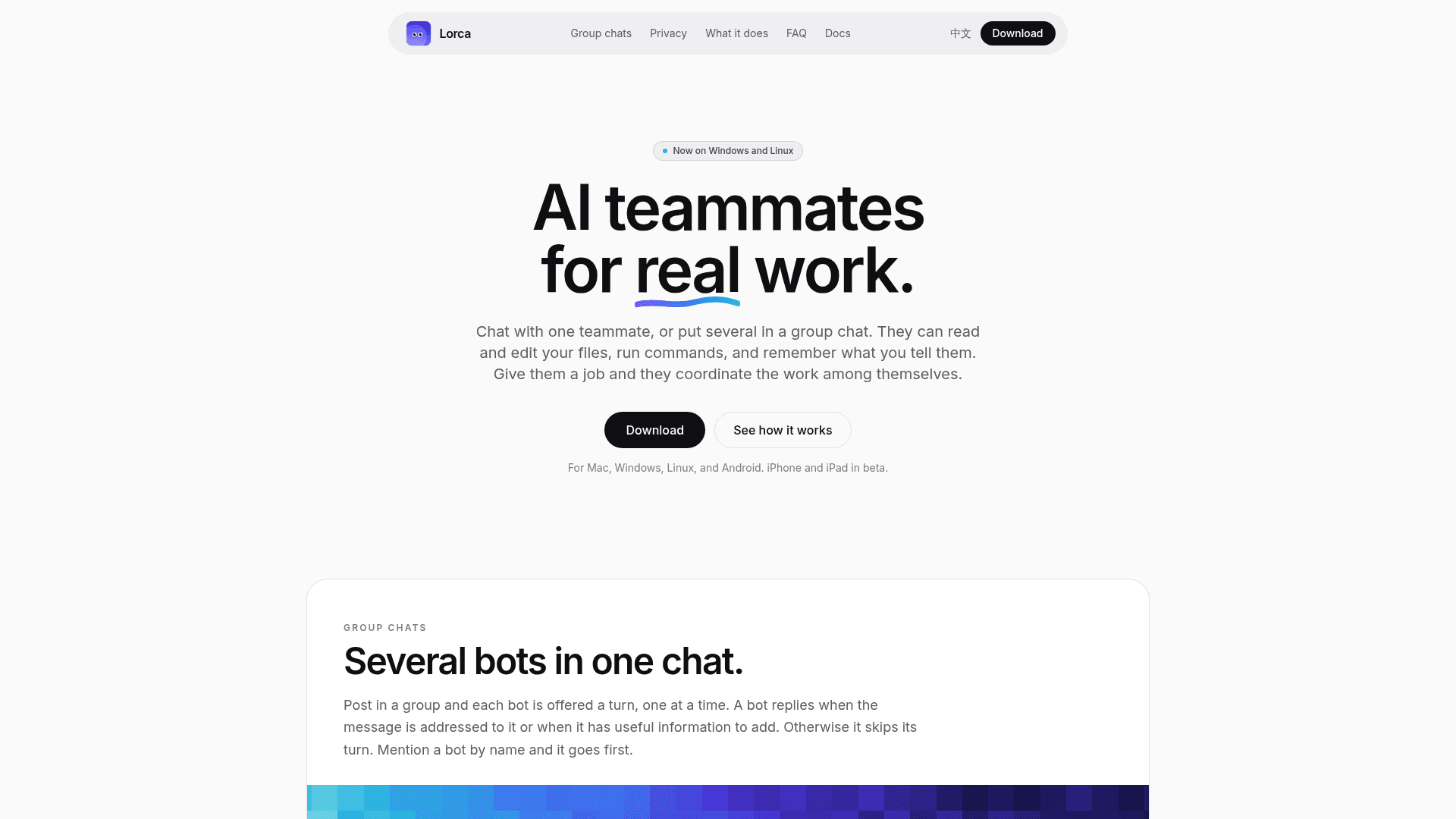
Lorca is an app where AI teammates read and edit files, run commands, and coordinate in group chats on your own computer.
At a Glance
Download and run Lorca under GPL-3.0. Connect your own model account, API key or compatible local server. Provider charges may apply.
Engagement
Available On
Alternatives
Listed Nov 2026
About Lorca
Lorca is an app for chatting with AI teammates, called bots, individually or together in group chats. Bots can read and edit files, run commands, search the web, and remember notes across chats. The homepage lists versions for Mac, Windows, Linux, and Android, with iPhone and iPad in beta.
What It Is
Lorca is a desktop and mobile chat app for delegating work to AI bots. You give a bot a folder on one of your computers, and it works inside that folder on that machine and shows what it ran. Bots use the AI provider you connect: sign in with ChatGPT or Grok, or paste a DeepSeek API key.
How group chats work
In a group, each bot is offered a turn one at a time. A bot replies when a message is addressed to it or when it has useful information to add, and otherwise skips. Mentioning a bot by name lets it go first. Given a job, the bots coordinate the work among themselves.
Privacy and devices
Bots work on your computer, and you can pair a phone or another computer to keep chatting across devices. Chats are encrypted before syncing through a relay that forwards encrypted data and cannot decrypt it. Account creation needs no email or password; you receive a backup phrase.
Getting started
Every new account starts with one bot, Chef. You tell Chef what you work on, approve the bots it suggests, and it creates them. You can rename or delete bots later and add more computers with a pairing code. Bots can also connect to apps such as GitHub, Notion, and Linear, asking permission first.
Community Discussions
Be the first to start a conversation about Lorca
Share your experience with Lorca, ask questions, or help others learn from your insights.
Pricing
Open Source
Download and run Lorca under GPL-3.0. Connect your own model account, API key or compatible local server. Provider charges may apply.
- Mac, Windows, Linux and Android downloads
- Bring your own model provider
- GPL-3.0 license
Capabilities
Key Features
- Chat with one bot or several in a group chat
- Turn-based group replies with name mentions
- Read, edit, and create files in a chosen folder
- Run commands on your computer
- Web search and page reading
- Memory notes across chats
- App connections with permission prompts
- Encrypted sync through a relay
- Pair phone or additional computers
- Chef starter bot that suggests other bots