
Maestro
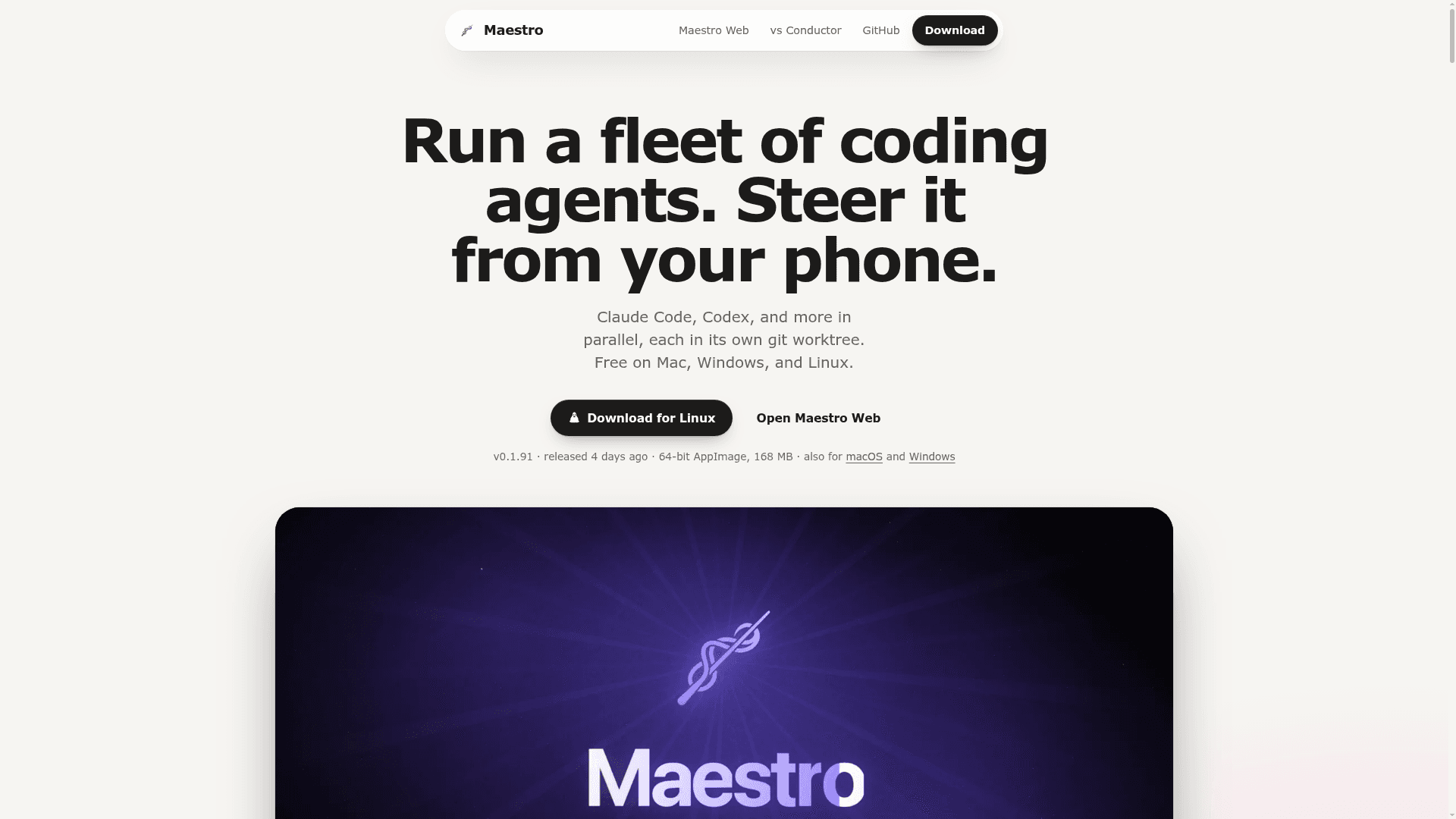
Desktop app that runs Claude Code, Codex, Cursor and other CLI coding agents in parallel, each in its own git worktree, with a phone companion.
At a Glance
The Maestro desktop app and Maestro Web are both free, with no subscription, card, or per-seat pricing. Agents run on your own machine using your own provider subscription or API key.
Engagement
Available On
Alternatives
Listed Nov 2026
About Maestro
Maestro is a desktop app for macOS, Windows and Linux that runs several CLI coding agents at once, giving each task its own git worktree, branch, chat, terminal and diff. A companion mobile web app, Maestro Web, mirrors linked workspaces so agents can be watched and steered from a phone. The current release shown on the site is v0.1.91.
What It Is
Maestro is a parallel coding-agent workspace manager. You describe a task, and Maestro cuts a fresh worktree and starts the chosen agent, so parallel agents never edit the same files. It drives the official CLI of each agent, using your own login or API key, and supports Claude Code, Codex, Cursor's agent CLI, OpenCode, Kimi Code and Grok Build, plus plain shell workspaces.
Workflow in the window
Each workspace has tabs for diff, terminal, Monaco editor, an embedded preview browser and checks. You can read the diff, leave line comments that are sent back to the agent, then push, draft a PR from the real diff, open it with the GitHub CLI, poll checks and merge. A command palette and keyboard shortcuts switch between workspaces, and notifications appear when an agent finishes or needs input. Repo-level setup and run scripts and project instructions can be defined in a .maestro/settings.toml file. Remote projects over SSH and a one-click import from Conductor are also documented.
Maestro Web and privacy
After linking the desktop app with a GitHub sign-in, workspaces appear on a phone in a mobile web app that shows live transcripts, diffs, and lets you send or queue the next task, with push notifications. Per the site, nothing leaves the machine until Maestro Web is linked, and then only chosen projects sync to a relay visible to your GitHub account. Agents run locally and pause if the computer sleeps unless run on an SSH remote.
Licensing
The source is public under the Business Source License 1.1, which is not an OSI open-source license; each version converts to Apache 2.0 at its change date. The README also notes isolation is development-grade, not a security boundary.
Community Discussions
Be the first to start a conversation about Maestro
Share your experience with Maestro, ask questions, or help others learn from your insights.
Pricing
Free
The Maestro desktop app and Maestro Web are both free, with no subscription, card, or per-seat pricing. Agents run on your own machine using your own provider subscription or API key.
- Desktop app for macOS, Windows, and Linux
- Maestro Web included, free with GitHub sign-in
- Run Claude Code, Codex, Cursor, OpenCode, Kimi Code, Grok Build, or plain shell workspaces in parallel git worktrees
- Agent provider costs are external (own subscription or API key)
- Source available under Business Source License 1.1, not OSI open source
Capabilities
Key Features
- Parallel coding agents each in its own git worktree and branch
- Per-workspace chat, terminal, diff, editor, preview and checks
- Inline diff comments sent back to the agent
- Push, PR drafting, check polling and merge flow
- Maestro Web mobile companion with live transcripts and push notifications
- Command palette and keyboard shortcuts
- SSH remote projects
- One-click import from Conductor
- Thirteen light/dark themes
- Repo settings via .maestro/settings.toml
- Auto-update