Maestro
Cross-platform desktop app for orchestrating fleets of AI coding agents like Claude Code, Codex, and OpenCode in parallel.
At a Glance
Maestro desktop app licensed under AGPL-3.0, free to download and use; underlying AI provider costs (Claude Code, Codex, etc.) are external. Model-provider subscriptions, API usage and infrastructure are billed separately where applicable.
Engagement
Available On
Listed Nov 2026
About Maestro
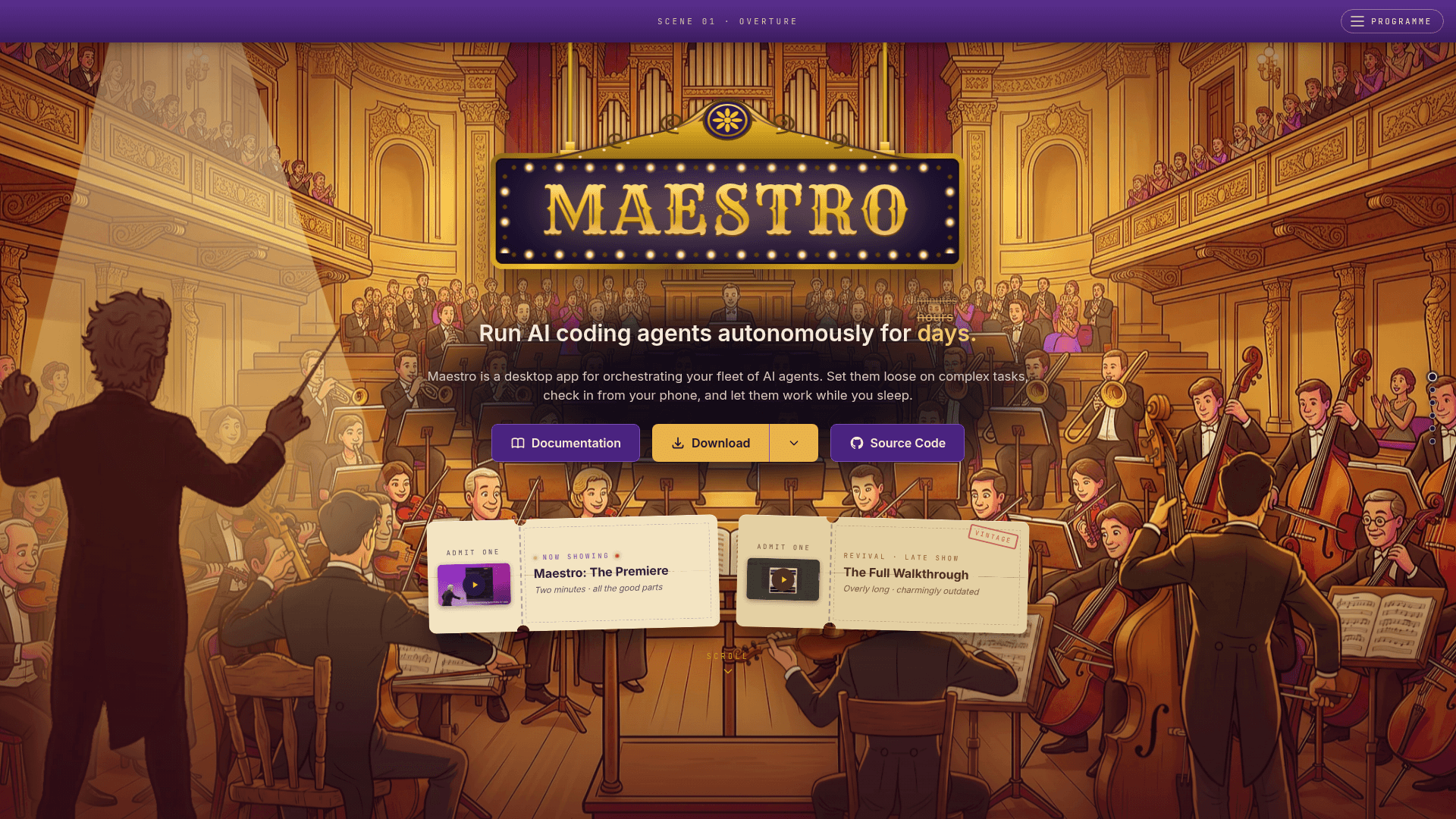
Maestro is an open-source (AGPL-3.0) desktop app from the RunMaestro organization for running and managing multiple AI coding agents at once. It works as a pass-through to providers such as Claude Code, OpenAI Codex, and OpenCode, adding parallel sessions, automated task runs, and remote control. The latest release listed on GitHub is v1.0.3.
What It Is
Maestro is an agent orchestration command center. Each agent gets its own workspace, conversation history, and isolated context, and the app is designed for keyboard-driven use. Per the README, whatever MCP tools, skills, permissions, or authentication you have configured in your provider works the same in Maestro, since each task is sent as a prompt and returns a response.
How Auto Run and Automation Work
Auto Run batch-processes markdown checklists (spec-driven) or pursues a free-text objective (goal-driven), giving each task a fresh session with clean context. Playbooks make workflows repeatable. Maestro Cue adds event-driven triggers on file changes, timers, GitHub activity, or another agent finishing, and can chain them into pipelines. A full CLI (maestro-cli) runs playbooks headlessly from cron jobs or CI/CD pipelines with JSON output.
Collaboration and Remote Access
Group Chat lets one agent moderate multi-round discussions among agents, while @mentions consult another agent inline. Git worktree support runs parallel agents on isolated branches. A built-in web server with QR code access lets you control agents from a phone, locally or via Cloudflare tunnel, and agents on remote hosts can be orchestrated over SSH.
Encore Features and Supported Agents
Optional extras include Director's Notes, Maestro Symphony (donating AI tokens to open-source issues), a usage dashboard, and release-candidate features such as Concerto, Coworking, Groups+, and Pianola. Supported agents include Claude Code, OpenAI Codex, OpenCode, Factory Droid, and, in beta, Copilot-CLI, Qwen3 Coder, and Oh My Pi. At least one supported agent must be installed and authenticated.
Community Discussions
Be the first to start a conversation about Maestro
Share your experience with Maestro, ask questions, or help others learn from your insights.
Pricing
Open Source
Maestro desktop app licensed under AGPL-3.0, free to download and use; underlying AI provider costs (Claude Code, Codex, etc.) are external. Model-provider subscriptions, API usage and infrastructure are billed separately where applicable.
- Licensed under GNU Affero General Public License v3.0 (AGPL-3.0)
- Run unlimited Claude Code, Codex, Copilot, and OpenCode instances in parallel
- Auto Run & Playbooks
- Git worktrees
- Mobile remote control
Capabilities
Key Features
- Run multiple AI coding agents in parallel with isolated workspaces
- Auto Run and Playbooks for batch markdown task execution
- Maestro Cue event-driven automation pipelines
- Group Chat with moderator agent and cross-agent @mentions
- Git worktrees for parallel work on isolated branches
- Mobile remote control via QR code and Cloudflare tunnel
- Command line interface for headless and CI/CD use
- SSH remote execution
- Session discovery across supported providers
- Usage dashboard and cost tracking
- Agent resilience with automatic retry on provider errors
- File explorer with previews for JSON, CSV, Parquet, and Mermaid
- Keyboard-first design with customizable shortcuts
- Document Graph for markdown documentation
- Themes and achievements
Integrations
Demo Video