
MagicPath
A multiplayer AI design canvas where human teams and AI agents collaborate in real time to design, prototype, and ship production-ready code together.
At a Glance
Solo work and side projects
Engagement
Available On
Alternatives
Listed Jul 2026
About MagicPath
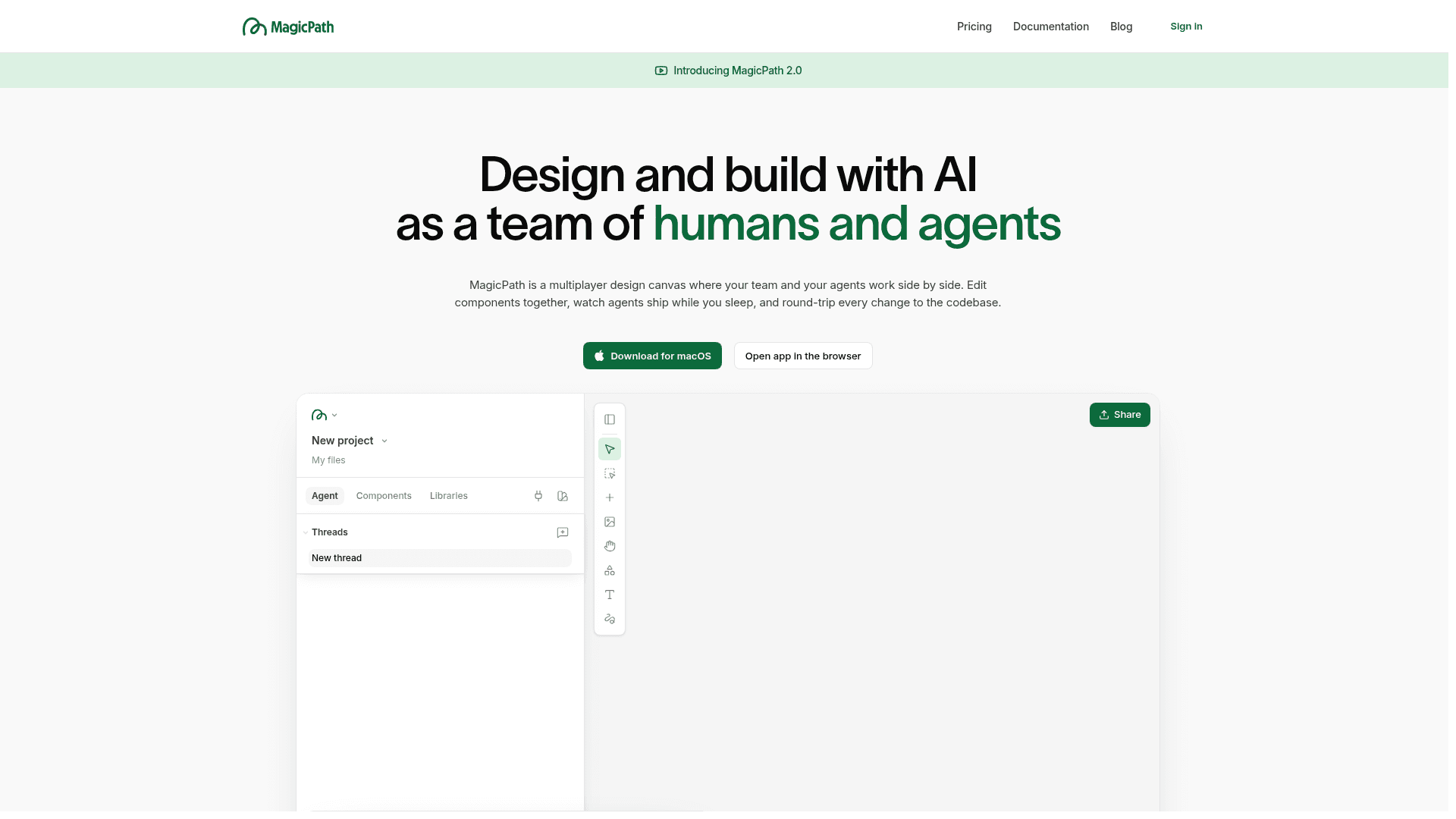
MagicPath is a multiplayer design canvas that lets human teams and AI agents work side by side on the same infinite workspace. It launched MagicPath 2.0 as its current major version, introducing parallel multi-agent design generation, live multiplayer collaboration, and deep integration with external coding agents like Claude Code, Codex, and Cursor.
What It Is
MagicPath sits at the intersection of design tooling and AI agent orchestration. Rather than a single-user AI chat that produces one design at a time, MagicPath dispatches a team of designer agents in parallel — each building a separate screen or variation — while human teammates and external agents all share the same live canvas. The result is a workflow where one brief can produce a full set of screens, and every participant (human or agent) is visible on the canvas as work happens.
Update: MagicPath 2.0
MagicPath 2.0 is the current version, built around four core ideas: a team of designer agents working in parallel, visual edits across multiple designs at once, live multiplayer with both humans and agents visible on the canvas, and external agent integration. The 2.0 announcement is documented in the changelog and the introduction video features Pietro Schirano walking through the new capabilities. The GitHub repository for agent skills was last pushed in July 2026, indicating active development.
How the Human–Agent Workflow Operates
The canvas is the central shared workspace. A user submits a brief — text, screenshot, sketch, or selected canvas elements — and MagicPath dispatches multiple designer agents that build screens in parallel, with results appearing on the canvas as each finishes. From there:
- Visual editor: Select elements across many designs at once and change them together, or send an AI prompt directly on the canvas
- Design systems: Custom color, typography, spacing, and effects sets that every agent on the project follows automatically
- Component libraries: Reusable UI elements shared across projects and teams
- Real prototypes: Every design is real code running in the browser, shareable via a live link — not a static mockup
External Agent Integration
MagicPath connects to external coding agents so teams can drive the canvas from their existing tools. Claude Code, Codex, and Cursor can all be plugged in via the MagicPath Agent Skills package, installable through the Cursor marketplace, Claude Code plugin system, Codex CLI, or the npx skills add command. Once connected, an external agent can create, edit, export, and manage canvas components — even while the MagicPath app is closed, since the canvas lives in the cloud. The agent-skills repository on GitHub (MagicPathAI/agent-skills) is the canonical source for these integrations and had 82 stars as of mid-2026.
Design-to-Code Round Trip
A key differentiator is the bidirectional code flow. Designs made on the canvas can be pushed directly into a codebase as production-ready React components via Codex, Claude Code, or Cursor. Existing components from a repo can be pulled back into the canvas, edited visually, and pushed back. The platform also supports Figma import and export (via html.to.design), web capture from any URL, and direct code download or IDE handoff.
Platform and Access
MagicPath is available as a macOS desktop app and in the browser, with the desktop experience described as preferred. A Chrome extension is included across plans. The platform is cloud-hosted, meaning agents and teammates can access and modify the canvas from anywhere — terminal, phone, or IDE — without the app being open.
Community Discussions
Be the first to start a conversation about MagicPath
Share your experience with MagicPath, ask questions, or help others learn from your insights.
Pricing
Free
Solo work and side projects
- 20 credits/day (up to 120/month)
- Component libraries
- Use your own design system
- Custom fonts
- Chrome extension
Builder
For agent-powered builds
- Unlimited external agent calls
- Component libraries
- Use your own design system
- Custom fonts
- Chrome extension
- Download code and open in any IDE
- 5 Figma imports/month
- Unlimited Figma exports
Pro
For shipping every week
- Everything in Free
- Monthly credit packs (600 credits recommended)
- Premium support
- Unlimited Figma imports
- Unlimited Figma exports
- Unlimited external agent calls
Teams
For your whole organization — annual contracts, invoiced
- 1000 credits per seat, shared across the team
- Team workspaces & shared seats
- SSO & admin controls
- Dedicated support
- Self-serve setup, optional custom billing & invoicing
Capabilities
Key Features
- Multiplayer design canvas with real-time collaboration
- Multi-agent parallel design generation
- External agent integration (Claude Code, Codex, Cursor)
- Visual editor for cross-design bulk edits
- Design systems with custom colors, typography, and spacing
- Component libraries shared across projects and teams
- Live prototypes running as real code in the browser
- Bidirectional design-to-code round trip
- Figma import and export
- Web capture from any URL
- Production-ready React code export
- Chrome extension
- MagicPath Agent Skills CLI for external agents
- Cloud-hosted canvas accessible from any device
- Shareable live prototype links
Integrations
Demo Video