
A macOS desktop workspace that runs, follows, resumes, and moves sessions across Claude Code, Codex, Cursor, Grok, Devin, and OpenCode.
At a Glance
Source-available under Elastic License 2.0; free to use, modify, fork and run for yourself or your company at any size. Not OSI open source; offering Mako as a hosted/managed service to third parties is forbidden.
Engagement
Available On
Alternatives
Listed Nov 2026
About Mako
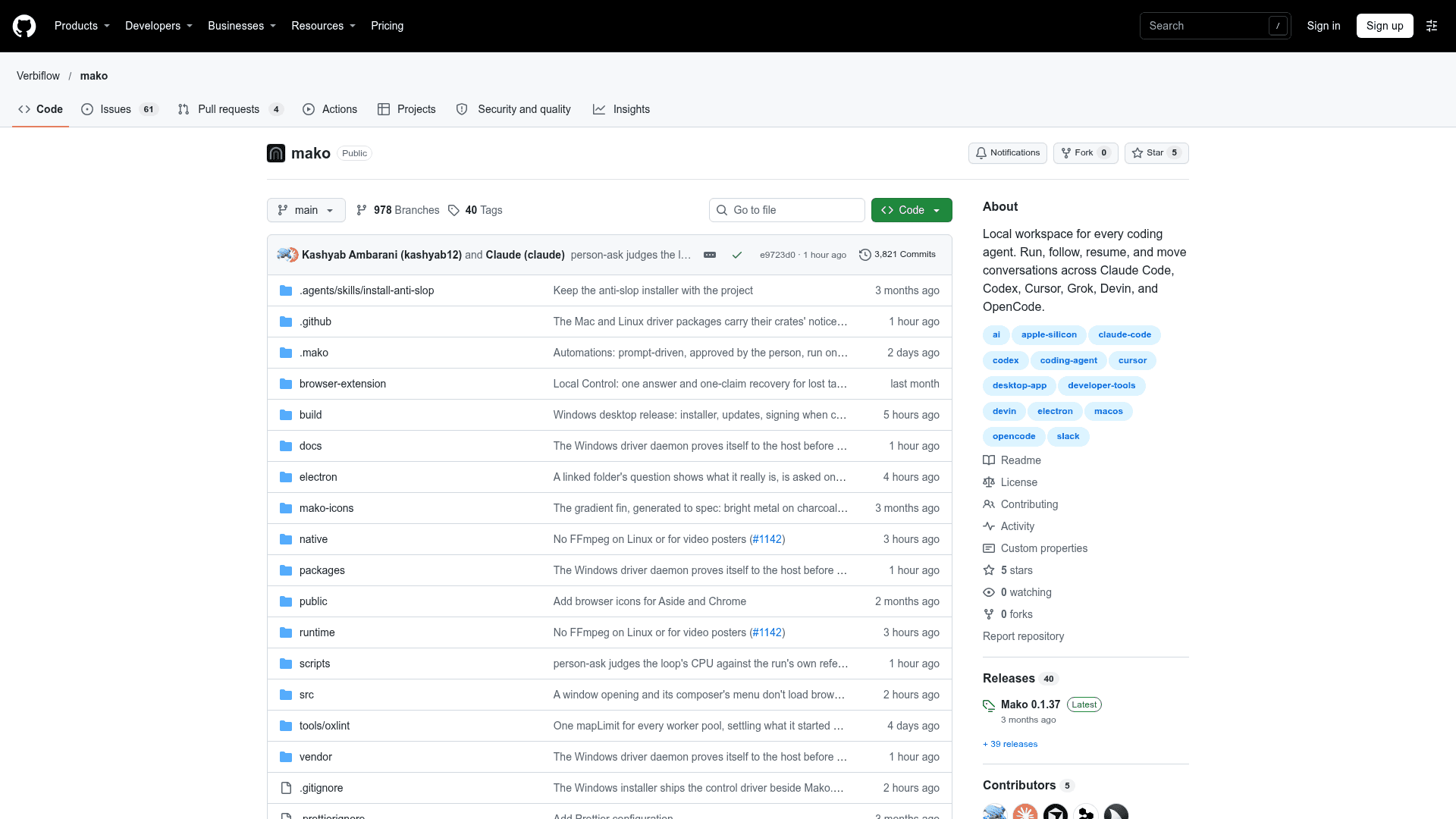
Mako is a macOS desktop app from Verbiflow that brings several AI coding agents into one window. It discovers sessions the agent CLIs already created, opens them live, and lets you resume them with the original tool or continue them with a different agent. The README labels it alpha, with breaking changes expected between releases.
What It Is
Mako is a workspace for AI coding agents on Apple-silicon Macs. Each agent runs in its own thread with its own provider, model, reasoning effort, and access tier. Threads sit beside the git working tree, showing changed files, diffs, history, a commit-message drafter, and push. Supported providers are Claude Code, Codex, Cursor, Grok, Devin, and OpenCode.
Sessions and Handoff
Mako reads each tool's own session store and lists sessions from Mako, the terminal, and ACP clients such as Zed, grouped by project. Sessions can be followed live, resumed, or continued with another agent. For Claude Code, Codex, Cursor, and Grok, a handoff writes a native session into the target agent's store. Devin and OpenCode receive a transcript file. Threads can be forked into new tabs or separate worktrees, and every prompt is a rewind point backed by file snapshots.
Browser and Computer Control
Mako attaches its own tools to every session it launches. A Chrome, Edge, Brave, or Chromium extension lets agents drive the browser through native messaging. Native apps are driven through the external CUA driver, which needs macOS Accessibility and Screen Recording permissions. All of this runs locally over loopback, and the README states there is no cloud browser mode.
Automations and Extensibility
Saved prompts can run as automations from a committable project file. Triggers include manual runs, file changes, commits, Slack, mail, calendar events, and webhooks. Single-file UI extensions hot-load from the data directory.
Setup and Licensing
The installer script downloads a DMG and verifies its checksum. The build is not signed or notarized by Apple. Mako can also be run from source with Node.js 24. It is source-available under the Elastic License 2.0, which forbids offering it as a hosted service. Versions up to v0.1.37 were released under MIT. Anonymous telemetry is on by default and can be turned off in settings.
Community Discussions
Be the first to start a conversation about Mako
Share your experience with Mako, ask questions, or help others learn from your insights.
Pricing
Free
Source-available under Elastic License 2.0; free to use, modify, fork and run for yourself or your company at any size. Not OSI open source; offering Mako as a hosted/managed service to third parties is forbidden.
- Source-available under Elastic License 2.0 (not OSI-approved)
- Free for personal or company use at any size
- Cannot be offered to third parties as a hosted or managed service
- Versions up to v0.1.37 released under MIT
- Alpha software; macOS Apple silicon
Capabilities
Key Features
- Run multiple coding agents side by side in separate threads
- Discover, follow live, and resume sessions from agent CLIs and ACP clients
- Hand off a conversation to a different agent
- Browser control via Chromium extension
- Computer control through the CUA driver
- Git changes panel, diffs, and commit-message drafting
- Rewind points with file snapshots
- Fork threads into new tabs or worktrees
- Terminal dock whose shells survive restarts
- Automations triggered by file changes, commits, Slack, mail, calendar, or webhook
- Usage page with spend by day, source, and model
- Hot-loaded single-file UI extensions
- Command palette and rebindable keyboard shortcuts