EveryDev.ai
Subscribe
Home
Tools

5,901+ AI tools

  • Featured
  • Gems
  • Trending
  • New
  • Rate tools
  • Compare
  • Arena
Categories
  • Agents2972
  • Coding2248
  • Infrastructure1067
  • Projects818
  • MCP794
  • Research744
  • Analytics565
  • Marketing527
  • Design488
  • Testing476
  • Data442
  • Security412
  • Integration288
  • Communication284
  • Prompts283
  • Extensions238
  • Voice213
  • DevOps190
  • Commerce183
  • Web128
  • Learning123
  • Finance44
AI Tools by Topic
  • AI Coding Assistants
  • Agent Frameworks
  • MCP Servers
  • AI Prompt Tools
  • Vibe Coding Tools
  • AI Design Tools
  • AI Database Tools
  • AI Website Builders
  • AI Testing Tools
  • LLM Evaluations
Follow Us
  • X / Twitter
  • LinkedIn
  • Reddit
  • Discord
  • Threads
  • Bluesky
  • Mastodon
  • YouTube
  • GitHub
  • Instagram
Get Started
  • Users
  • Rate Tools
  • About
  • Editorial Standards
  • Corrections & Disclosures
  • Community Guidelines
  • Advertise
  • Contact Us
  • Newsletter
  • Submit a Tool
  • Start a Discussion
  • Write A Blog
  • Share A Build
  • Terms of Service
  • Privacy Policy
Explore with AI
  • ChatGPT
  • Gemini
  • Claude
  • Grok
  • Perplexity
Agent Experience
  • llms.txt
Theme
With AI, Everyone is a Dev. EveryDev.ai ©
    1. Home
    2. Tools
    3. Markview
    Markview icon

    Markview

    Documentation

    A lightweight, native Markdown reader for desktop and Android with publication-quality typography, math rendering and PDF export.

    Visit Website

    At a Glance

    Pricing
    Open Source

    Markview is a native Markdown reader for desktop and Android, released under the MIT license (OSI-approved) at no cost.

    Engagement

    Available On

    Windows
    macOS
    Linux
    Android
    API

    Resources

    WebsiteDocsGitHubllms.txt

    Topics

    DocumentationKnowledge ManagementDocument Management

    Alternatives

    ZenNotesMarkdown PreviewWriter
    Developer
    方而静I do system security, indie games and other interesting stuf…

    Listed Nov 2026

    About Markview

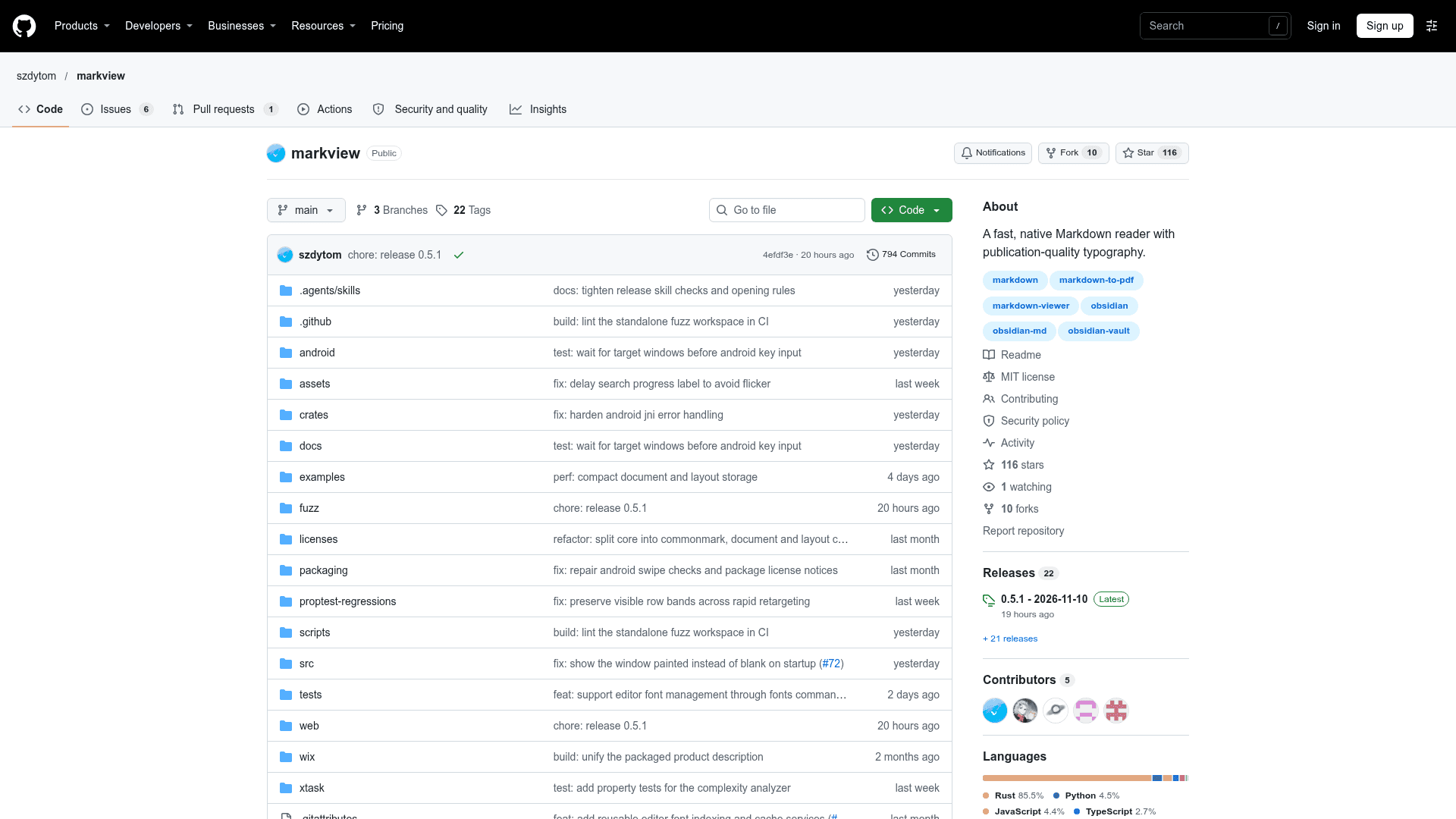
    Markview is an open-source, native Markdown reader for Windows, macOS, Linux and Android, published by szdytom under the MIT license. It opens Markdown files for focused reading, with typeset prose, native LaTeX mathematics, highlighted code, tables and diagrams. The latest release listed is v0.5.1.

    What It Is

    Markview is a reader rather than an editor: documents open in a native viewer that leaves source files untouched. It justifies paragraphs with whole-paragraph line breaking and English hyphenation, handles CJK punctuation, and renders LaTeX without a separate TeX installation. Tables, footnotes, GitHub alerts, images and Mermaid diagrams display on the same page.

    Libraries, Vaults and Navigation

    Users can open a folder to browse notes, chapters and images in a file tree, keep documents open in tabs, and return to saved reading positions. Obsidian vaults can be opened directly, with support for wikilinks, image embeds, highlights and callouts; the README describes this compatibility as usable and still under active development. Search within a document and a table of contents help with navigation, and on desktop an open document refreshes when it is edited in another app.

    Themes and Export

    Light and dark themes are provided, along with font, text size and line spacing settings and custom themes on desktop and Android. Documents can be exported to PDF or PNG. PDF export lets users choose paper size, margins and a print theme, add headers, footers and page numbers, and keeps text selectable and links clickable.

    Install and Safety Model

    Downloads include a Windows MSI or portable zip, a zipped macOS app for Apple Silicon, Linux packages (deb, AppImage, tar.gz) and an Android APK. It can also be installed through Cargo, PowerShell, the AUR or Homebrew. The README states that document scripts cannot run and that links that could launch a local program ask for confirmation. It also publishes its own measurements for opening time and memory use against MarkText.
    Markview - 1

    Community Discussions

    Be the first to start a conversation about Markview

    Share your experience with Markview, ask questions, or help others learn from your insights.

    Pricing

    OPEN SOURCE

    Open Source

    Markview is a native Markdown reader for desktop and Android, released under the MIT license (OSI-approved) at no cost.

    • MIT-licensed core product
    • Windows, macOS, Linux and Android
    • Native LaTeX math, code highlighting and Mermaid diagrams
    • Folder and Obsidian vault reading
    • Themes and font settings

    Capabilities

    Key Features

    • Native Markdown rendering with justified paragraphs and hyphenation
    • Native LaTeX math without a TeX install
    • Syntax-highlighted code, tables, footnotes, GitHub alerts and Mermaid diagrams
    • Folder and Obsidian vault browsing with tabs and wikilinks
    • Light and dark themes with custom themes and font settings
    • Document search and table of contents navigation
    • Saved reading positions
    • Live refresh when files change on desktop
    • PDF and PNG export with paper size, margins, headers, footers and page numbers
    • Android app with touch scrolling and tab drawer

    Integrations

    Obsidian
    API Available
    View Docs

    Ratings & Reviews

    No ratings yet

    Be the first to rate Markview and help others make informed decisions.

    Rate other tools you’ve used

    Developer

    方而静

    I do system security, indie games and other interesting stuffs. Let's have more fun!

    Read more about 方而静
    WebsiteGitHub
    1 tool in directory

    Similar Tools

    ZenNotes icon

    ZenNotes

    Keyboard-first local Markdown notes app with real Vim motions, live math and diagrams, MCP server integration, and a bundled CLI — native on Mac, Windows, and Linux.

    Markdown Preview icon

    Markdown Preview

    A fast, native macOS app for reading Markdown files with Quick Look integration, document outline, and editor handoff.

    Writer icon

    Writer

    A fast, lightweight, local-first desktop markdown editor for managing workspace files, with extended markdown support including Mermaid charts, tables, and YAML frontmatter.

    Browse all tools

    Related Topics

    Documentation

    AI-driven tools that automatically generate, maintain, and organize technical documentation, user guides, and project artifacts with context-aware content and intelligent updating.

    126 tools

    Knowledge Management

    AI-powered systems for organizing, discovering, and accessing collective team knowledge with intelligent search, tagging, and contextual recommendations across knowledge bases and wikis.

    221 tools

    Document Management

    AI-enhanced platforms for intelligent file storage, organization, and collaboration that automatically categorize, version, and surface relevant documents when needed.

    68 tools
    Browse all topics
    Back to all toolsSuggest an edit
    ratings
    discussions
    1view